
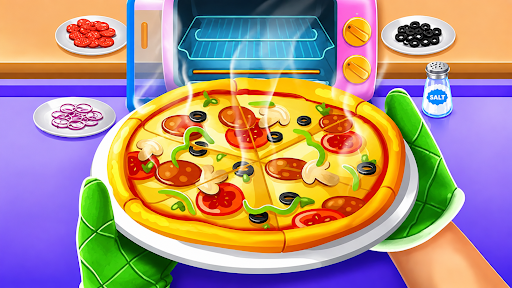
Customise
1 optionChoose a recipe level and try another pizza.
View customisation options →Choose your recipe level to open more pizzas, or skip the shelf checklist and get straight to preparation. Pick a pizza and get its ingredients ready at the worktop.
Requires the Windows app and the Bytonian Mods browser extension for Chrome or Edge. Browser setup guide
Start with free mods
Download Bytonian Mods for Windows and try these free features. Choose one to see how it works and any requirements.
Skip the shelf checklist and move on to preparing your pizza ingredients.
Use while gathering ingredients, then press the game's green Continue button to reach preparation.
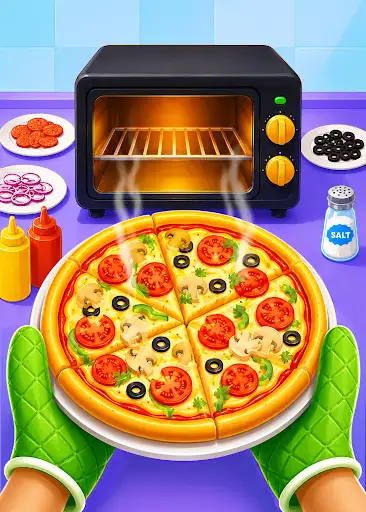
Recipe level gives you more choice at the pizza menu. Level 2 makes Pepperoni available alongside Margarita.
Skip ingredient gathering takes care of the shelf step so you can continue to preparing your toppings.
Open Pizza Maker - Food Cooking through Bytonian Mods. In Customization, choose your recipe level and apply it before selecting a pizza.
For the free gathering shortcut, choose a recipe and open its ingredient shelves. Use the card in Content, then press the game's green Continue button.
Get your pizza ingredients ready
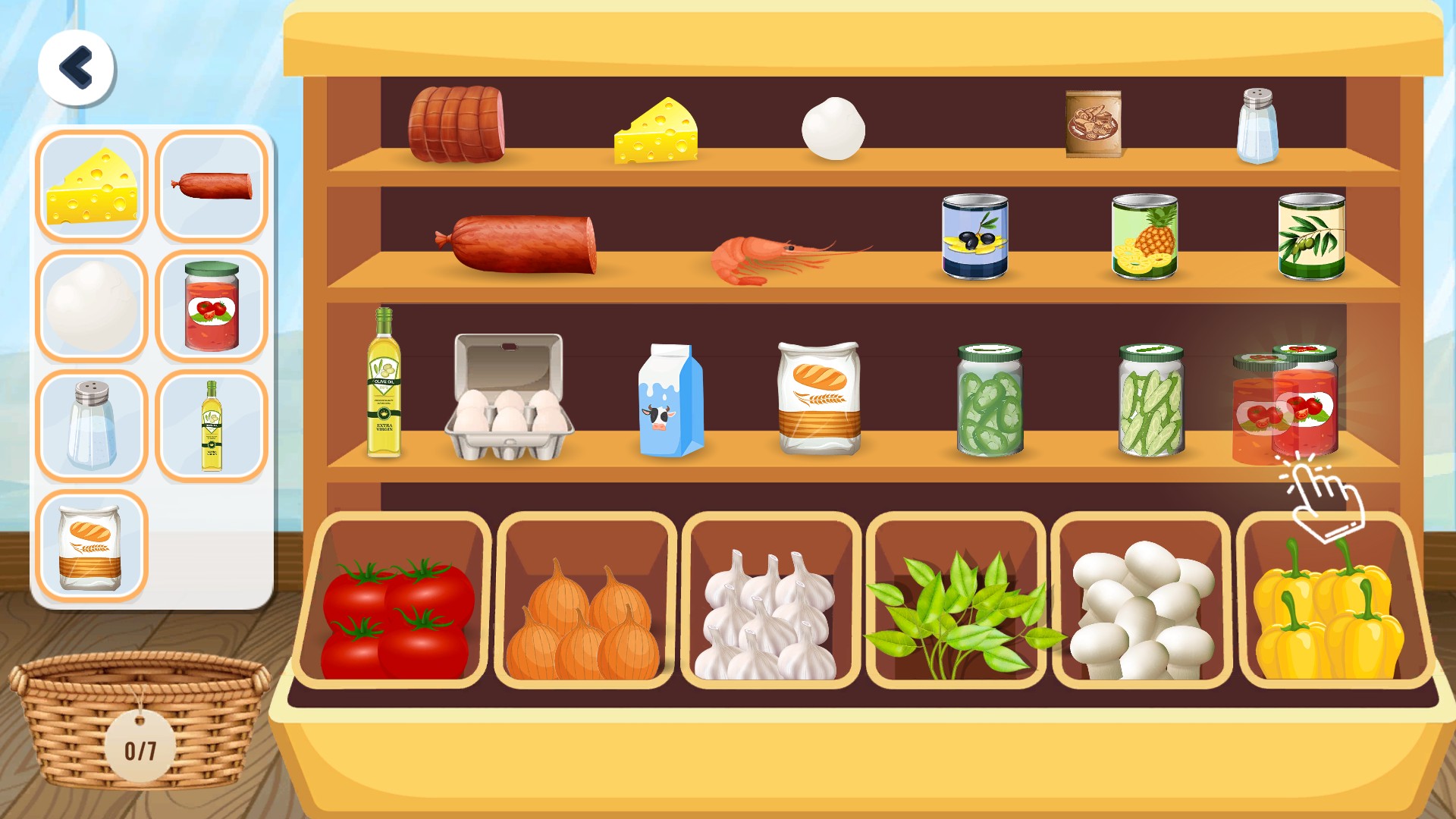
Find the ingredients on your recipe checklist, then head to the worktop to prepare your pizza. Pepperoni calls for salami, cheese, mozzarella and the other essentials shown here.
Choose a recipe level and try another pizza.
View customisation options →Skip the shelf checklist and continue to topping preparation.
View game actions →Download the Windows app and follow the setup prompts.
Set up the browser extension in Chrome or Edge, then open the supported YouTube Playable. Follow the connection guide if the game is already running.
Review the available options in the app and choose the ones that suit how you play.