

Cash for your next restaurant purchase
Choose how much cash you have available before buying the next piece of your restaurant. The balance updates on screen, and normal purchases still deduct their usual cost.
Choose and refresh your balance
While your restaurant is loaded, refresh Cash to see your current balance. Enter the amount you want and apply it.
Keep using the game's purchase spots as usual. Refresh the control again after spending to see your remaining cash.
Available resources
CashFree
Choose your current cash balance from 0 to 10,000,000.
Enter your restaurant, refresh the balance, then set an amount and use the normal purchase spots.
Build your pizzeria with cash to spare
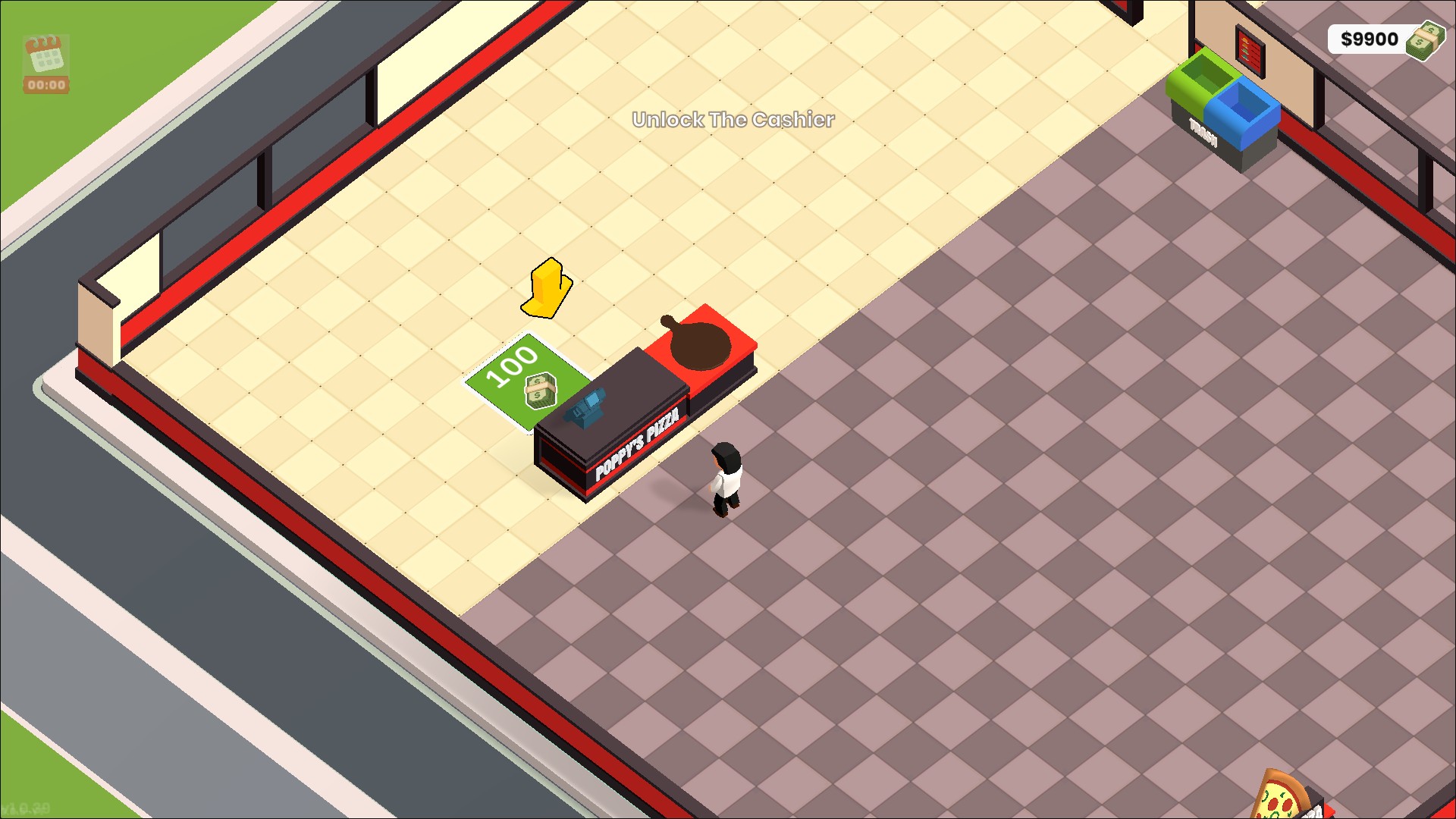
Choose your cash balance and use it for normal restaurant purchases. This cash counter is built, with $9,900 remaining.
Questions about resources
- Does setting cash build the restaurant for me?
- No. It changes your cash balance. You still walk to purchase spots and buy each item through the game.
Using these features
Choose the feature in the Windows app after connecting your game. Check its requirements before making a change.
Setup for Pizza Inc. →