
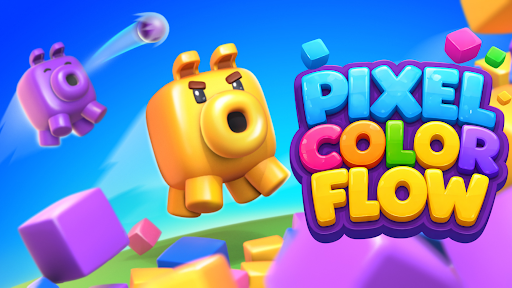
Resources
6 optionsRefill coins and hearts, or stock Extra Tray, Hand, Shuffle and Super Shooter boosts.
View all resources →Set the conveyor pace, refill hearts or stock up on boosts when the waiting area gets crowded. Send piggies around the belt to clear matching pixels, or open the next puzzle when you're ready.
Requires the Windows app and the Bytonian Mods browser extension for Chrome or Edge. Browser setup guide

Start with free mods
Download Bytonian Mods for Windows and try these free features. Choose one to see how it works and any requirements.
Refill hearts for another try at the puzzle.
Choose up to five hearts, then use the normal Try Again button when you need another attempt.
Choose how many Shuffle boosts you have ready.
Unlock Shuffle at Level 8. Open your puzzle and top up the boosts, then use Shuffle to mix up the queue.
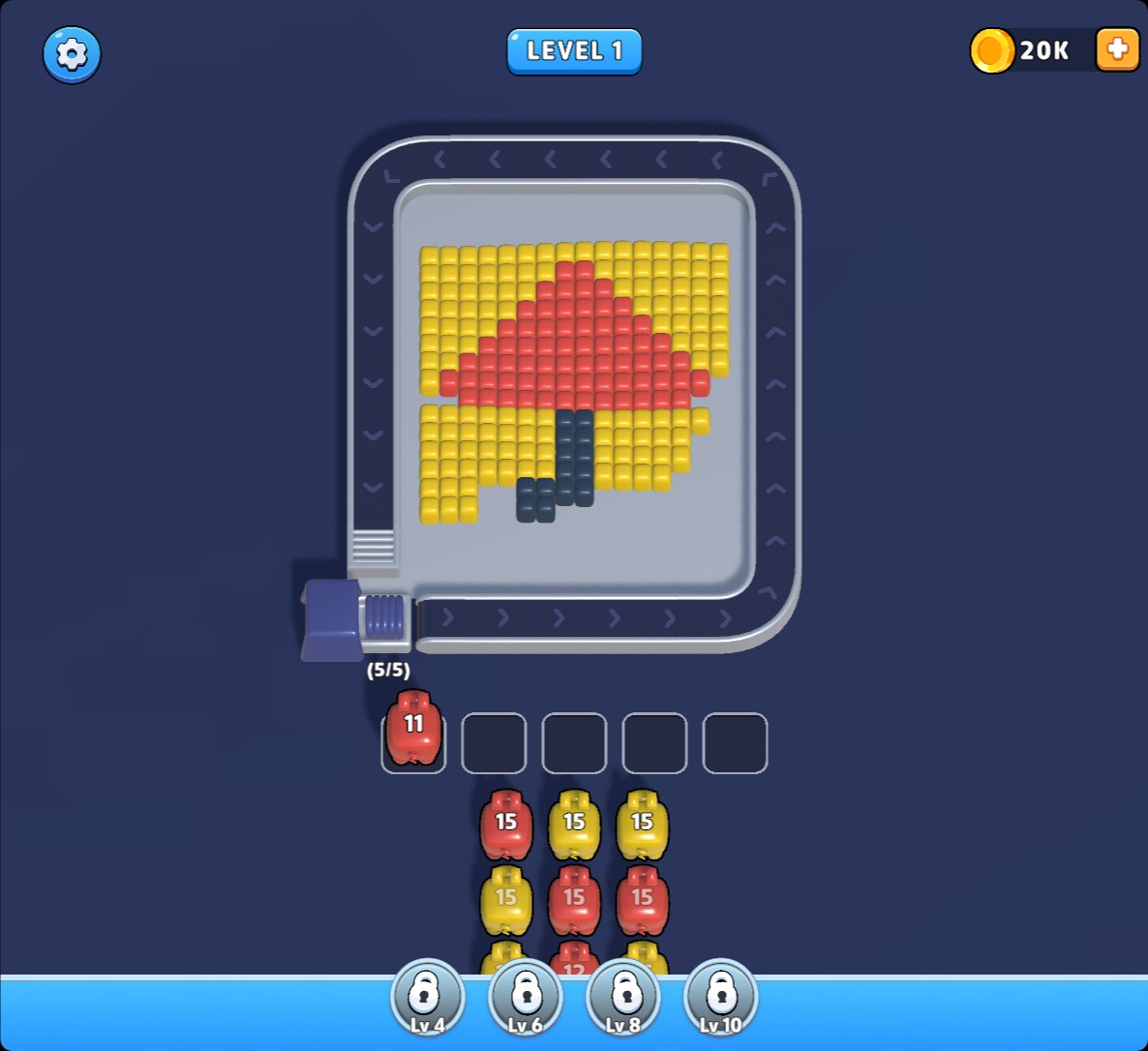
Clear colorful pixel puzzles
Send piggies around the conveyor to clear pixels of the matching color.
Use Resources when you want another attempt or a boost for a crowded puzzle. Conveyor Speed lets you choose the pace, while Next Level moves you on to a fresh board.
Open Pixel Color Flow through Bytonian Mods and choose the controls you want. Finish the tutorial prompts before using Next Level. Boosts follow their usual unlock levels, so open a puzzle and unlock the boost before topping it up.
Refill coins and hearts, or stock Extra Tray, Hand, Shuffle and Super Shooter boosts.
View all resources →Choose how quickly piggies travel around the conveyor.
View world modifiers →Move to the next pixel puzzle when you want a fresh board.
View game actions →Download the Windows app and follow the setup prompts.
Set up the browser extension in Chrome or Edge, then open the supported YouTube Playable. Follow the connection guide if the game is already running.
Review the available options in the app and choose the ones that suit how you play.