

Customise
1 optionA Free coin balance setting for normal pin-design purchases.
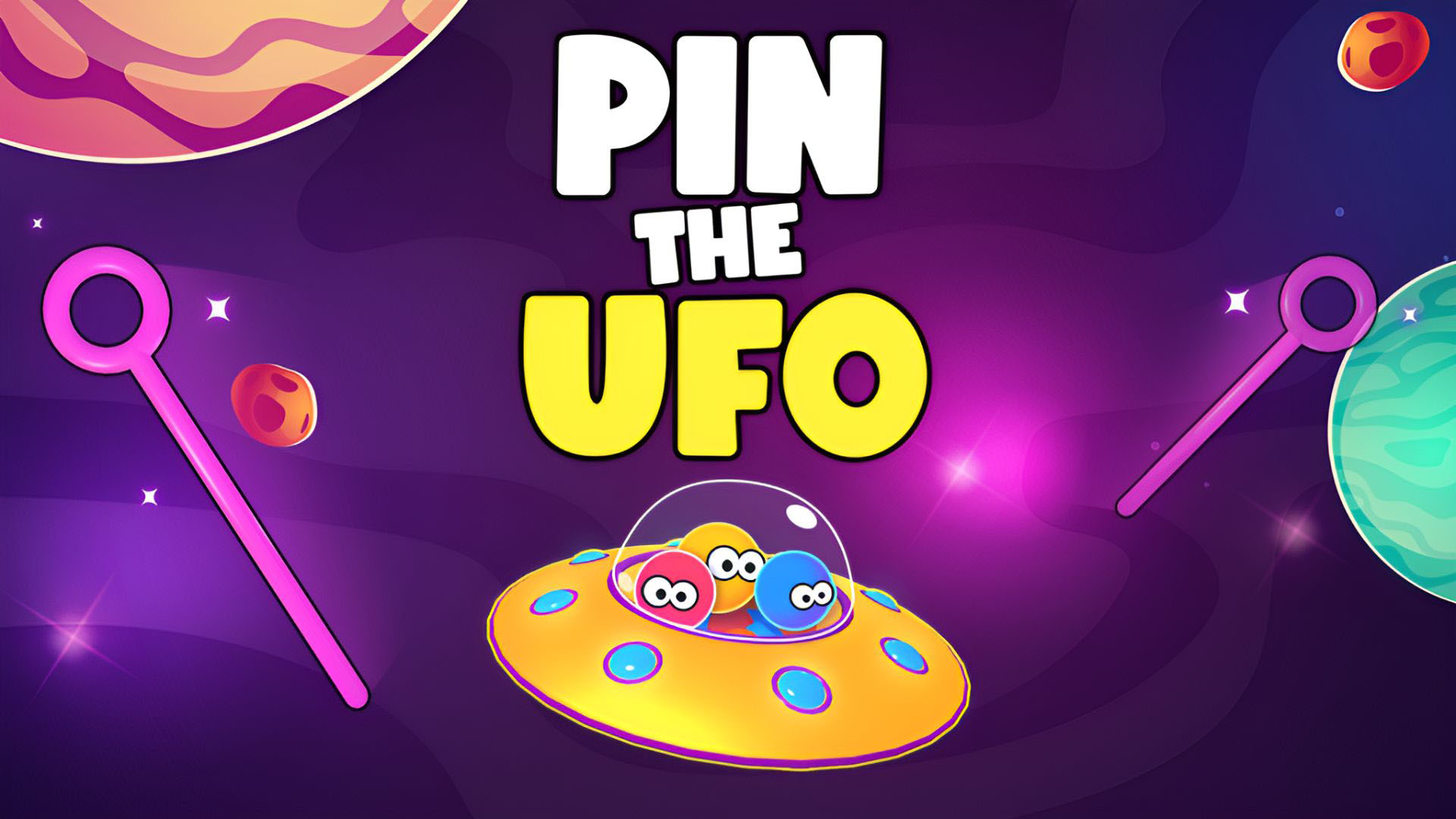
View customise →Pull the pins in the right order to help the aliens reach their UFO. Pin the UFO combines physics puzzles with a PINS shop where you can choose a different design for the pins you use.

The Free Coins setting lets you enter the balance you want. Apply your amount, open the PINS shop and browse its designs.
Buy a design at its normal coin price, then use the shop's Play button to return to your puzzle. Keep following each puzzle's pin order and normal rules.
A Free coin balance setting for normal pin-design purchases.
View customise →Download the Windows app and follow the setup prompts.
Set up the browser extension in Chrome or Edge, then open the supported YouTube Playable. Follow the connection guide if the game is already running.
Review the available options in the app and choose the ones that suit how you play.