
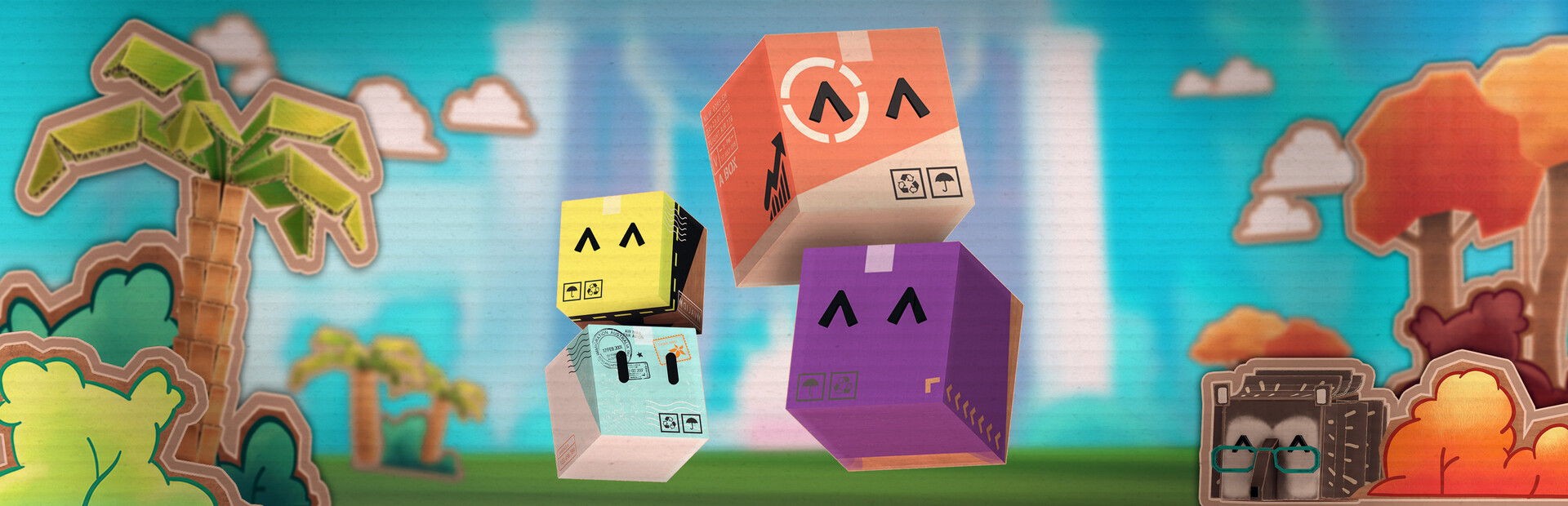
Movement and Jump Controls
Set a comfortable pace for exploring, jumping across gaps and dashing through adventure levels.

Choose your settings
Tune walking and airborne speed independently. Jump and dash controls let you adjust their strength and timing to suit your play style.
Available stat modifiers
Air control speedFree
Adjust movement speed while airborne to tailor how your character moves through the air.
Works during adventure play.
Dash cooldownPremium
Adjust dash cooldown to change the wait between dashes.
Works during adventure play.
Dash strengthPremium
Adjust dash strength to change the force of your character's dash.
Works during adventure play.
Jump input windowPremium
Adjust the jump input window to give a jump press more or less time to register.
Works during adventure play.
Jump strengthPremium
Adjust jump strength to change how high your character can jump.
Works during adventure play.
Walk speedFree
Adjust walking speed to change the pace of exploring cardboard worlds.
Works during adventure play.
Using these features
Choose the feature in the Windows app after connecting your game. Check its requirements before making a change.
Setup for Pile Up! Box by Box →