

Presentation Mods
Turn on Bright Cursor to add a cyan outline to the pointer. Switch it off to return to the game’s original white outline.
Works with the Steam version of the game.

Available presentation modifiers
Bright CursorFree
Add a bright cyan outline to the pointer on the title screen and in the Workers’ Quarter.
Switch on Bright Cursor to show the cyan outline. Switch it off to restore the standard white outline.
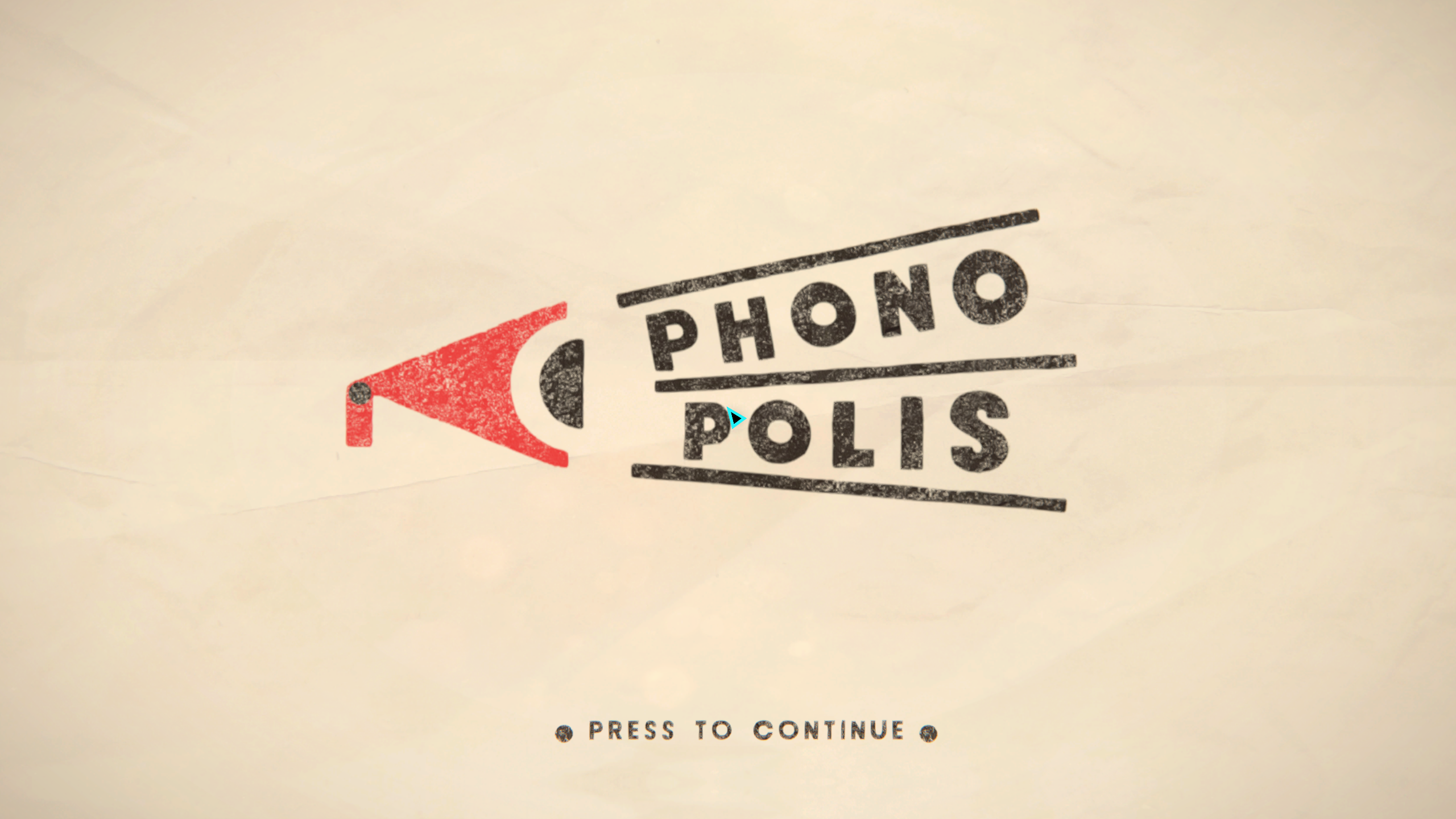
Bright Cursor on the title screen
The cyan outline makes the pointer easier to find on the Phonopolis Demo title screen.
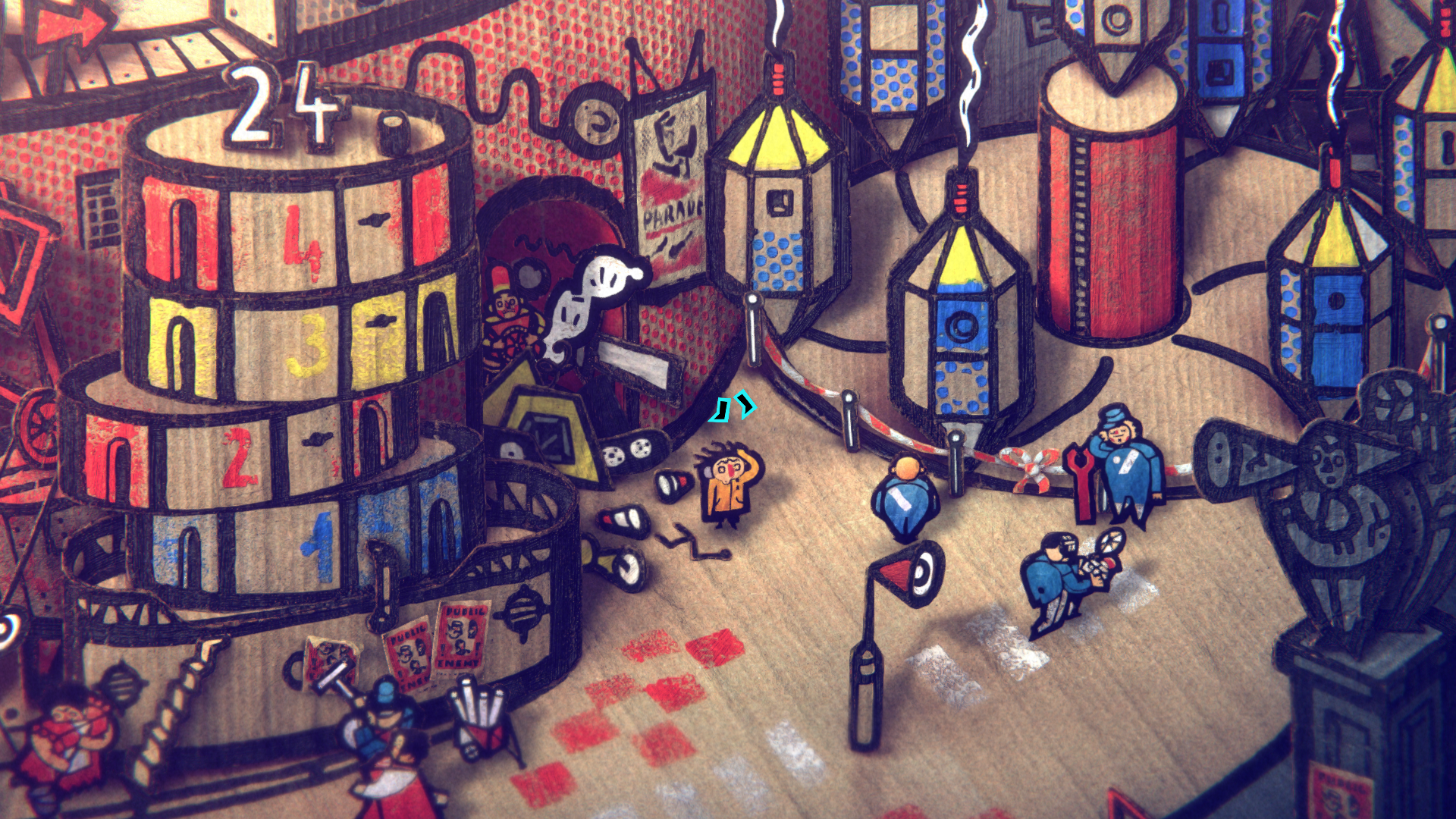
Bright Cursor in the Workers’ Quarter
The walking cursor gets a bright cyan outline against the busy streets of the Workers’ Quarter.
1 / 2
Using these features
Choose the feature in the Windows app after connecting your game. Check its requirements before making a change.
Setup for Phonopolis Demo →