


Control the wind in golf lessons
Choose a different breeze for your next practice shot. Practice Wind Control gives golf lessons adjustable wind strength and direction.

Adjust the breeze while you practice
Turn the card on during a golf lesson, then change wind strength and angle as needed. Higher strength values make the wind stronger, while the angle changes its direction. The wind meter shows the conditions you have chosen.
Return to the lesson wind
Switch the card off when you want the original lesson wind back. The controls only affect golf lessons.
Available ability modifiers
Practice wind controlPremium
Choose wind strength and direction during golf lessons, with changes reflected in the wind meter.
Start a golf lesson, enable the card and adjust strength and angle. Turn it off to restore the lesson wind.
Before you use it: Works only while a golf lesson is active.
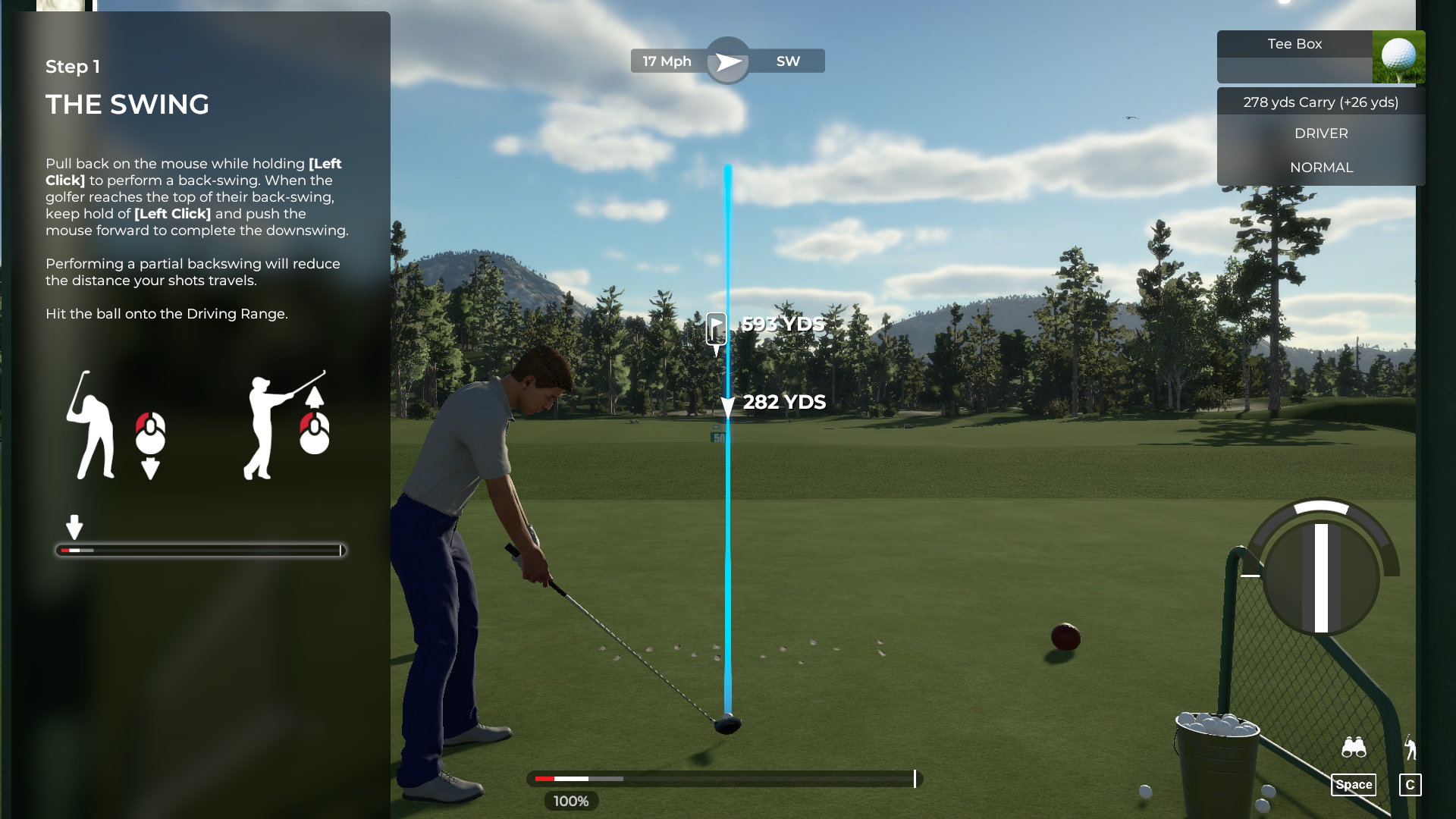
Set the wind for golf lessons
Practice Wind Control changes the lesson wind. Here the wind meter shows 17 mph from the southwest after adjusting the strength and angle.
Questions about ability modifiers
- Do I need to restart the lesson after changing a value?
- No. Strength and angle changes apply while the card is enabled.
Using these features
Choose the feature in the Windows app after connecting your game. Check its requirements before making a change.
Setup for PGA TOUR 2K21 →