

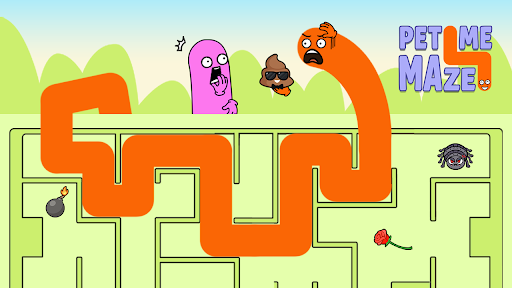
A nudge, a new puzzle or a fresh start
Choose a control to suit the moment: follow a helpful route, leave a puzzle for something new, or return to the beginning and rethink your path.

Keep your puzzle moving
Hints reveal a dotted route toward the target. Next puzzle takes you to a different challenge, while Restart brings the current puzzle back to its beginning.
Use one control at a time while a puzzle is open. For setup, see the game overview.
Available game actions
Next puzzlePremium
Move on to a fresh puzzle when you feel like a change.
Press Next puzzle while a puzzle is open. Tap the highlighted object if the new puzzle begins with an introduction.
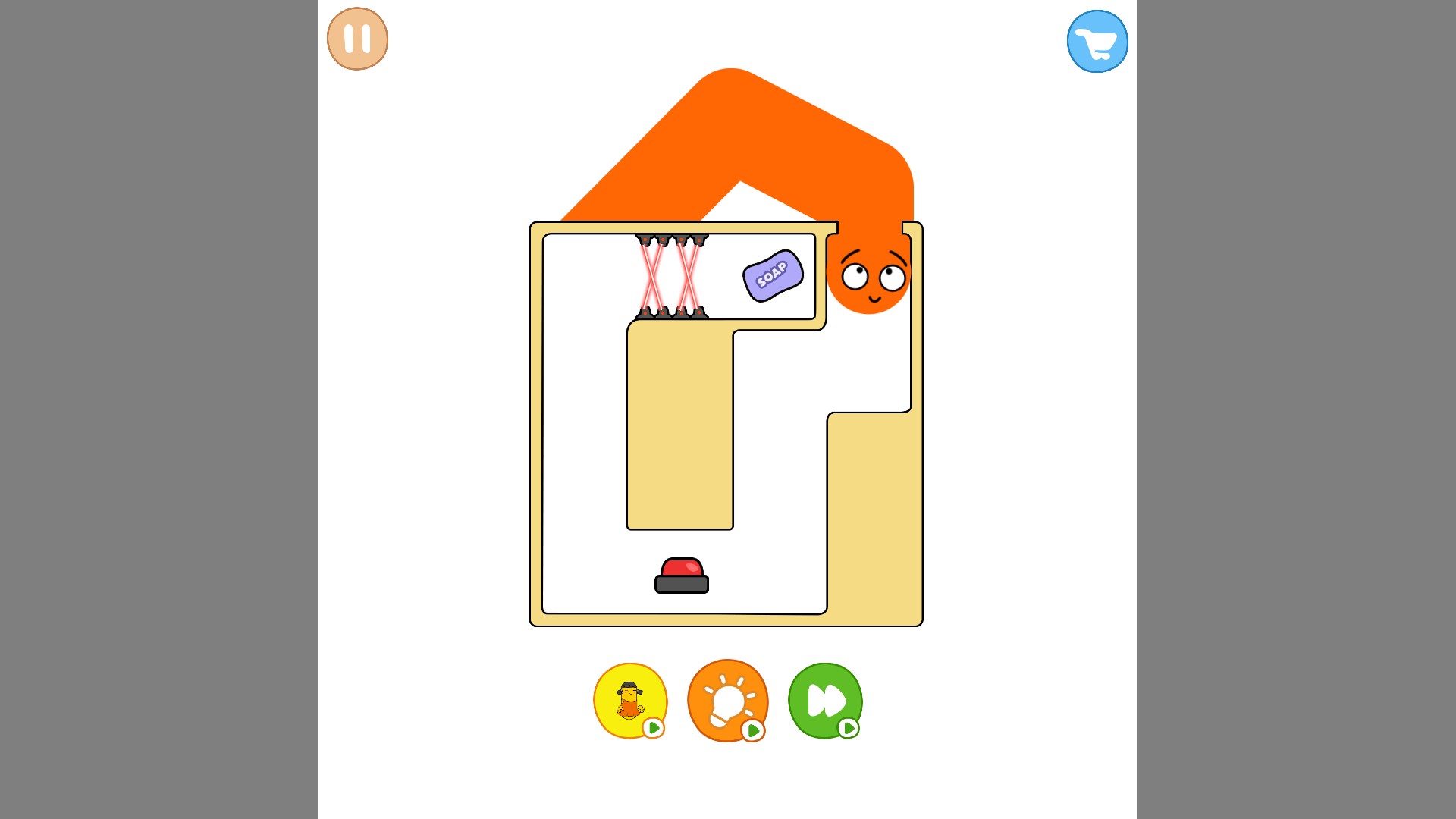
Try a fresh puzzle
Move on to a new challenge, like this maze with lasers and a bar of soap.
Restart puzzleFree
Start the current puzzle again and try a fresh route.
Press Restart puzzle to reset your attempt. Tap the highlighted object to enter the maze again after its introduction.
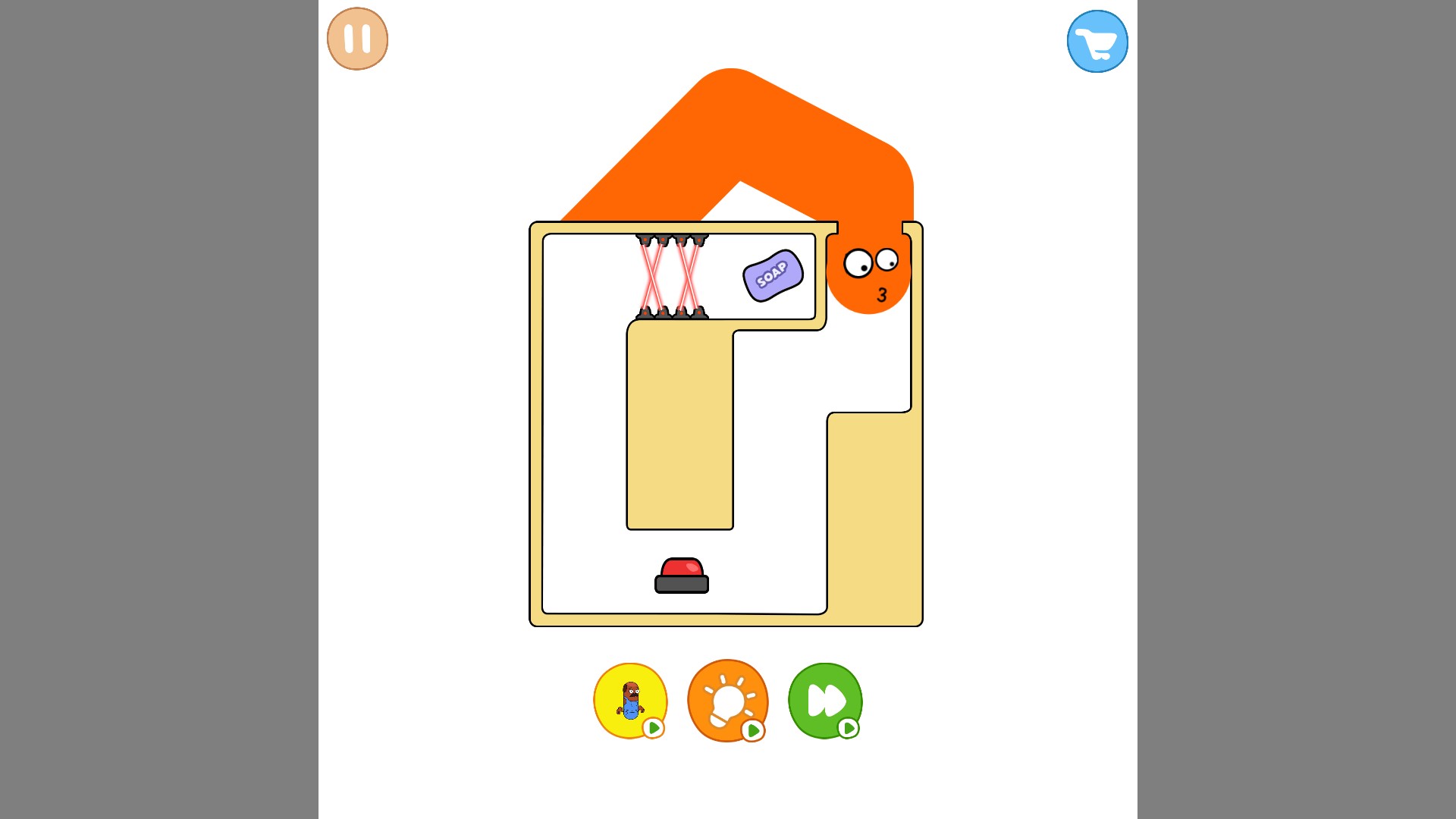
Take a fresh approach
Restart the puzzle and try a new route from the beginning.
Show a puzzle hintPremium
Reveal a dotted route through the maze when you need help finding the way.
Enter the maze, then press Show a puzzle hint.
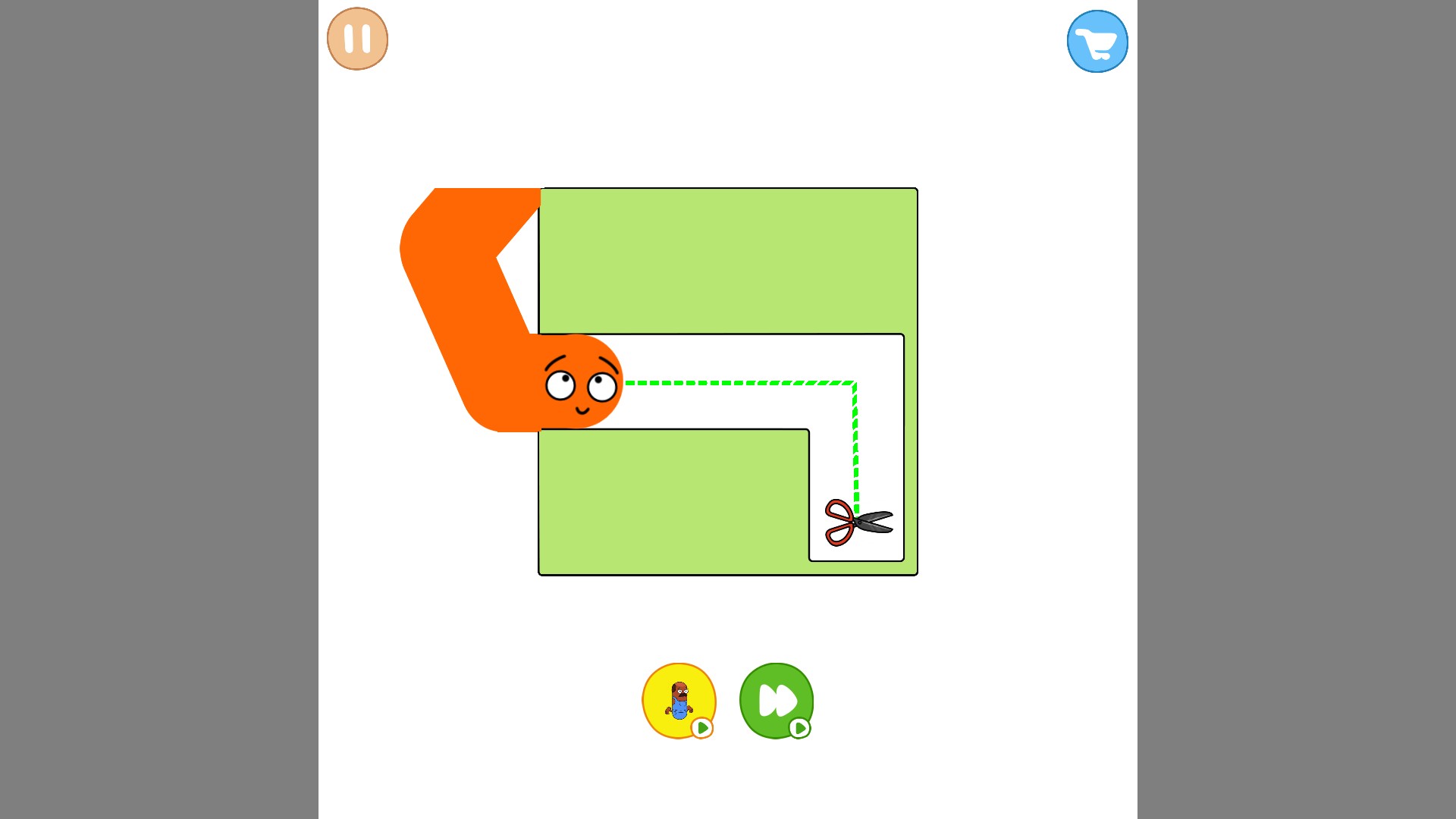
Find your way through the maze
Reveal a helpful route to the scissors when you need a nudge.
Using these features
Choose the feature in the Windows app after connecting your game. Check its requirements before making a change.
Setup for Pet Me Maze →