

Explore PEAK your way
Switch between Fly, Free Walk and Board from one Movement control. Fly past obstacles, walk with adjustable speed or turn the airport into a place to coast, steer and jump.

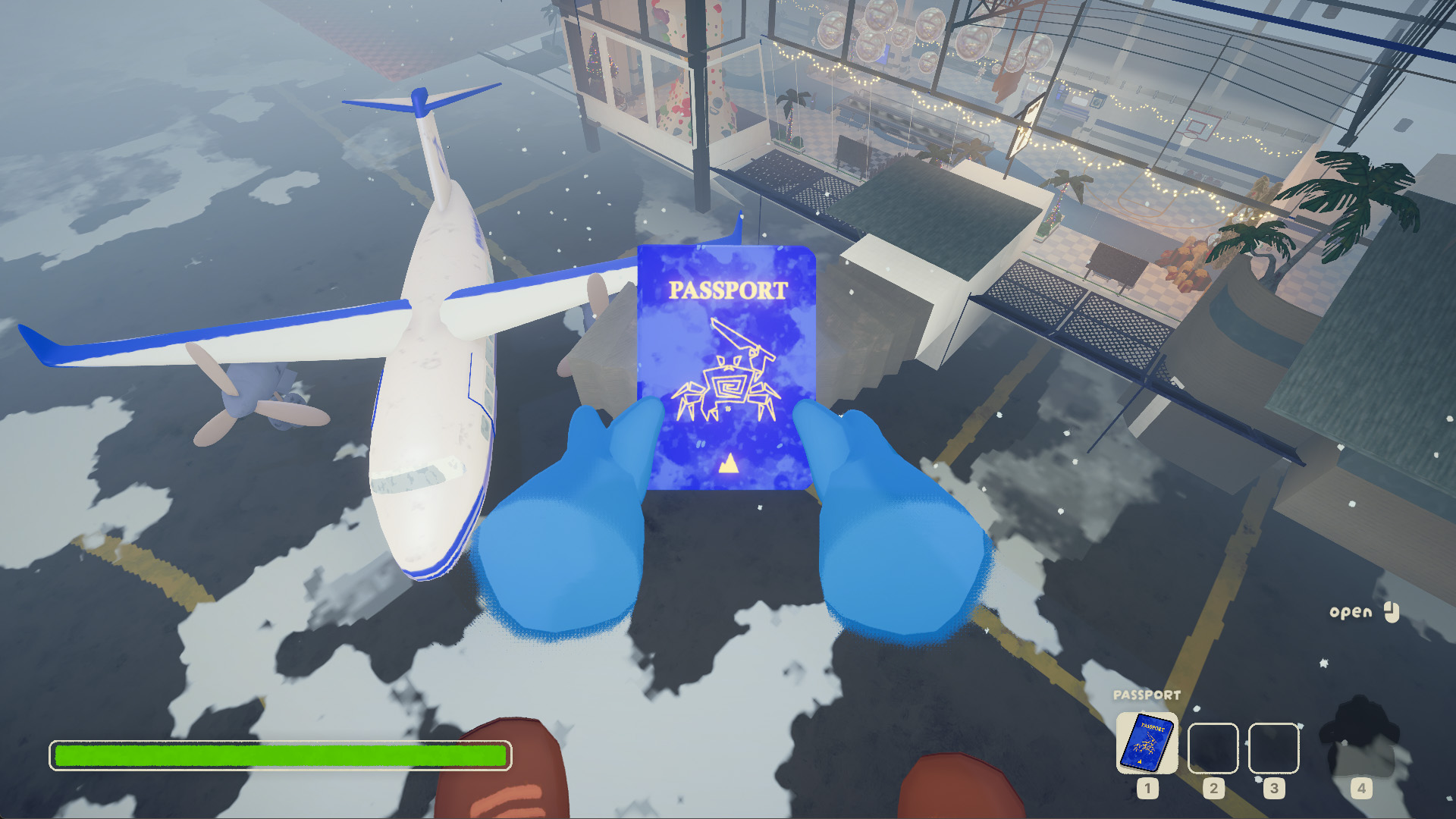
Flying above the airport
Fly above the airport for a different view of your surroundings.
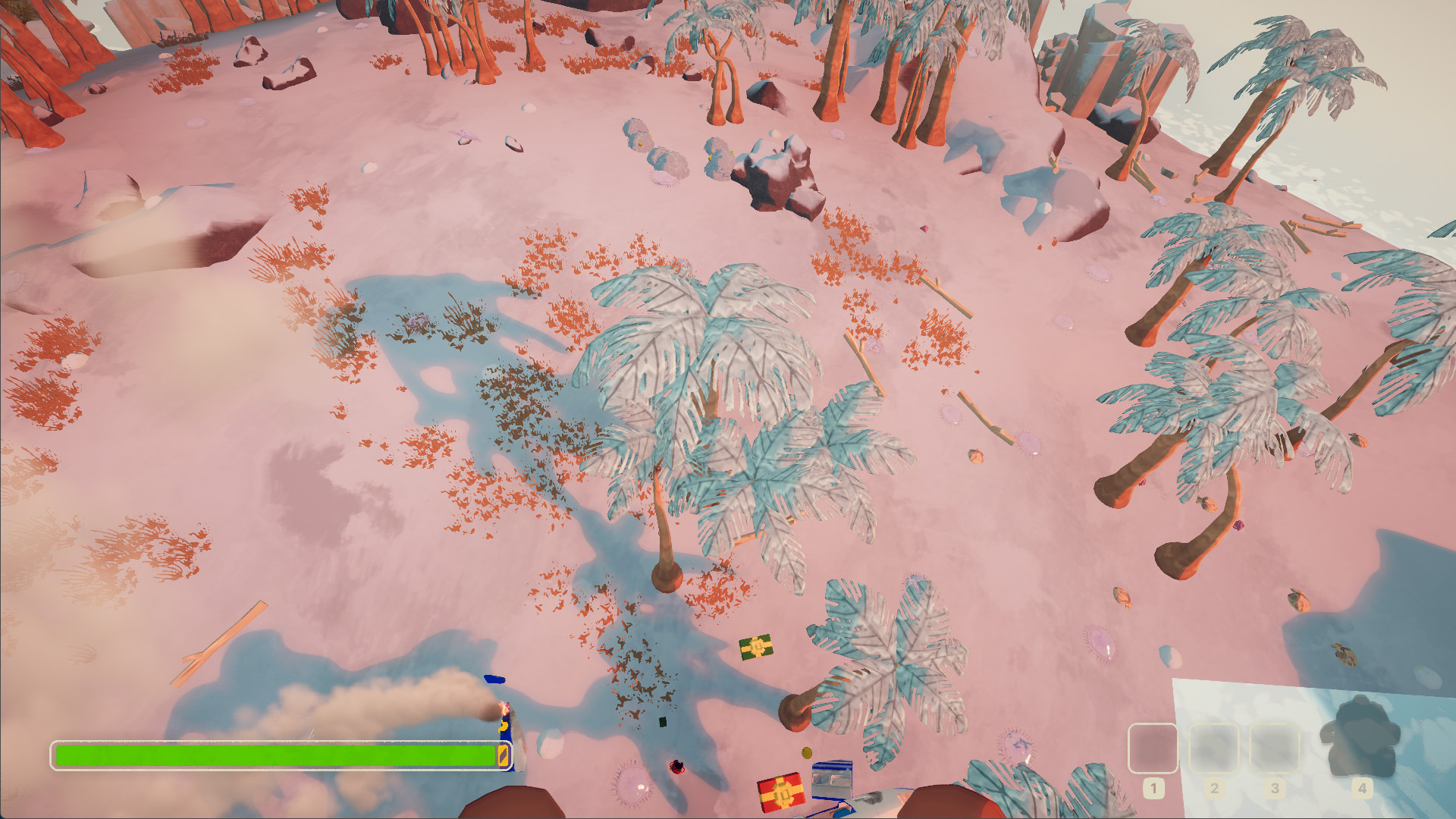
Flying above the crash site
Look down over the crash site to spot items and plan where to explore next.
Choose your movement style
Fly moves in the direction you look and lets you climb or descend freely. Free Walk keeps solid surfaces in your path. Board adds momentum, steering, braking and charged jumps. Switching styles keeps your current position.
Find a comfortable pace
Adjust movement speed, acceleration, braking and jump height. Turn Movement off to return to the game's normal controls.
Available ability modifiers
MovementPremium
Choose Fly for free flight through obstacles, Free Walk for adjustable movement on solid ground, or Board for steering, coasting, braking and jumps.
Enable Movement, then choose a Style. Use the movement keys to travel, Space to rise or jump, Ctrl to descend or brake, and Shift for a speed boost.
Supported movement styles: Fly, Free Walk, Board
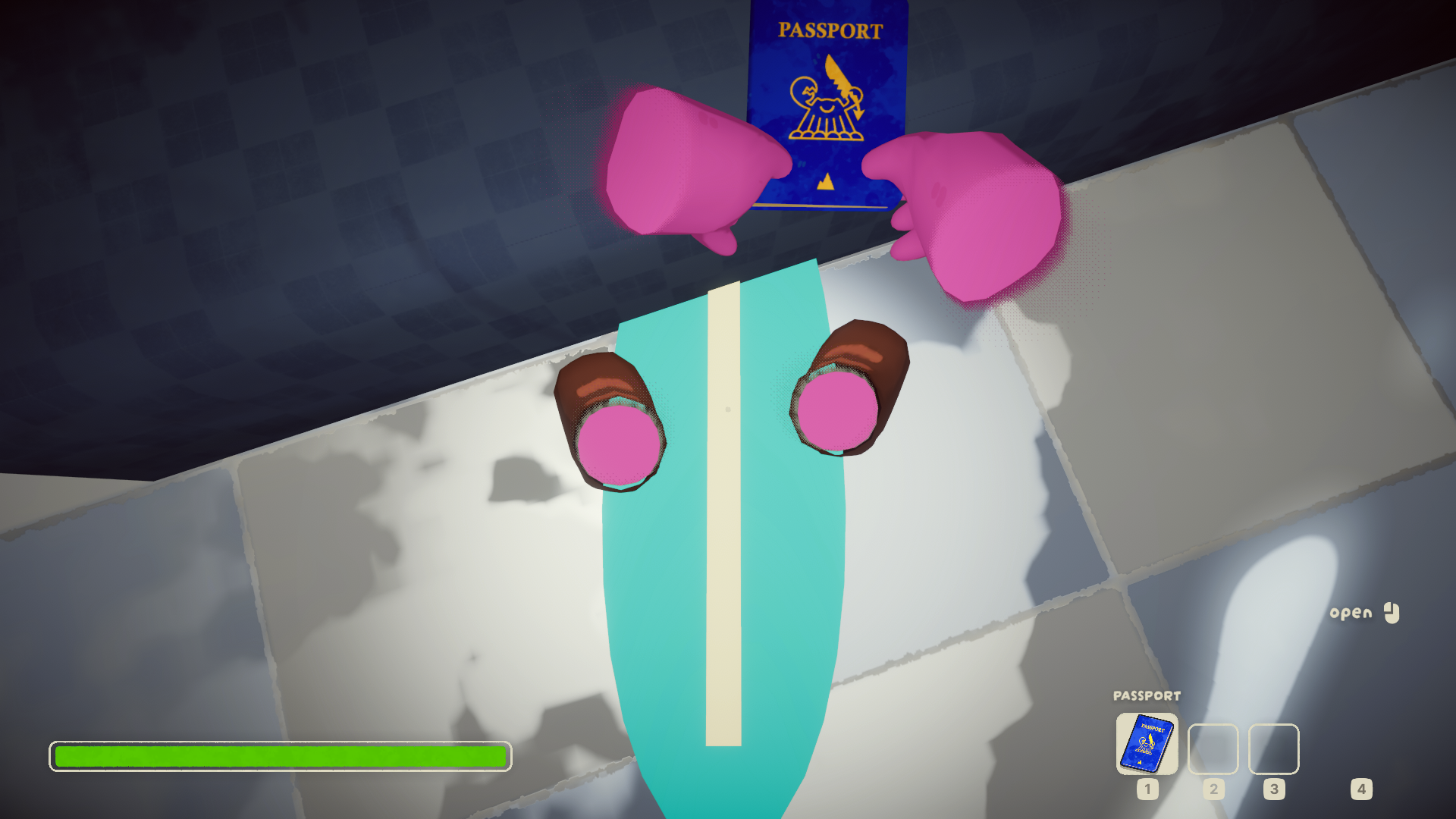
Take a board around the airport
Choose Board in Movement to steer, coast and jump around PEAK's airport.
More ways to customise PEAK
- PEAK stat modifiers
Separate controls for climbing, walking, jumps, throws and reach.
- PEAK rule modifiers
Choose stamina costs, survival protections and cooking pace alongside the existing rules.
- PEAK perspective modifiers
A comfortable view, nearby supply labels and a simple height-and-heading display.
- PEAK game actions
Free item spawning, custom gear, bonus stamina and status clearing.
Using these features
Choose the feature in the Windows app after connecting your game. Check its requirements before making a change.
Setup for PEAK →