
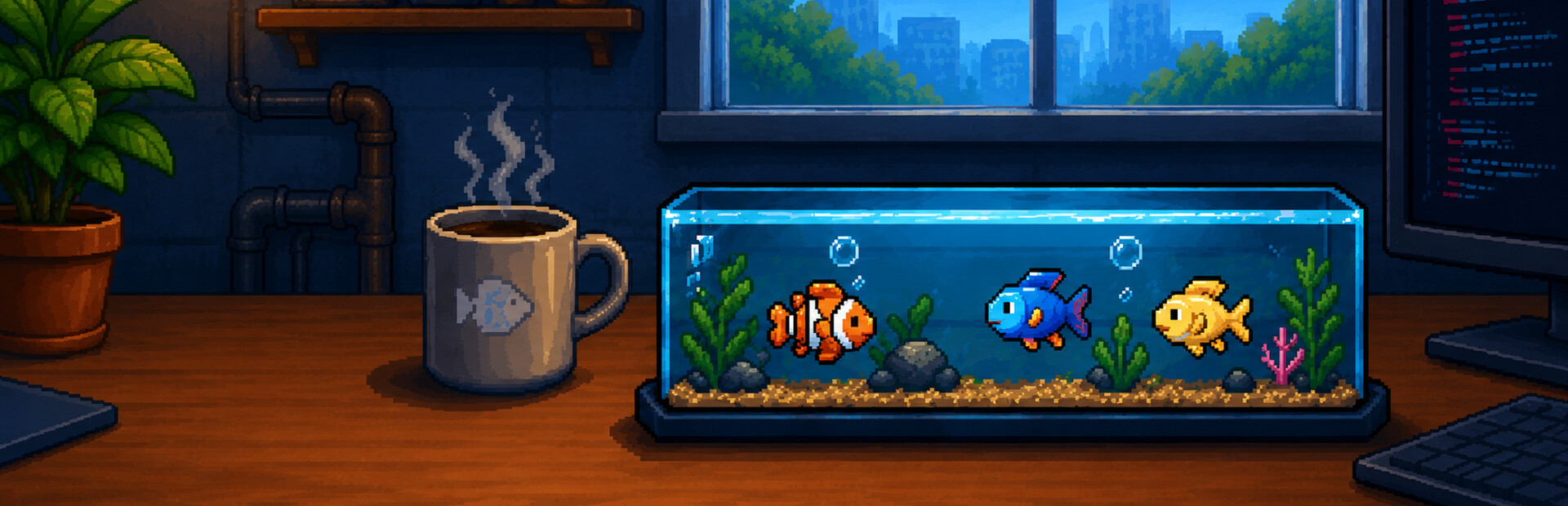
Adjust your aquarium's size
Make the tank larger for a closer view, or smaller to leave more room on your screen. The size control keeps the percentage and restore action together.
Choose a percentage, then apply
Open your aquarium, enter a Total size from 50% to 300%, and press Apply aquarium size. The percentage is the total size: 200% doubles the normal width and height.
Use Restore to return to the earlier size. If you change the size elsewhere in the game, the mod keeps that newer size instead of restoring over it.
Available game actions
Apply aquarium sizeFree
Make your aquarium larger or more compact with a total size percentage.
Load your aquarium, choose 50% to 300% under Total size, then press Apply aquarium size. Use Restore to return to the earlier size if the game has not changed it since.
Changes the aquarium's visual size, not its capacity.
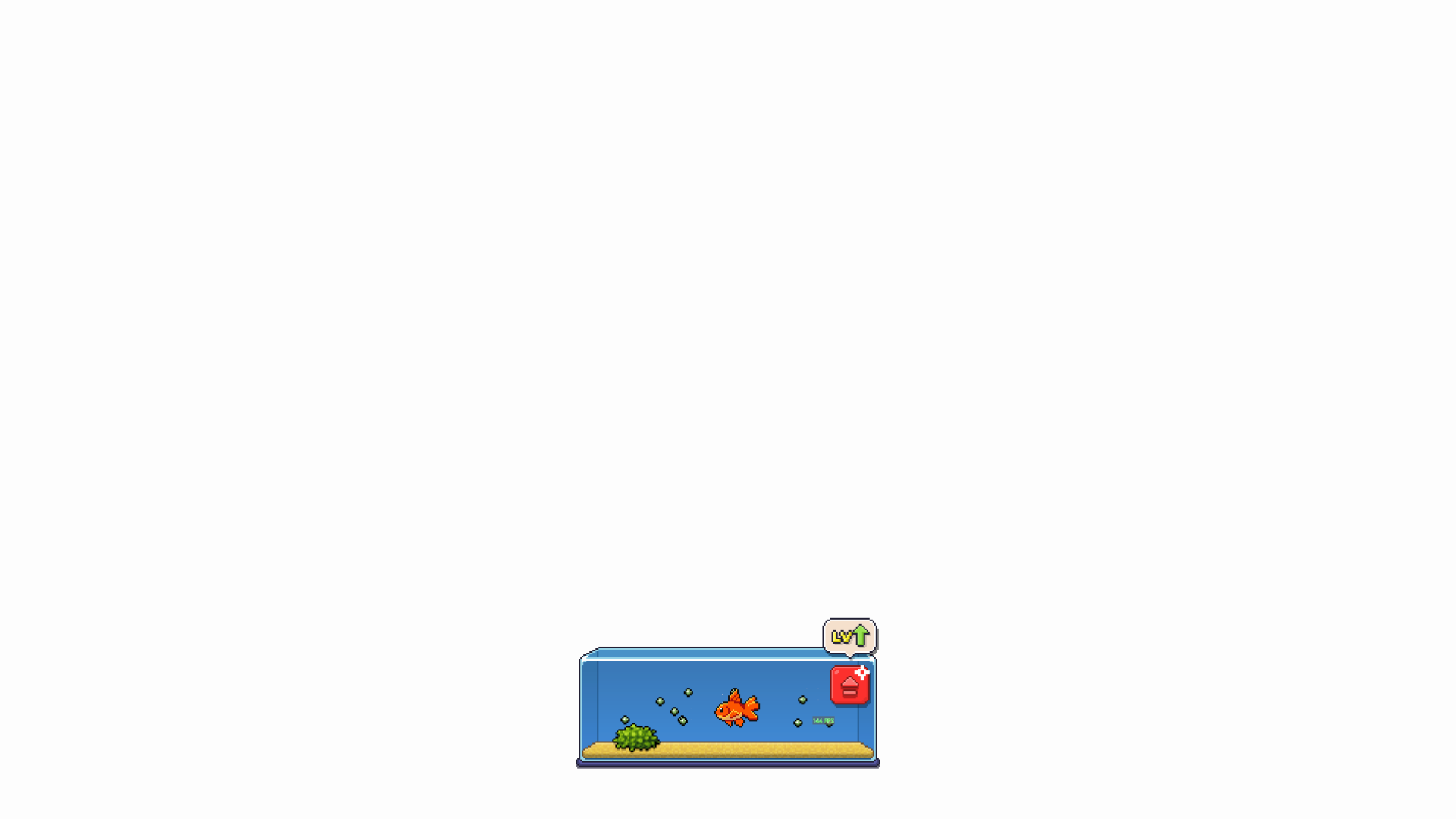
A larger aquarium view
Set the aquarium to 200% size for a closer look at your fish.
Questions about game actions
- Does editing the percentage apply it automatically?
- Press Apply aquarium size after editing the percentage. The value is used on the next press.
Using these features
Choose the feature in the Windows app after connecting your game. Check its requirements before making a change.
Setup for PC FISH: Taskbar Aquarium →