

Adjust your Pawnbarian gold
Choose the gold balance you carry through a run. Refresh the displayed amount, replace it with a specific value, or add and remove gold in smaller steps.
Works with the Steam version of the game.

Set a balance or make a small change
Use Set for a new balance, or Add and Remove to change the amount you already have. The control supports balances from 0 to 1,000,000.
Available resources
GoldPremium
Set your gold balance, or add and remove gold in smaller amounts.
Refresh your balance, then choose Set, Add or Remove.
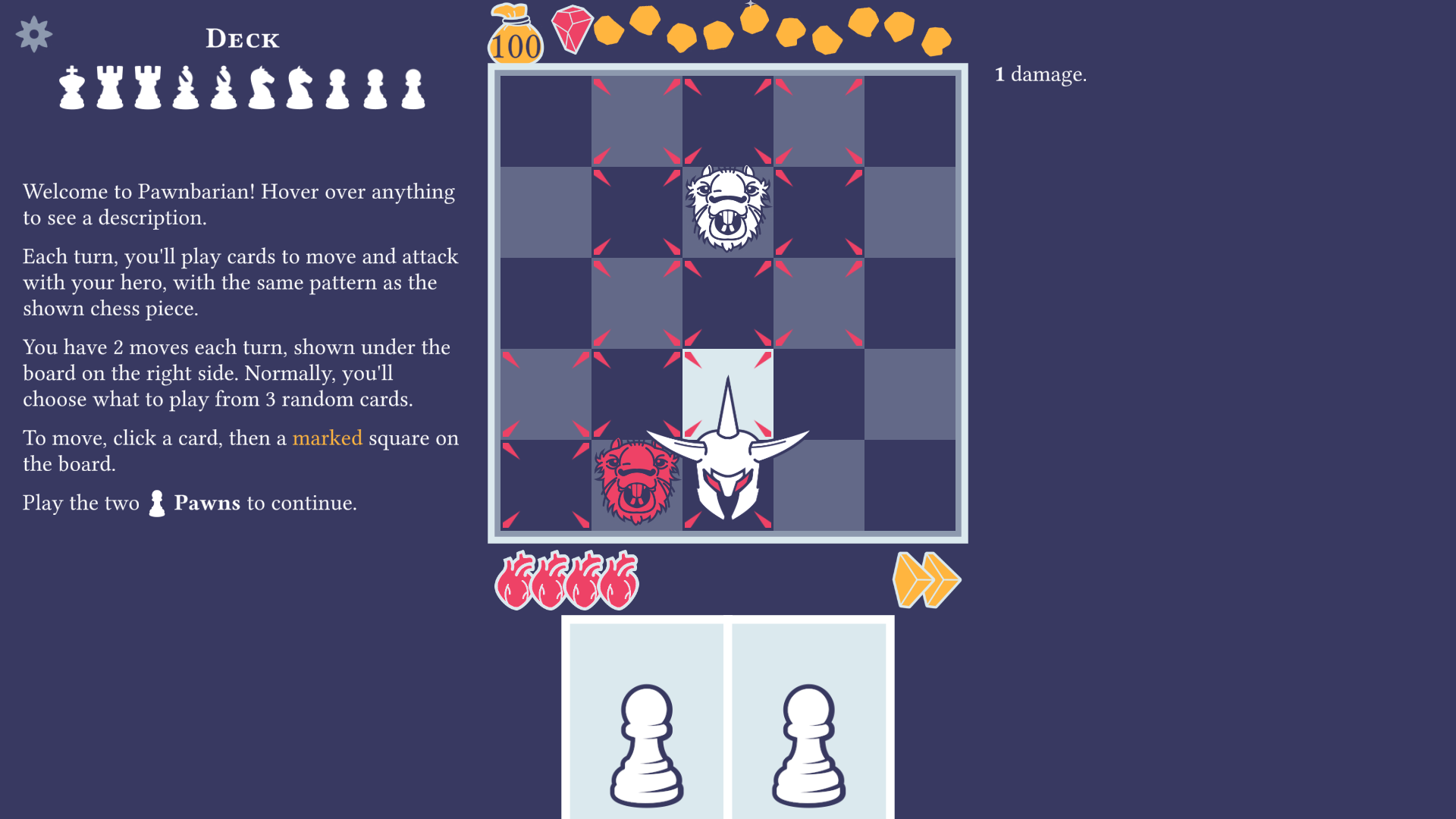
Set your gold balance
Choose how much gold you carry during your run. This example shows a balance of 100.
More ways to customise Pawnbarian
- Pawnbarian game actions
Refill hearts, add protection, draw a card or gain another maximum heart.
Using these features
Choose the feature in the Windows app after connecting your game. Check its requirements before making a change.
Setup for Pawnbarian →