

Refill your explorer’s health
Use Restore health to fill the first active explorer’s health counter back to its current maximum. The action is available during active quest and base camp play.

When to use it
Return to active play, then choose Restore health when your living explorer needs a refill. If health is already full, the action leaves it there.
A refill for the first explorer
The action affects the first active explorer. It restores health once per use and cannot revive a defeated explorer.
Available game actions
Restore healthFree
Refill the first active explorer’s health to its current maximum.
Resume gameplay and select Restore health during a quest or at base camp.
Your explorer must be alive. This action cannot revive a defeated explorer.
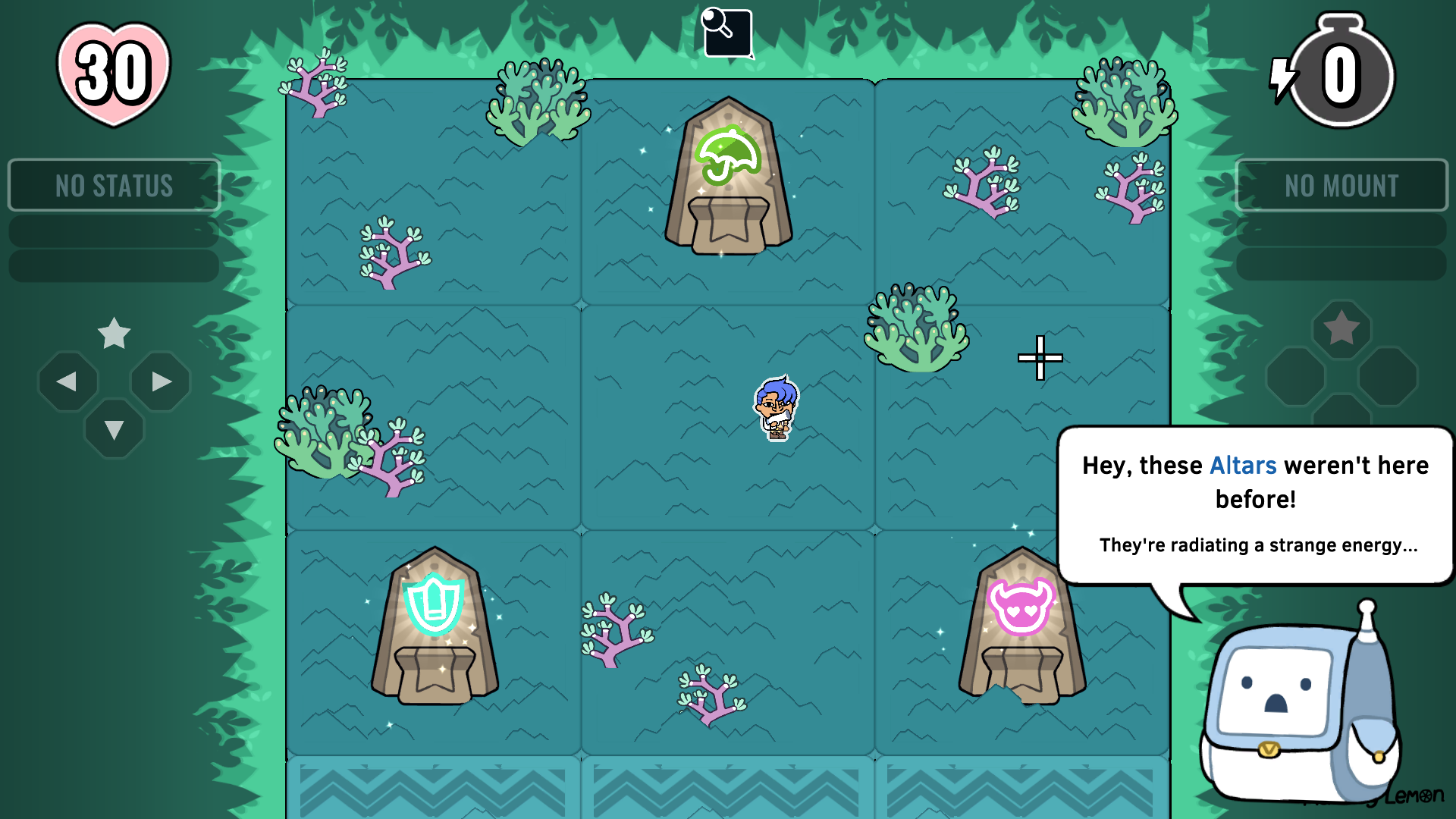
Restore your explorer’s health
Refill your explorer’s health and continue exploring. The health counter shows 30 after using Restore health during this quest.
Using these features
Choose the feature in the Windows app after connecting your game. Check its requirements before making a change.
Setup for Patch Quest →