

Resources
1 optionManage your gem balance and buy priced pieces for new looks.
View resources →Paper Doll Diary: Dress Up DIY pairs a wardrobe book with scenes from your doll's story. Pick hairstyles and clothes, drag pieces onto your doll, and turn a new look into the next diary moment. The free Gems control helps fund priced wardrobe pieces when you want to try another style.
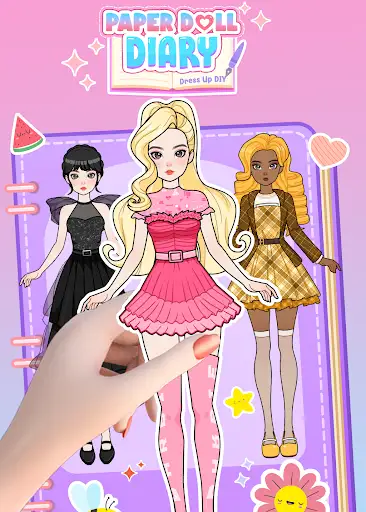
Open the Resource category for the Gems card. Set a balance or add to your current amount, buy a priced piece in the wardrobe book, then drag it onto your doll. Dressing and story choices stay in your hands.
Manage your gem balance and buy priced pieces for new looks.
View resources →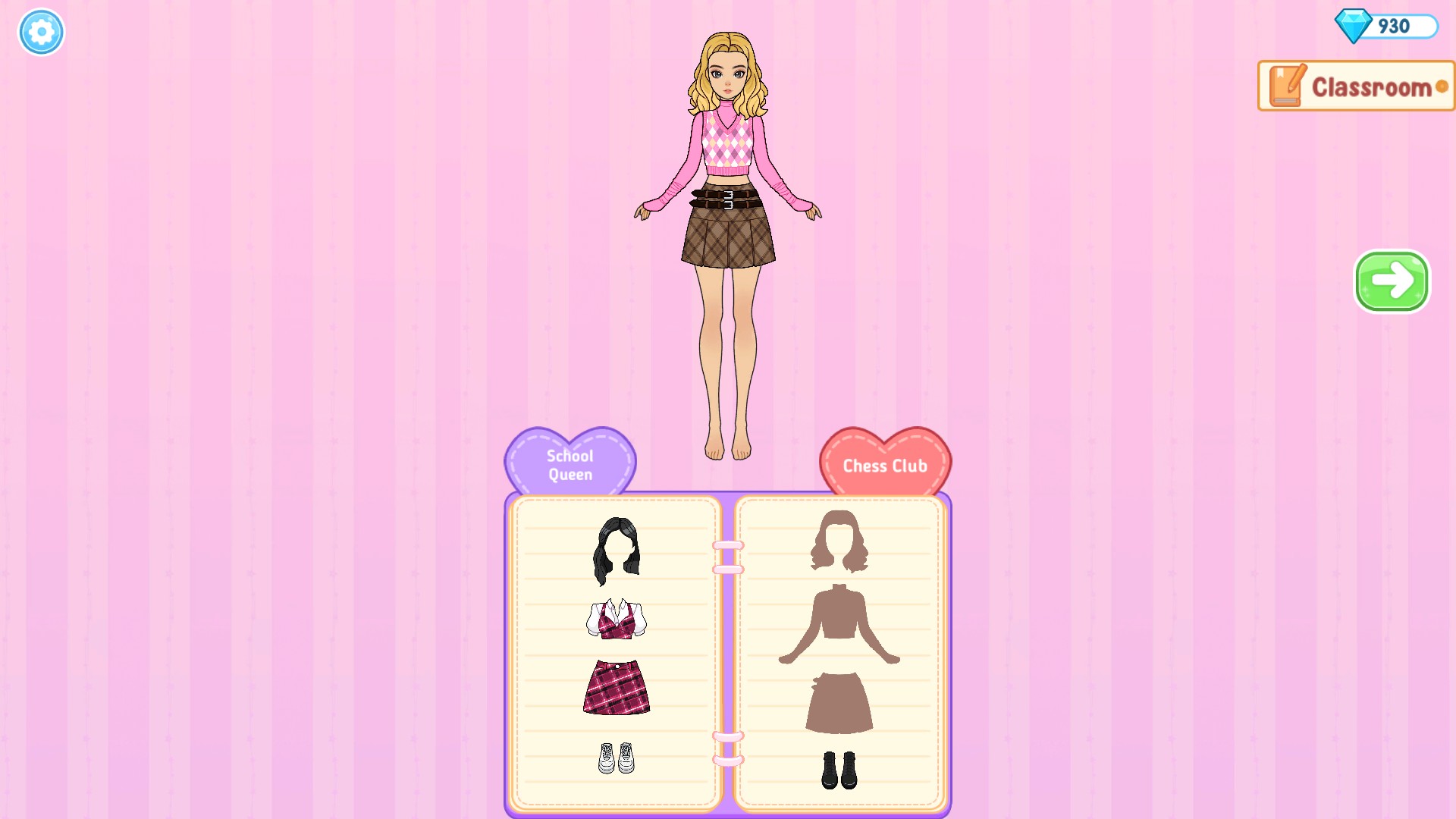
Style a new Classroom look
Mix pieces in the wardrobe book and use Gems to buy priced items, including this blonde hairstyle.
Download the Windows app and follow the setup prompts.
Set up the browser extension in Chrome or Edge, then open the supported YouTube Playable. Follow the connection guide if the game is already running.
Review the available options in the app and choose the ones that suit how you play.