
Customize your Overtake Rush setup
Choose your coins, garage access, owned car and upgrade levels, then apply the changes before starting your next run.
Requires the Windows app and the Bytonian Mods browser extension for Chrome or Edge. Browser setup guide
Coins and car ownership
Set your coin balance and spend it with the game's normal purchase buttons. Unlock all ten cars if you want the full current garage available without buying each one.
Select an owned car
Choose a car you already own, or unlock the garage first. After applying, cycle to a neighboring car and back with the normal garage arrows before Play so the game loads the chosen vehicle.
Fuel and overtake upgrades
Set each upgrade from 0 to 20. Fuel tank levels add capacity, fuel efficiency levels lower fuel drain, and coin reward levels increase the coins earned from passing traffic.
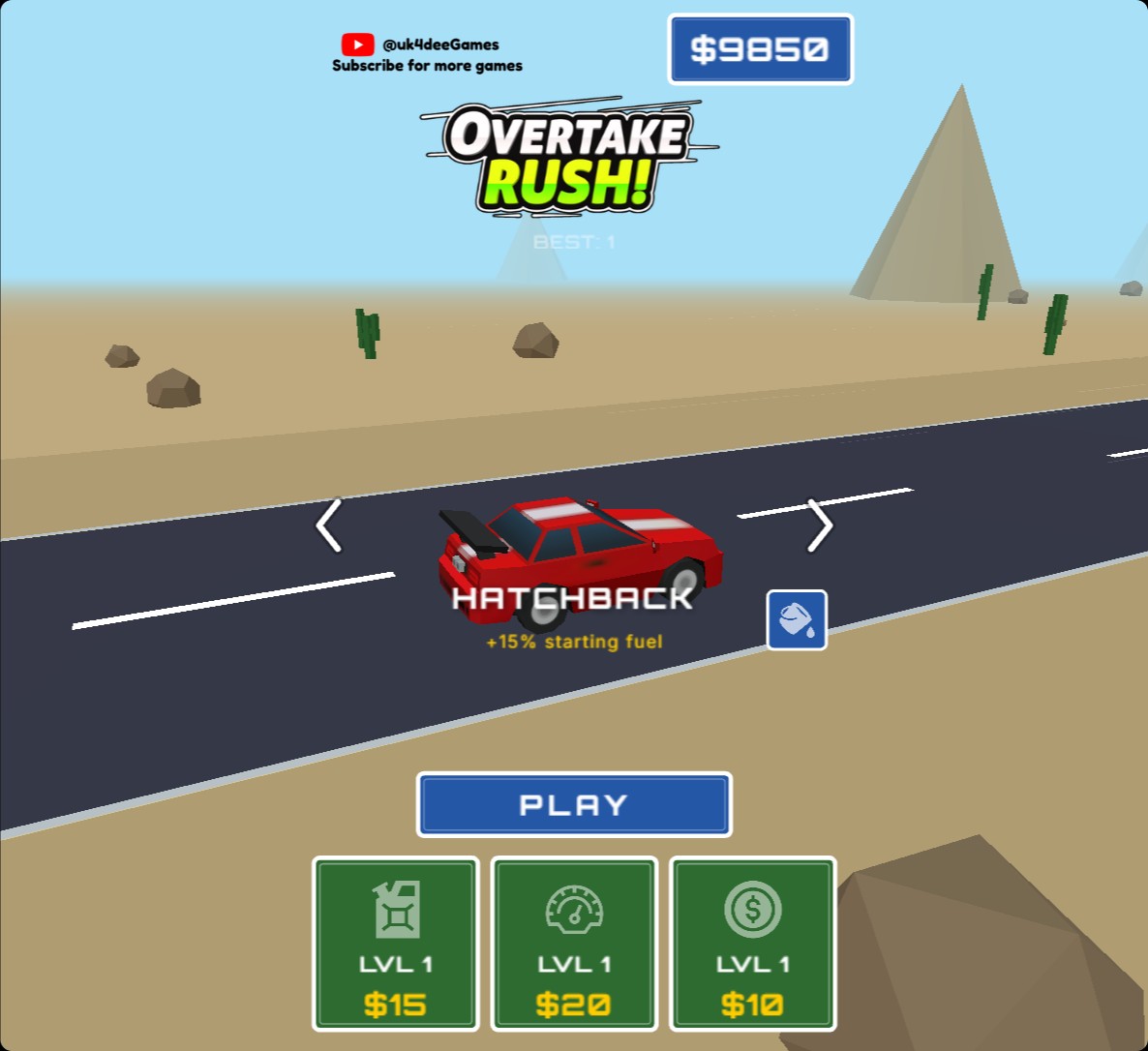
Coins for cars and upgrades
Set your coins, then use the normal garage buttons to buy a car or improve your setup.
Available customisation options
CoinsPremium
Set coins for normal car purchases and upgrades.
Choose a balance, apply it and use the garage purchase buttons. Purchases spend coins normally.
Unlock all carsPremium
Unlock all ten cars in the current garage.
Select the unlock action and apply it, then browse the garage and press Play with your chosen car.
CarFree
Choose an owned car for your next driving setup.
Select an owned car and apply it. In the garage, cycle to a neighboring car and back before Play to load the selected vehicle.
Requires owning the chosen car. The game can retain the previous vehicle until you cycle away and back in the garage.
Fuel tank levelPremium
Choose the fuel tank upgrade level. Each level adds 4% fuel capacity.
Set a level from 0 to 20, apply it and start a run. Level 0 is the base setting; level 20 shows MAX on the fuel upgrade card.
Fuel efficiency levelFree
Choose the fuel efficiency upgrade level. Each level reduces fuel drain by 2.5%.
Set a level from 0 to 20, apply it and start a run. The middle upgrade card shows MAX at level 20.
Coin reward levelPremium
Choose the coin reward upgrade level to earn more from passing traffic.
Set a level from 0 to 20 and apply it before your next run. Level 20 gives a base reward of 21 coins per pass before any car or run bonuses.
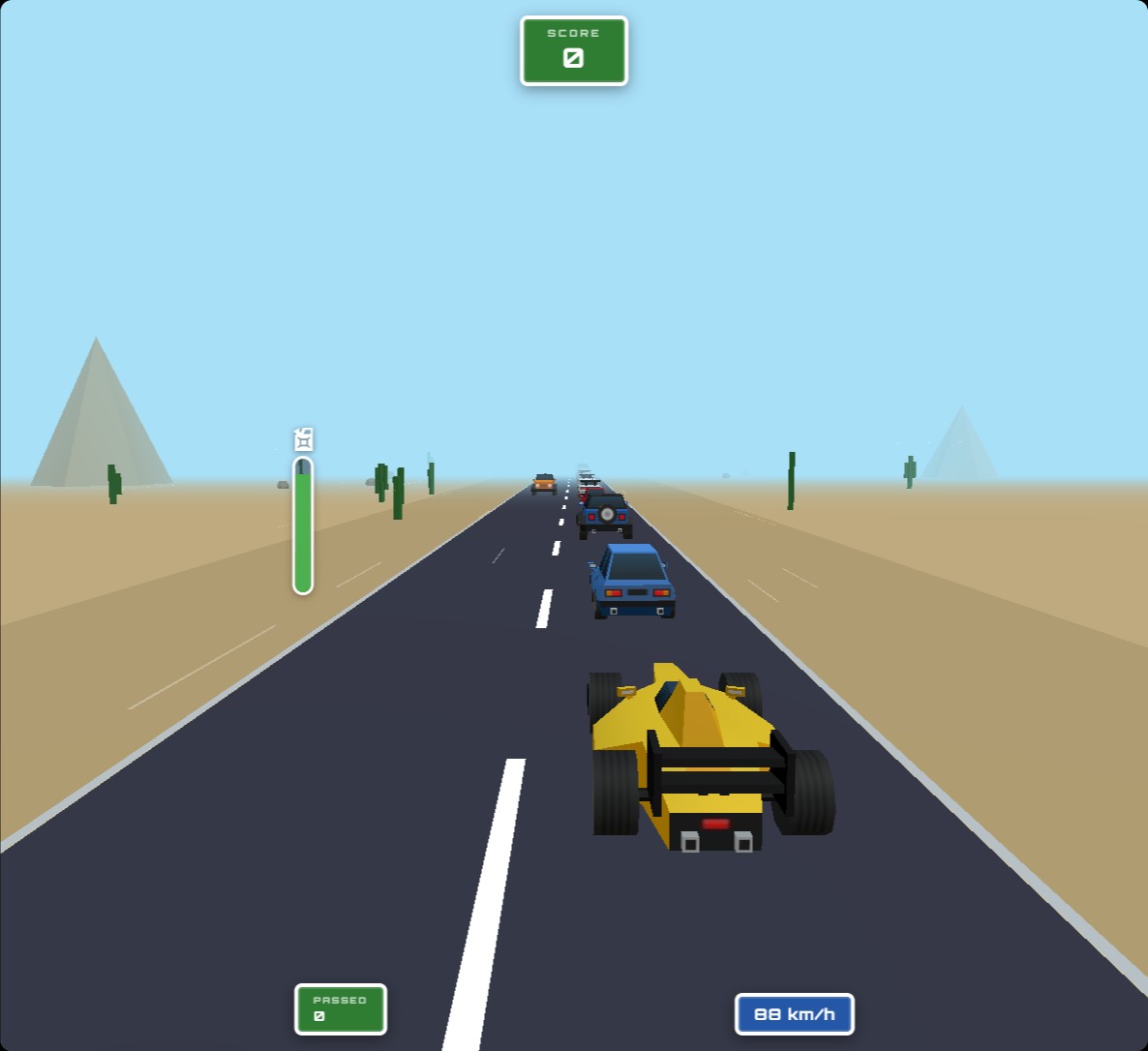
Drive the F1 car
Unlock the garage and take a different car onto the road.
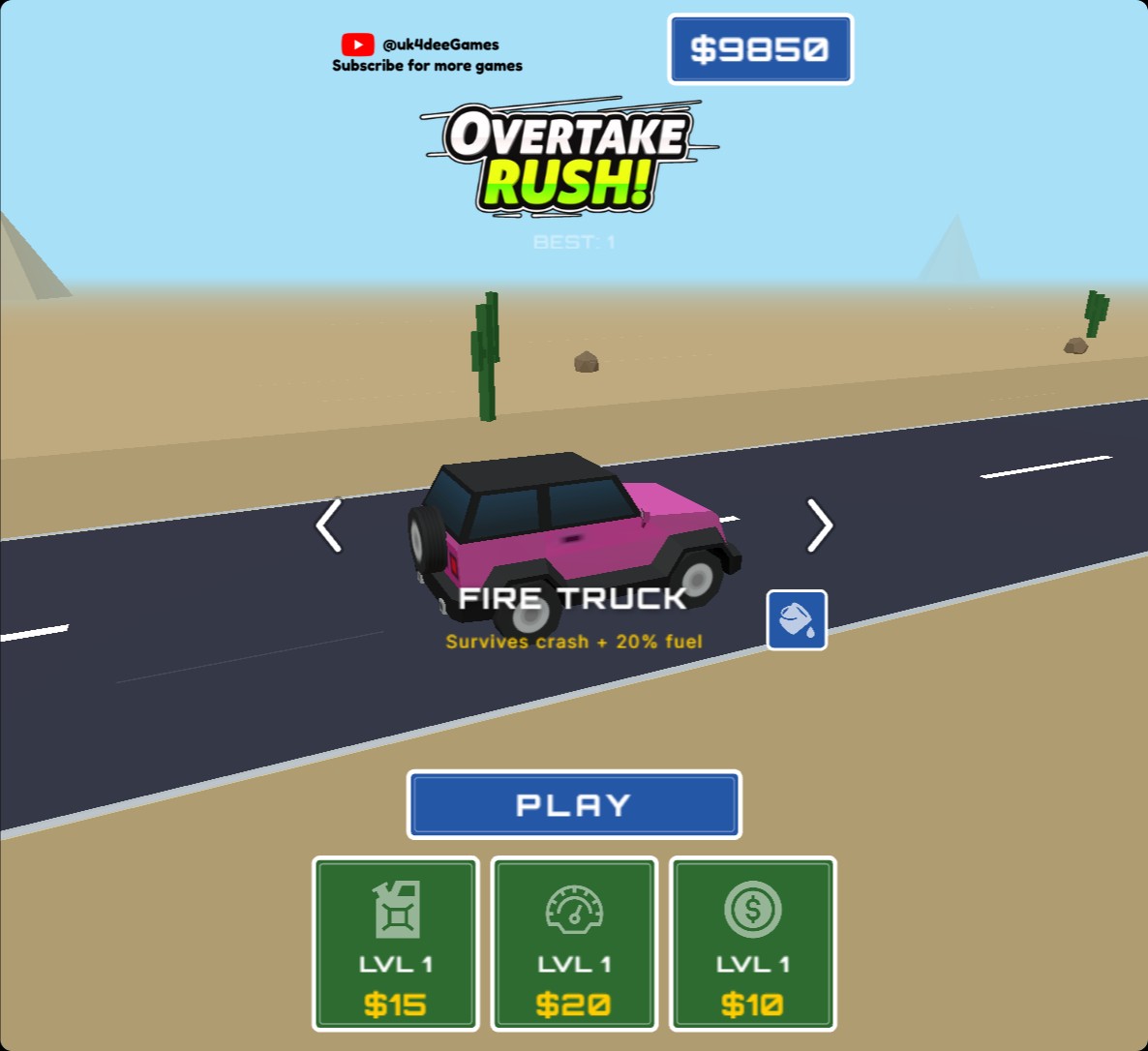
Choose your next car
Select an owned car, then cycle to a neighboring car and back in the garage before Play to refresh the vehicle.
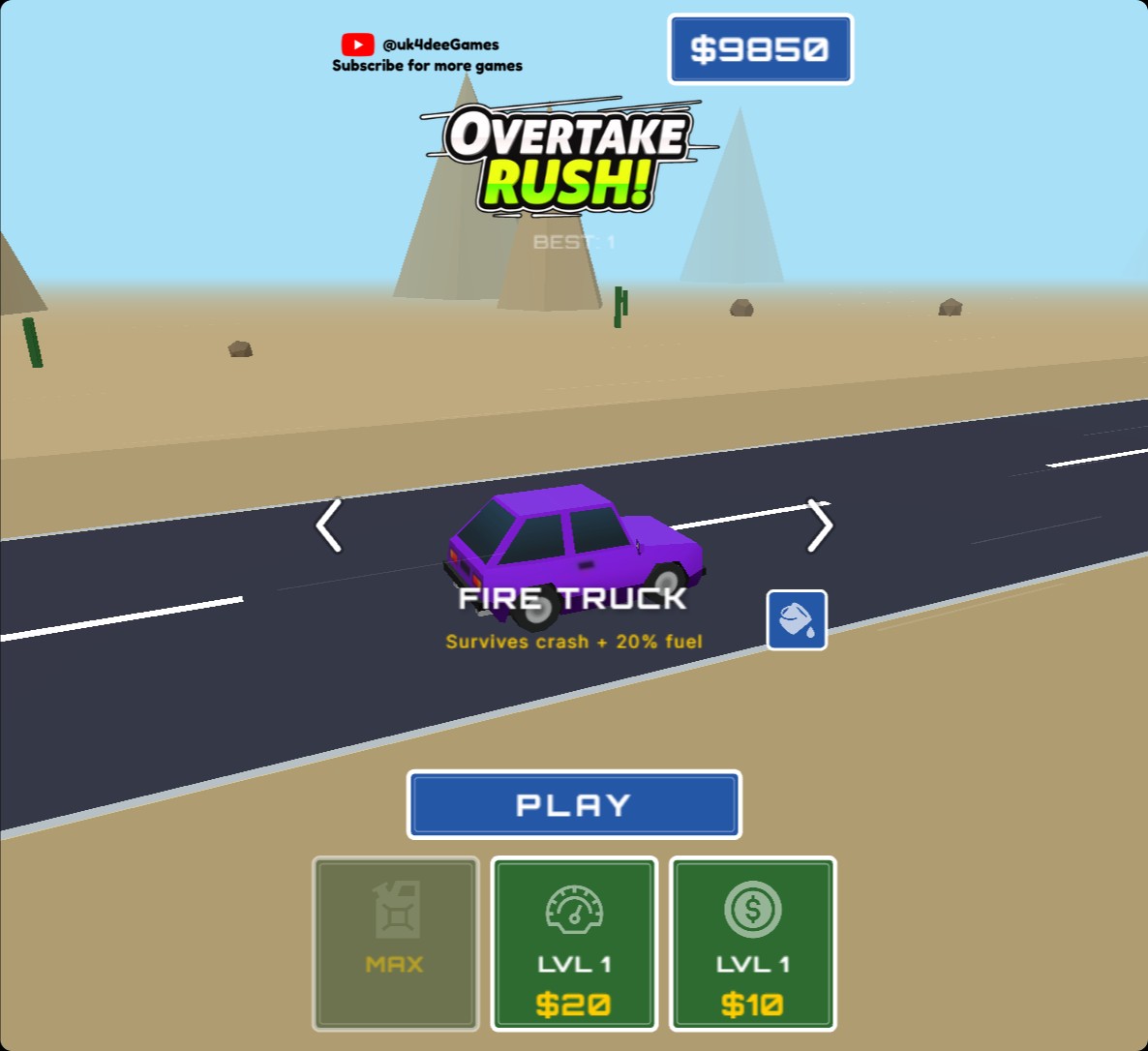
Set your fuel tank upgrade
Choose the fuel tank upgrade level before your next run. The fuel card shows MAX at the top level.
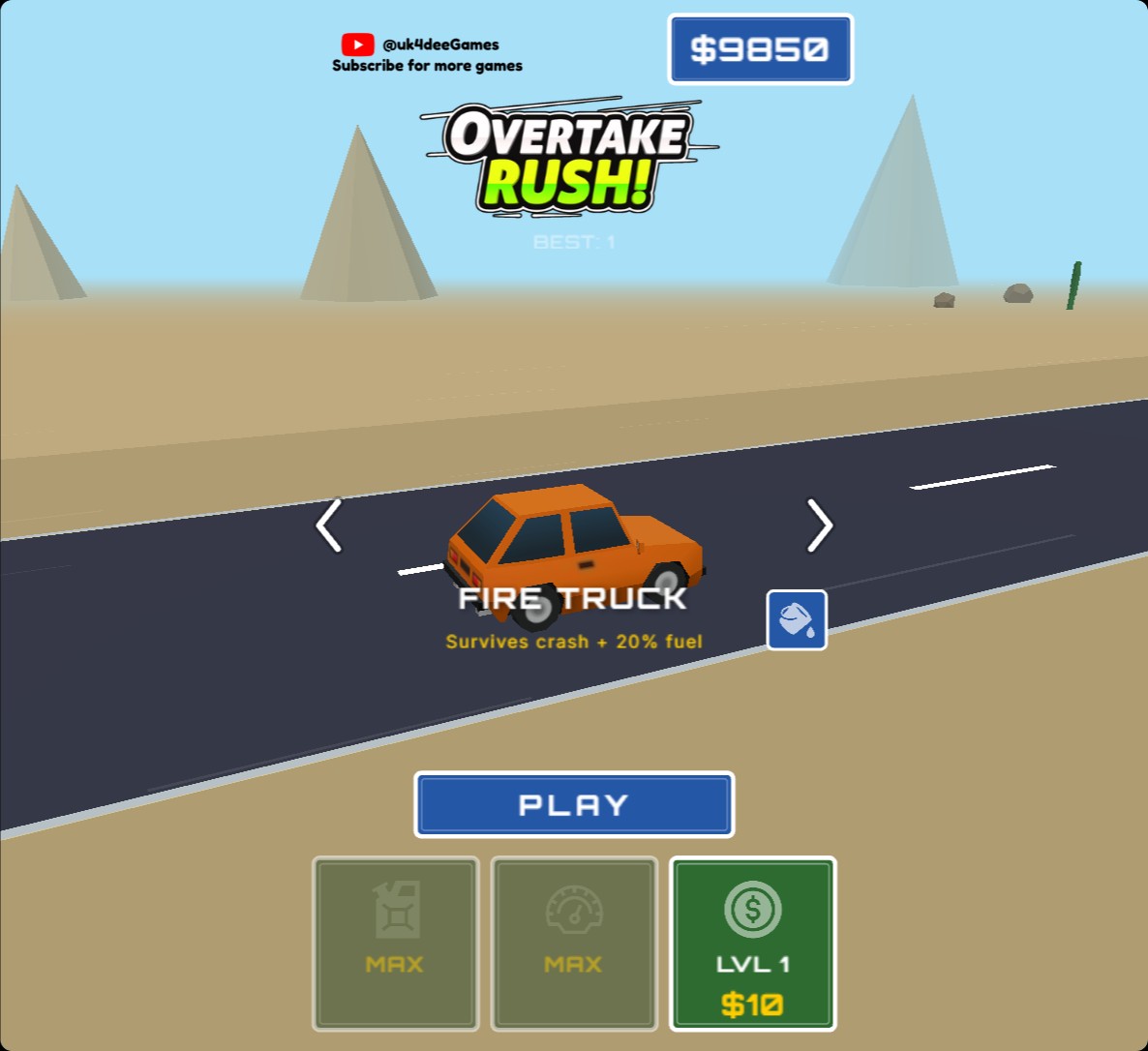
Choose your fuel efficiency upgrade
Set the fuel efficiency level for your next run. The middle upgrade card shows MAX at the top level.
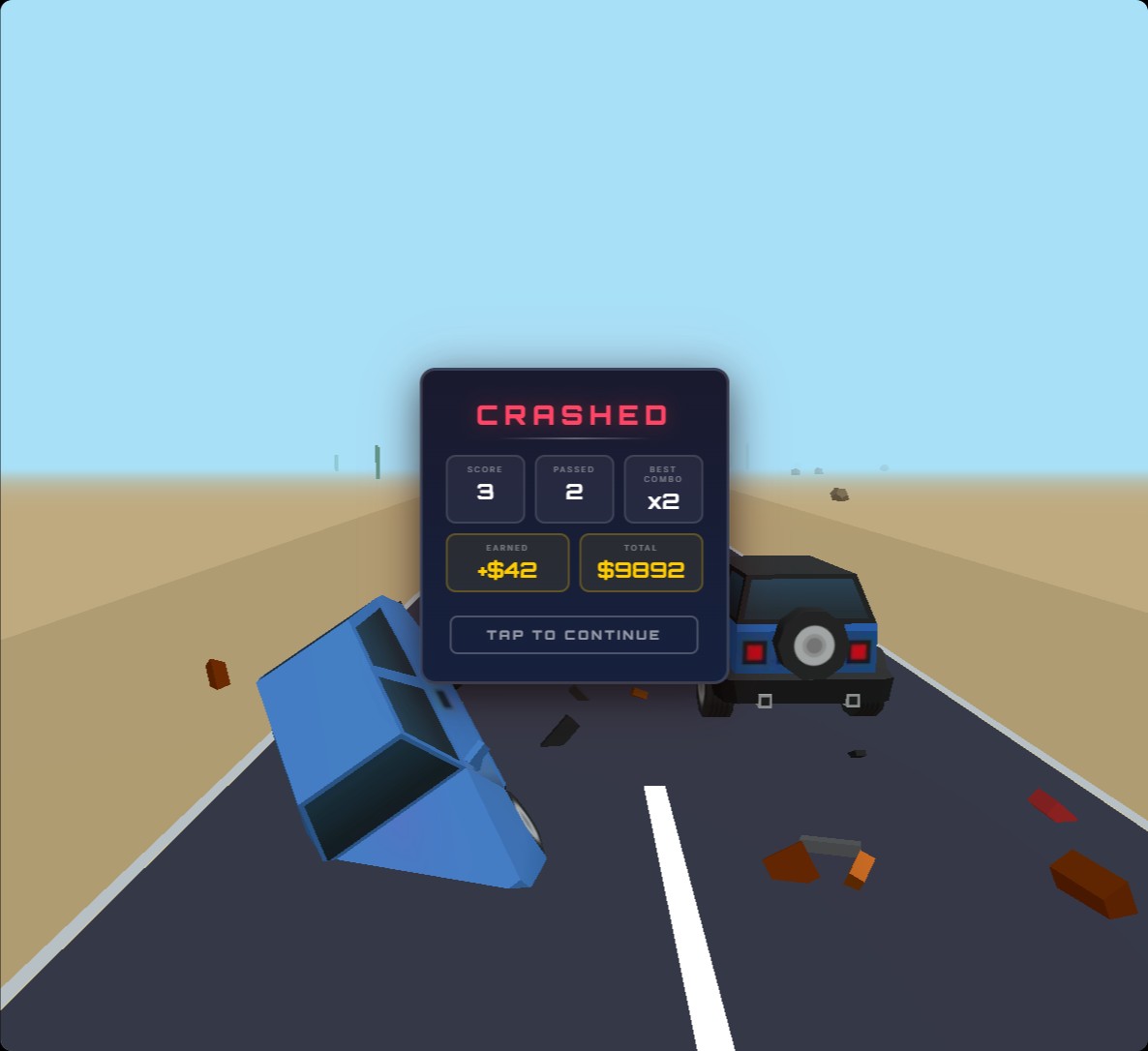
Earn more coins from passing traffic
Coin reward level 20 earns 42 coins from two passes in this run, bringing the balance from 9850 to 9892.
Questions about customisation options
- Does changing coins remove purchase prices?
- No. Normal garage purchases still subtract their usual cost from your coin balance.
- Why does the car preview look unchanged?
- The game can retain the previous vehicle after loading a saved choice. Use the garage arrows to cycle away and back before Play to refresh it.
Using these features
Connect your game, then open Customise in the Windows app. Choose an option, check its available values and follow its instructions. Each option lists its own requirements and limits.
Setup for Overtake Rush →