

Choose how Ziggy moves through Orten
Move through the side-view scene with Fly, Free Walk or Board. Fly can pass through scenery, while Free Walk and Board travel along solid surfaces.

Choose a movement style
Enable Movement and choose Fly, Free Walk or Board. Fly can rise above the usual route, while Board lets Ziggy jump and brake on solid ground. Movement stays in the side-view plane.
Set your controls
Review the movement keys and speed settings on the card. Return to open, walkable ground before switching Movement off so normal movement can resume.
Available ability modifiers
MovementPremium
Choose Fly, Free Walk or Board to explore Orten's side-view scenes.
Enable Movement, choose a style and review the movement keys and speed settings.
Movement stays in the side-view plane. Return to open ground before switching off.
Supported movement styles: Fly, Free Walk, Board
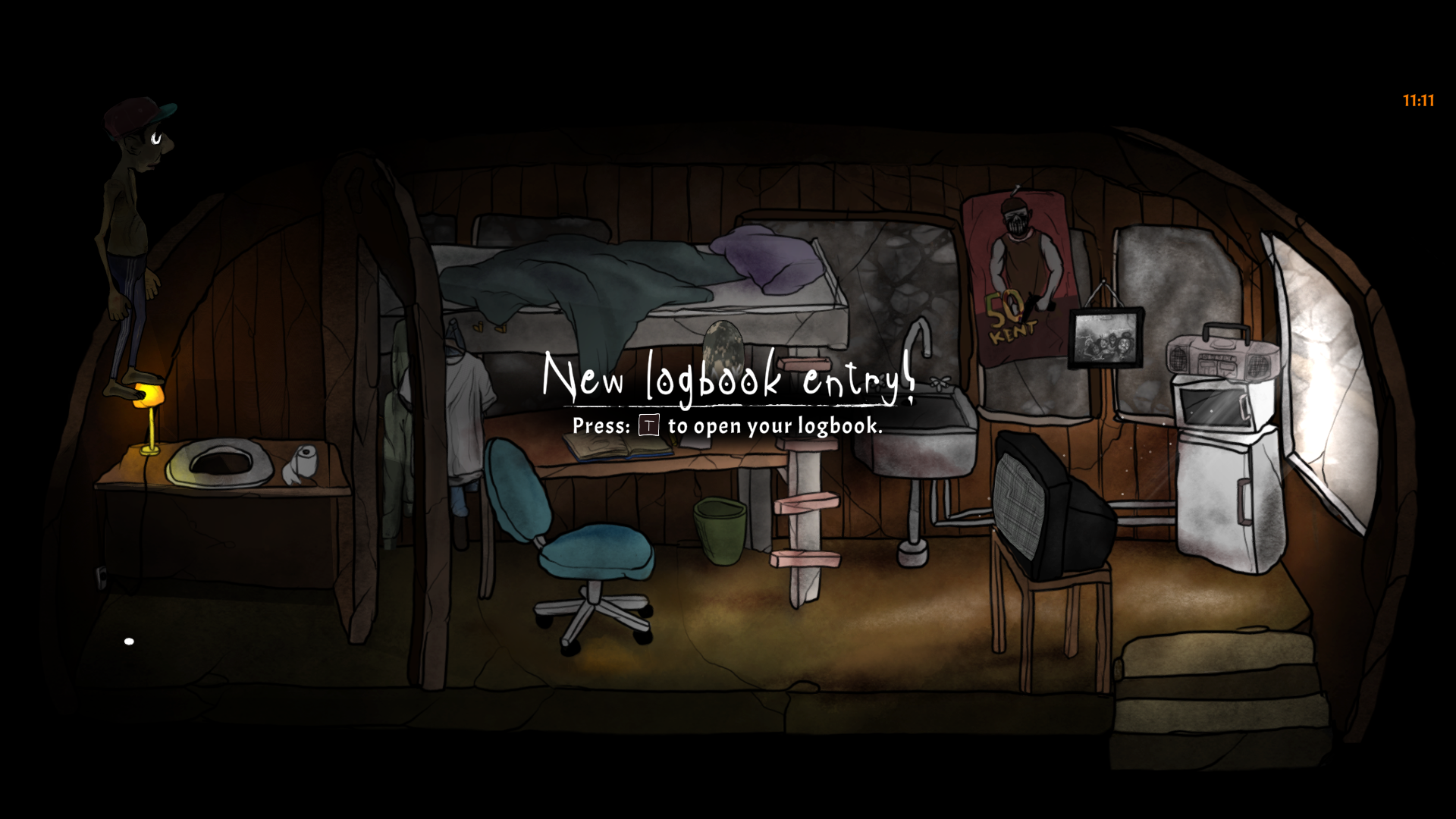
Fly above the bedroom
Lift Ziggy above the bedroom floor and explore from a different angle. Adjust the flight controls and speed to suit you.
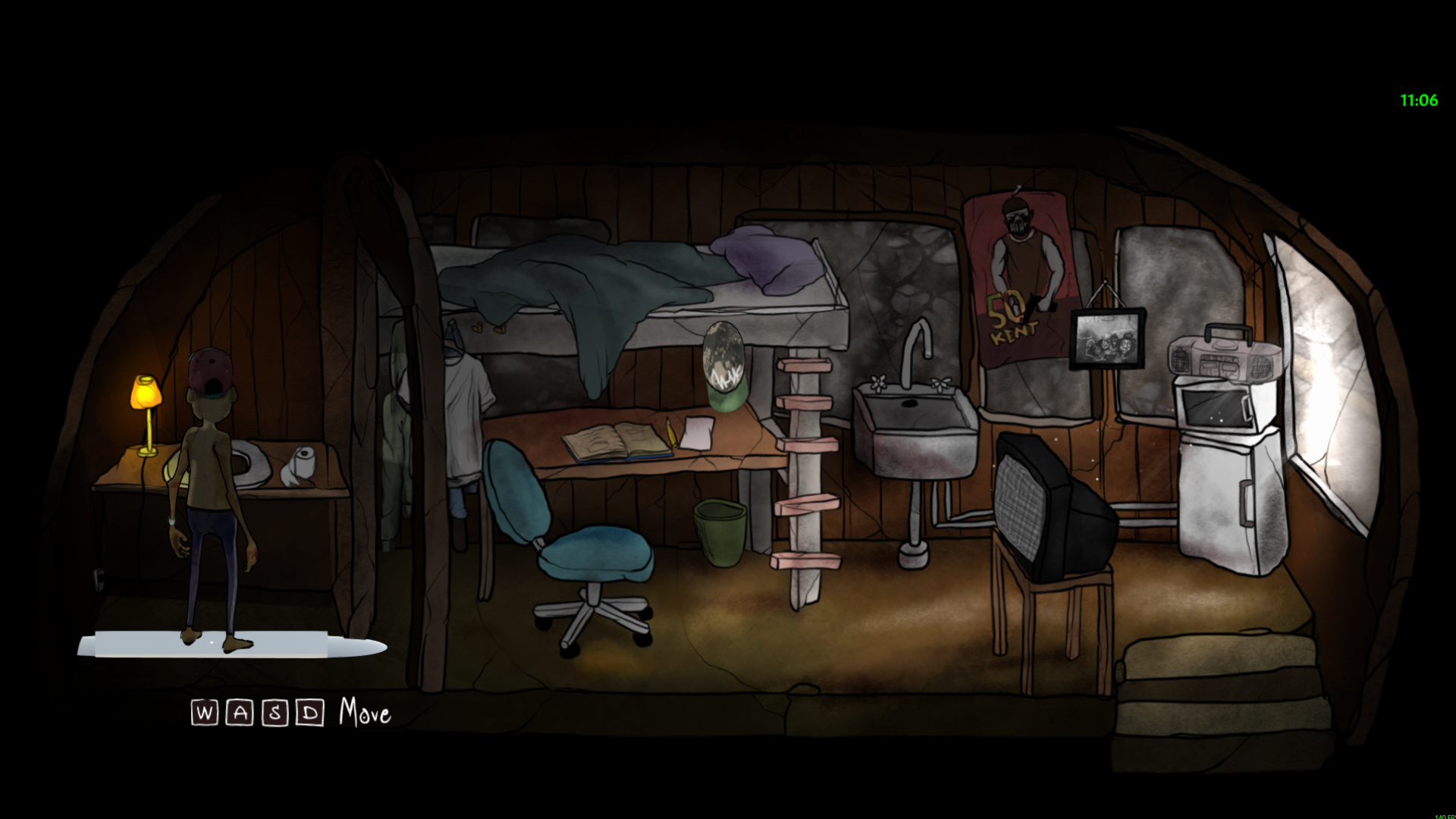
Classic board
Explore on the Classic board.
1 / 2
More ways to customise Orten Was The Case
- Orten Was The Case stat modifiers
Change walking pace and prevent incoming damage during exploration.
Using these features
Choose the feature in the Windows app after connecting your game. Check its requirements before making a change.
Setup for Orten Was The Case →