

Resources
3 optionsEdit current health, energy and keystones during story gameplay.
View resources →Adjust Ori's health, energy and keystones, choose a running pace or bring pickups nearby as you explore the world of Ori and the Will of the Wisps.

Start with free mods
Download Bytonian Mods for Windows and try these free features. Choose one to see how it works and any requirements.
Spawn health, energy and Spirit Light pickups beside Ori.
Open Spawn, choose a pickup, and select one to five at a time.
Use during story gameplay, outside menus, dialogue and Spirit Trials.
Refill Ori’s health or choose a current health amount for the next stretch of your adventure.
During story gameplay, refresh the current amount, then set a value or add or subtract health.
Health stays within your unlocked life capacity. The minimum value is 1.
Resource controls let you edit the amounts you currently carry. Running Speed gives you a slower or faster movement pace, while Spawn Pickups brings health, energy and Spirit Light orbs beside Ori.
Install the Bytonian Mods Windows app, start Ori and the Will of the Wisps, and open its game page to choose your controls.
Use these changes during story gameplay. Return from pause screens and dialogue before editing balances or spawning pickups. The controls are unavailable during Spirit Trials.
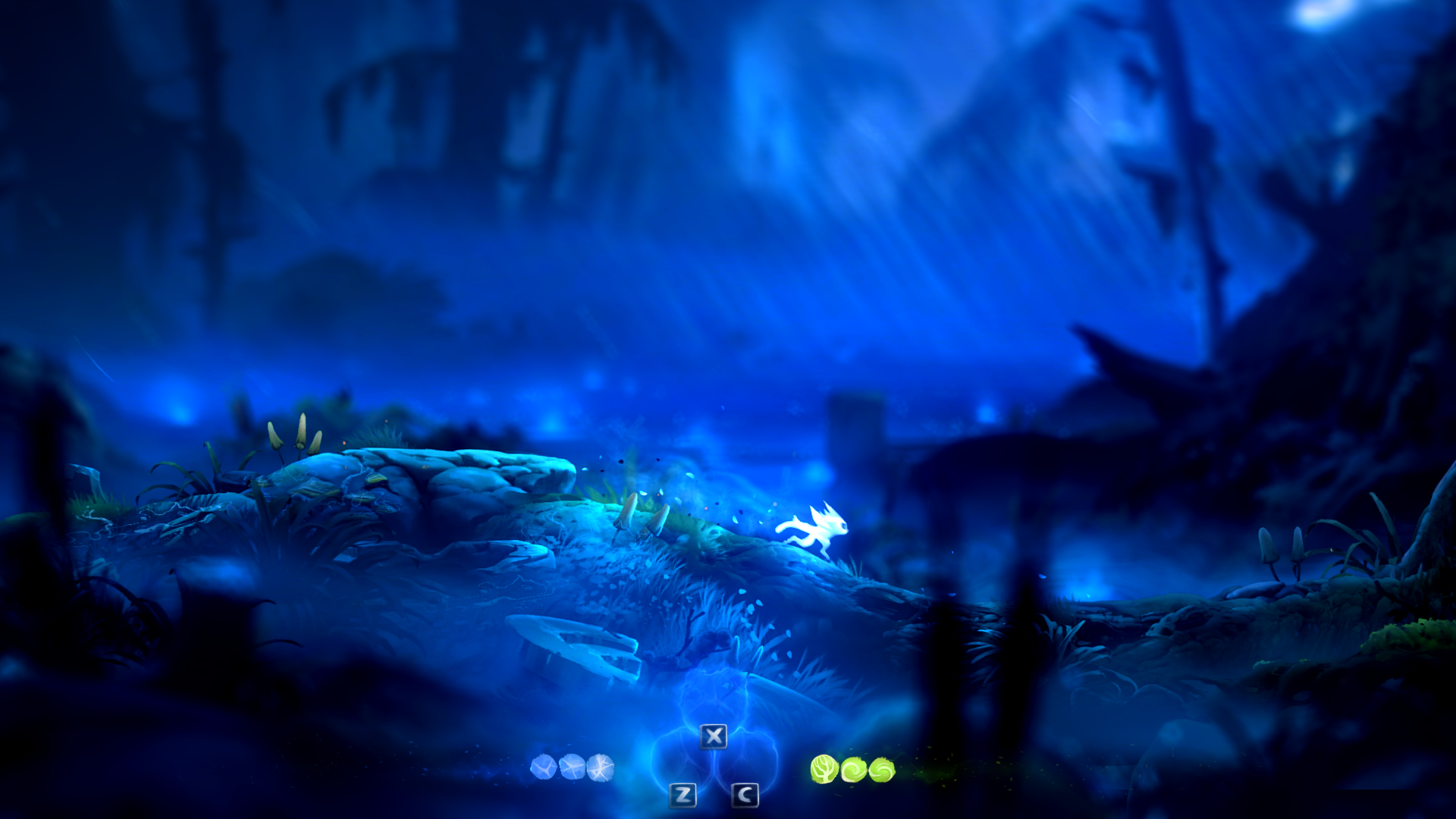
Shape your story adventure
Adjust Ori’s health, energy, keystones and running speed, or spawn useful pickups during story gameplay.
Edit current health, energy and keystones during story gameplay.
View resources →Adjust Ori’s running pace from 50% to 300%.
View stat modifiers →Choose health, energy or Spirit Light pickups and spawn one to five beside Ori.
View game actions →Browse the Steam achievement names and descriptions for Ori and the Will of the Wisps. Choose and unlock achievements for free with Bytonian Mods in the Windows app.
View all achievements →Download the Windows app and follow the setup prompts.
Open Ori and the Will of the Wisps and select it in Bytonian Mods. Follow the app’s connection prompts.
Review the available options in the app and choose the ones that suit how you play.