

Resources
1 optionRefill the current racer's fuel with one action.
View resources →Keep your ship racing in Orbital Racer with fuel refills, shield protection and adjustable engine thrust. In Action races, get a power-up or launch mines, missiles and decoys from the free Spawn menu.

Start with free mods
Download Bytonian Mods for Windows and try these free features. Choose one to see how it works and any requirements.
Launch Impact Mine, EMP Mine, Impact Missile, EMP Missile or Decoy.
Open Spawn during an Action race with power-ups enabled. Keep the held slot empty and wait a second between launches.
Missiles require an opponent lock. Keep moving after dropping mines, because they can hit your own ship.
Fill your current racer's fuel tank.
Press Refill Fuel during an active local race.
Close race menus before using it.
Resources contains the free fuel refill. Rules controls shield protection, while Stats lets you adjust engine thrust. Game Actions contains power-up grants and the free Spawn menu.
Install Bytonian Mods, select Orbital Racer and launch the game with your chosen packages enabled. Enter a local race and close its menus before using the controls. Choose an Action race with power-ups enabled for power-up grants and Spawn.
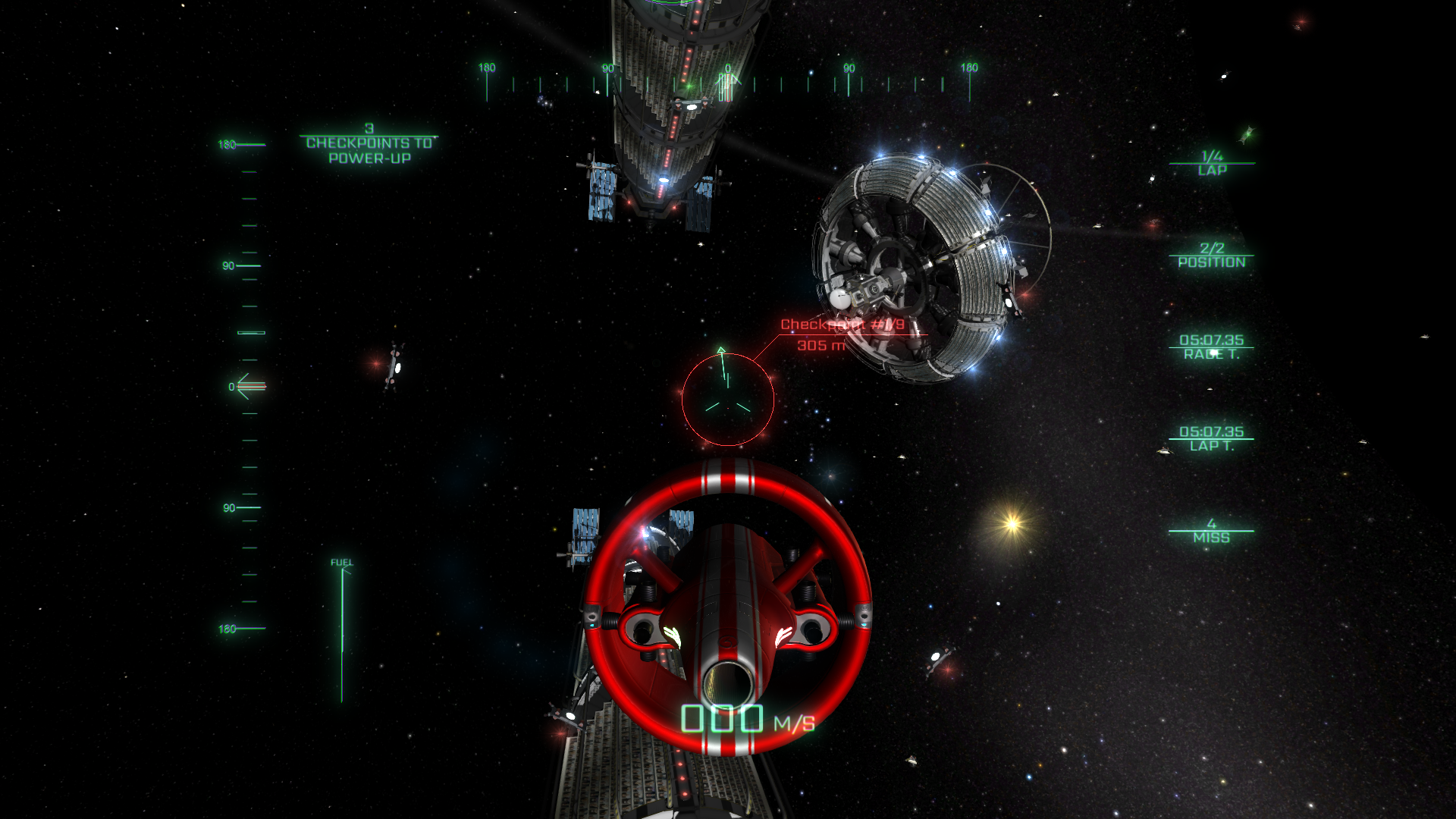
Orbital Racer flight controls and power-ups
Refill fuel, protect your shield, tune engine thrust and launch race power-ups around orbital courses.
Refill the current racer's fuel with one action.
View resources →Adjust engine thrust with a percentage control.
View stat modifiers →Keep the local racer's shield full while protection is enabled.
View rule modifiers →Get a power-up or launch five native items from Spawn.
View game actions →Download the Windows app and follow the setup prompts.
Open Orbital Racer and select it in Bytonian Mods. Follow the app’s connection prompts.
Review the available options in the app and choose the ones that suit how you play.