
Customise
1 optionHints are free to customize and remain available through the game's normal lightbulb button.
View customisation options →Choose your hint supply to help spot an arrow with a clear path. Tap arrows in the right order to send them off the grid.
Requires the Windows app and the Bytonian Mods browser extension for Chrome or Edge. Browser setup guide
Start with free mods
Download Bytonian Mods for Windows and try these free features. Choose one to see how it works and any requirements.
Set your hint supply to get help finding arrows that can leave the grid.
Enter a whole-number amount, apply it, then press the lightbulb during a puzzle.
Find a clear way out
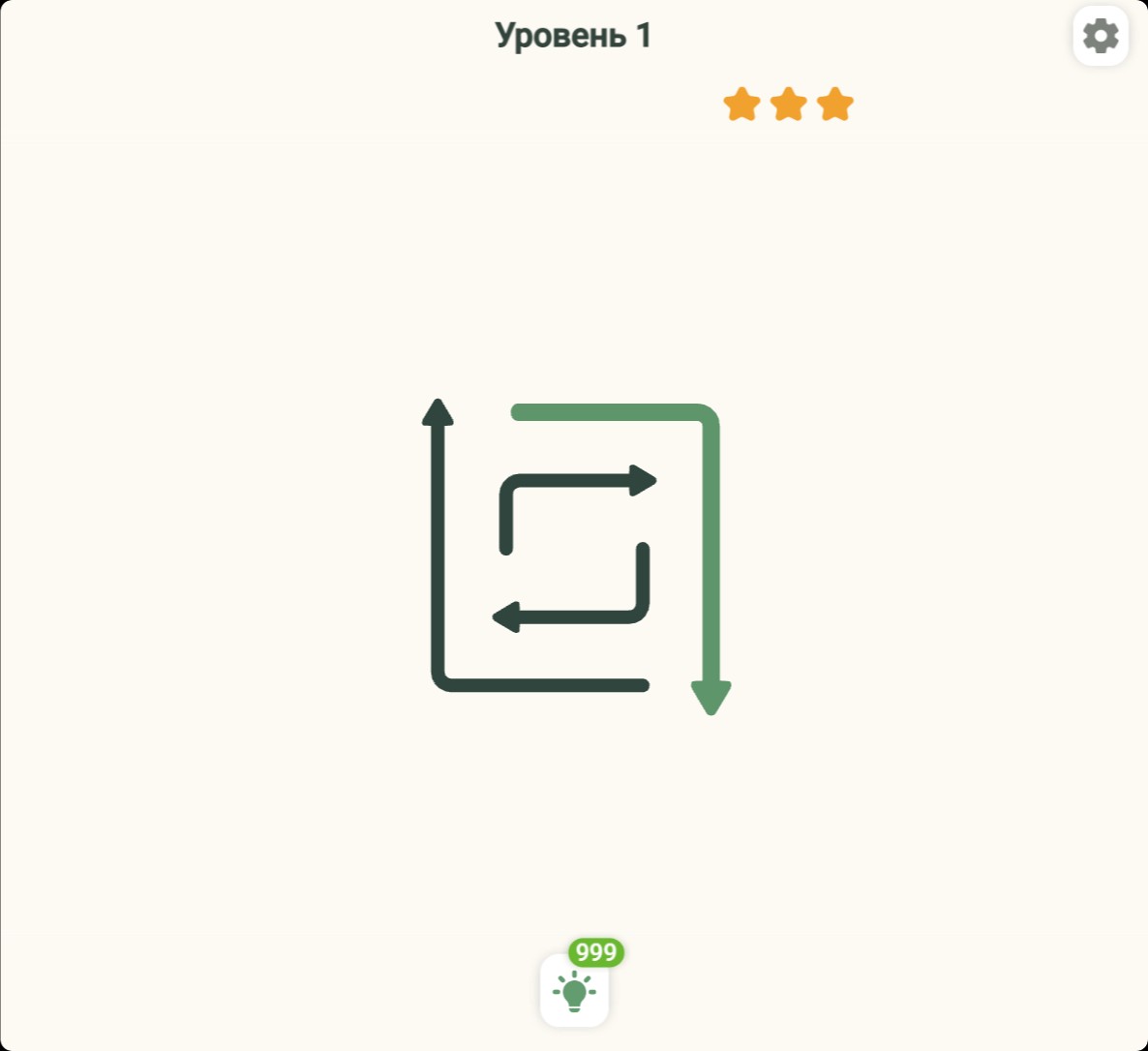
Work through the arrow puzzle with a larger hint supply. The green arrow shows a legal move suggested by the normal lightbulb.
Use a hint to highlight an arrow that can leave the board. You still choose the arrow and make the move, keeping the puzzle in your hands.
Set the number of hints you want, then return to the puzzle. The lightbulb works as usual and uses one hint when it highlights a move.
Hints are free to customize and remain available through the game's normal lightbulb button.
View customisation options →Download the Windows app and follow the setup prompts.
Set up the browser extension in Chrome or Edge, then open the supported YouTube Playable. Follow the connection guide if the game is already running.
Open Customise in Bytonian Mods, choose an option and follow its instructions. Check the available values and any limits before making your change.