
Manage your dungeon resources
Gold buys supplies and armour, food pays room costs and health keeps your adventurer alive. Adjust the resource you need before committing to the next room.
When to change a balance
Finish the current room choice or animation, then use the control while the run is active and unpaused. Refresh the displayed value to check the current balance. Health can be adjusted for a living adventurer.
Available resources
FoodPremium
Set food from 0 to 6, or add and subtract rations before choosing your next room.
Finish the current room choice or animation and unpause the run before editing. Enter an amount, then set, add or subtract it.
Rooms still consume food normally.
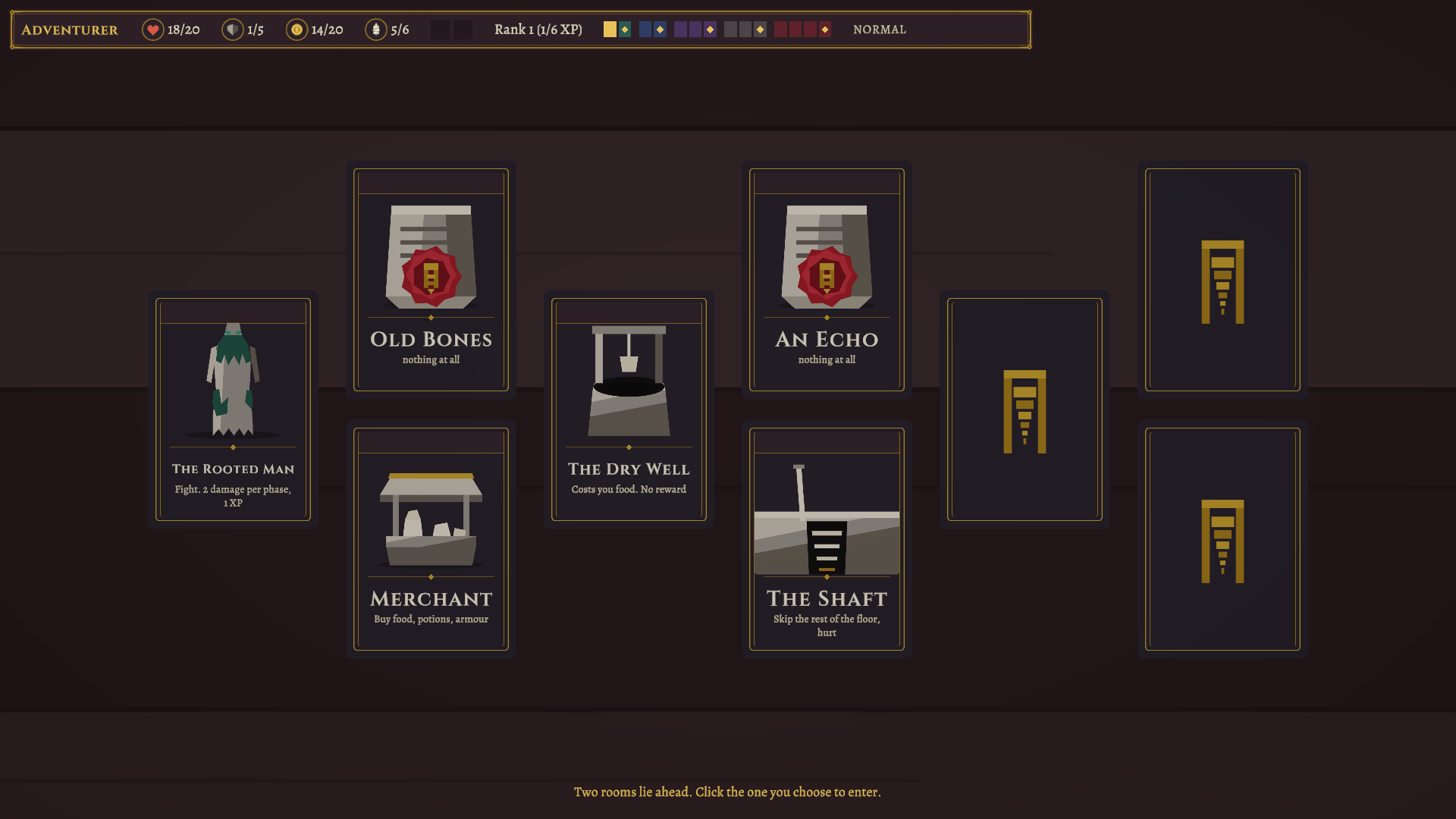
Food for the next room
Adjust food during your current run. Room costs still apply: after raising food to 6, the Dry Well used one ration and left 5.
GoldFree
Set gold from 0 to 20, or add and subtract gold before your next merchant visit.
Finish the current room choice or animation and unpause the run before editing. Enter an amount, then set, add or subtract it.
Merchants still deduct the normal purchase price.
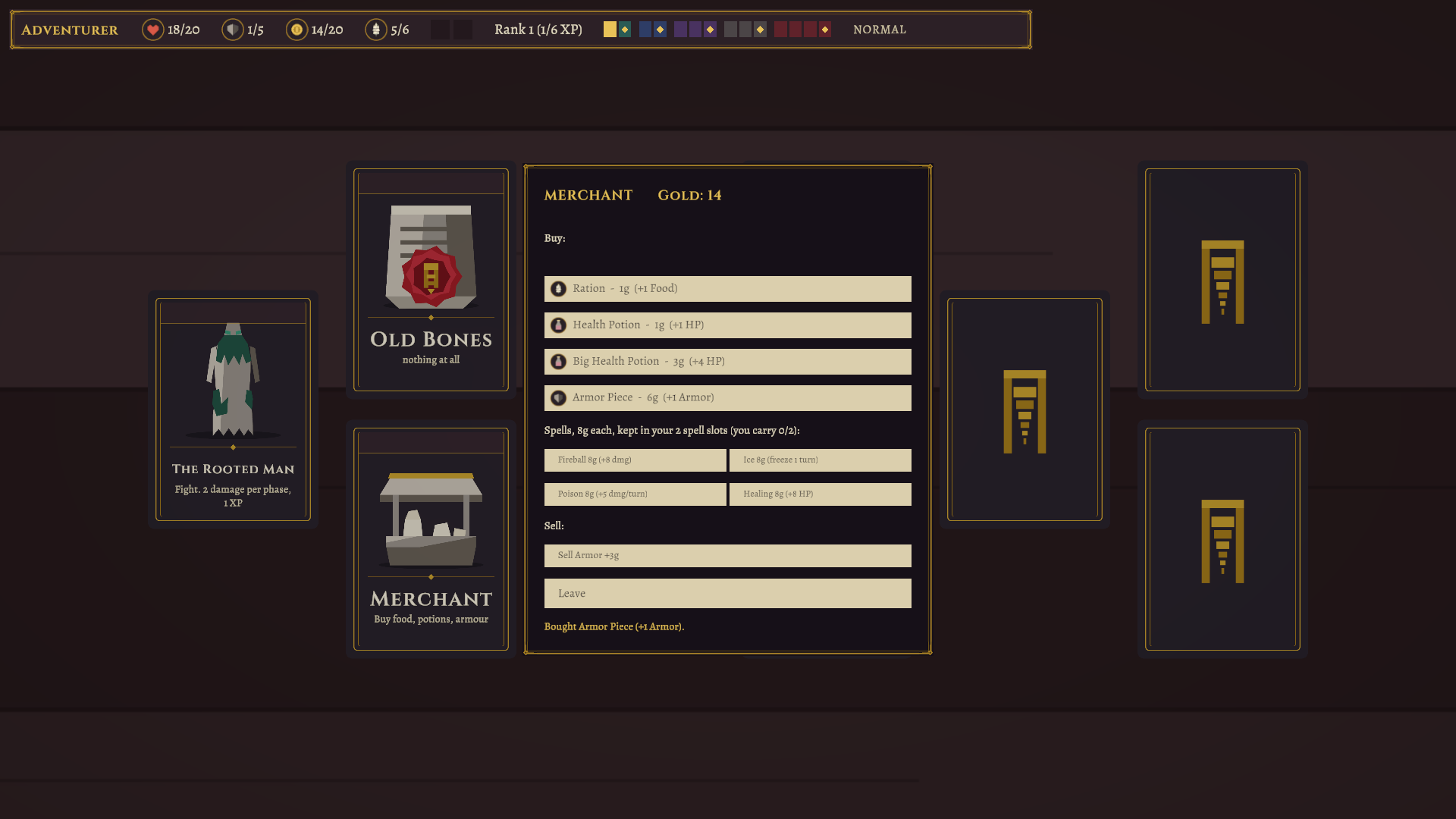
Gold for your next merchant purchase
Adjust gold in your current run, then spend it normally on the merchant’s supplies and equipment.
HealthPremium
Set a living adventurer's health from 1 to 20, or add and subtract health before the next fight.
Finish the current room choice or animation and unpause the run before editing. Enter an amount, then set, add or subtract it.
Combat damage still applies. This control does not revive a dead adventurer.
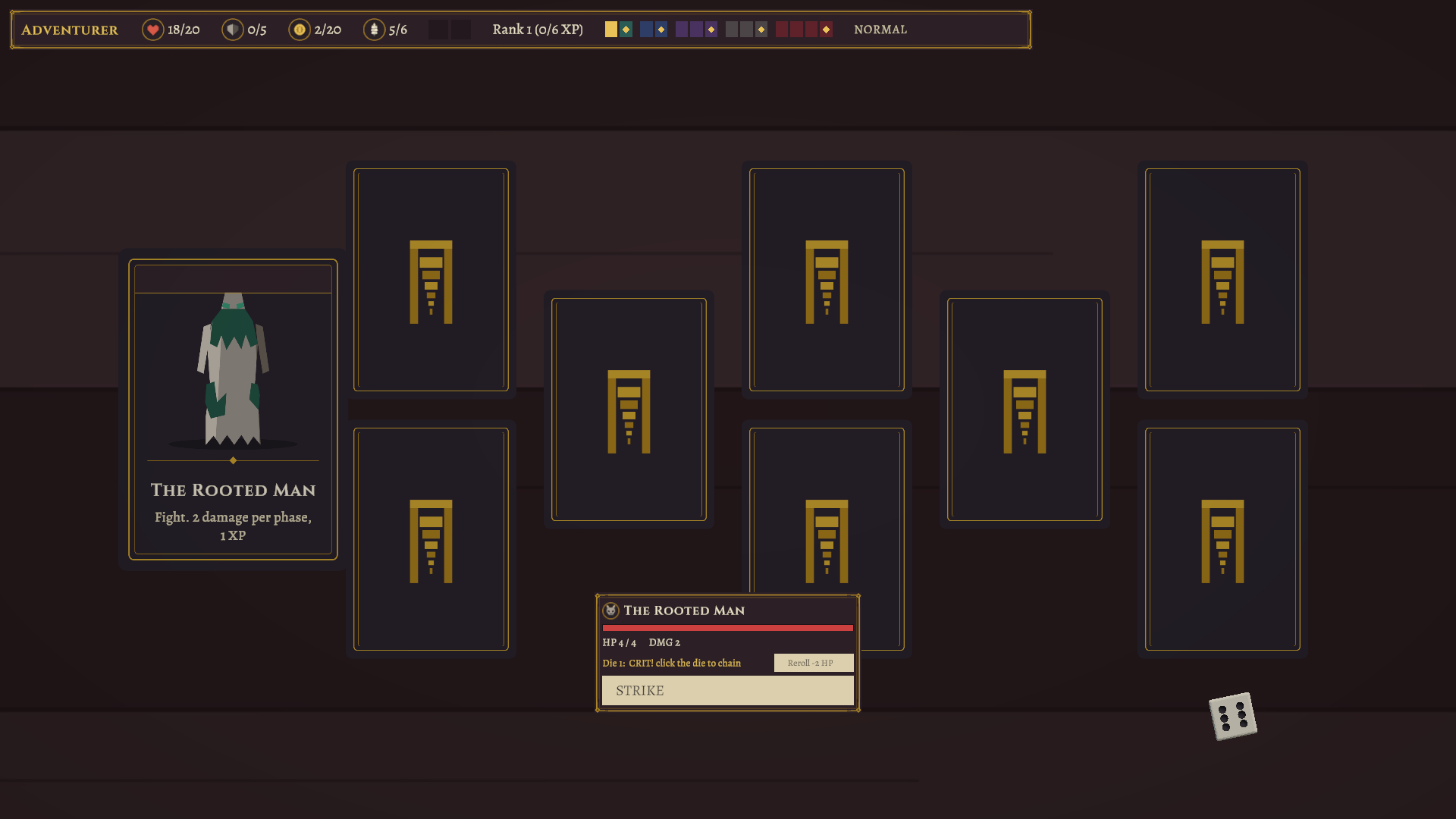
Adjust health for your current run
Set your current health within the game’s normal limit. Combat damage continues to apply.
Using these features
Choose the feature in the Windows app after connecting your game. Check its requirements before making a change.
Setup for One More Floor →