


Coins for cosmetic purchases
Choose a coin balance to spend on a new look for your snowboarder.

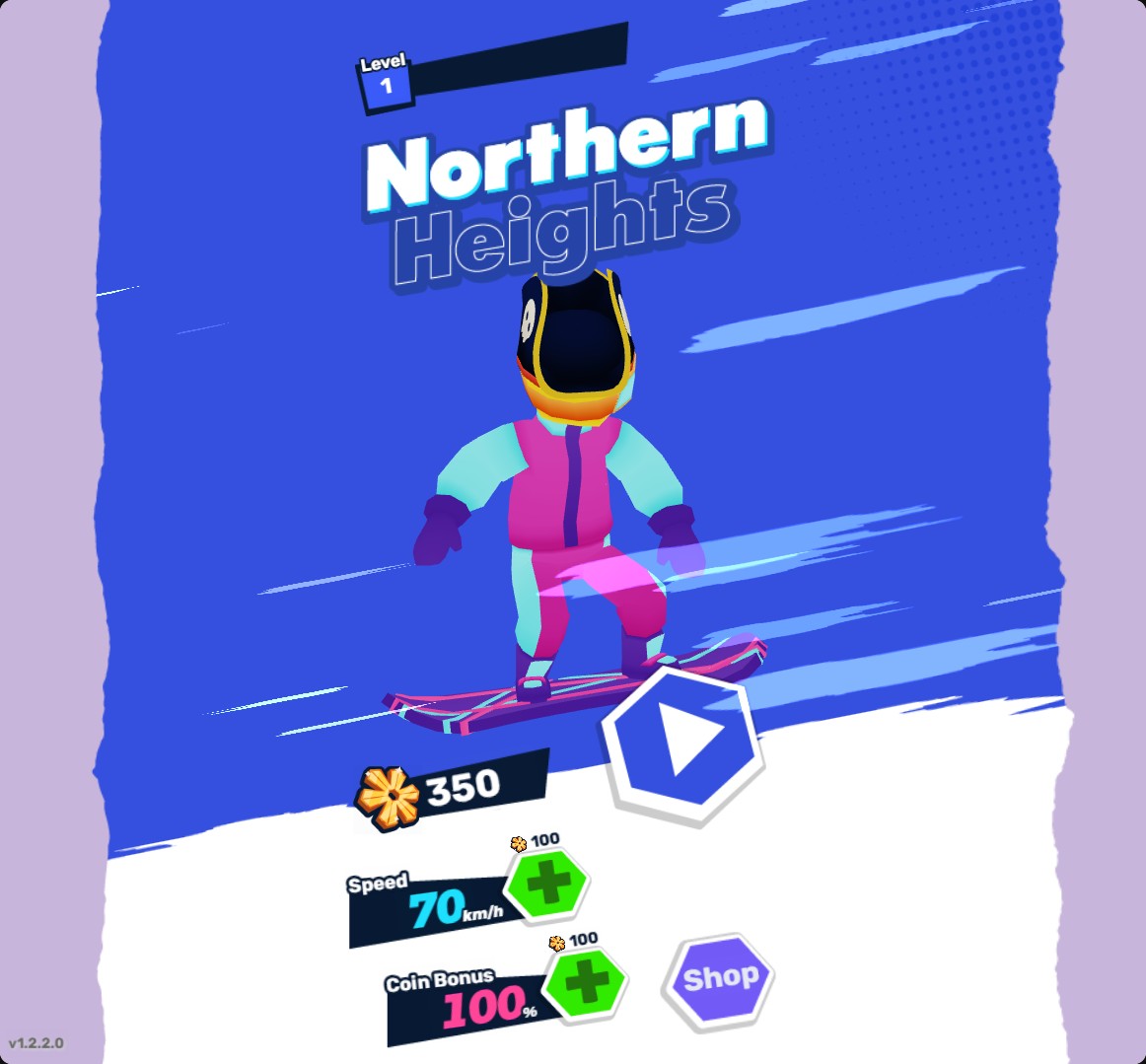
Pick a new look with coins
The pirate hat equipped after a normal shop purchase, with 350 coins remaining.
Purchase and equip
Set Coins to your chosen amount and apply it. Open Shop from the home screen, select a cosmetic and use Unlock to purchase it.
After unlocking an item, select Equip to wear it. The pirate hat costs 650 coins and changes your snowboarder's headwear.
Available customise
CoinsFree
Choose coins for cosmetic purchases in the shop.
Apply your chosen balance, open Shop, buy an item with Unlock and select Equip.
Questions about customise
- Why does an item appear before I buy it?
- Selecting an item previews it on your character. Use Unlock to purchase it, then Equip to wear it.
- Does changing Coins choose my outfit?
- You choose your cosmetics separately in the shop after applying a balance.
Using these features
Choose the feature in the Windows app after connecting your game. Check its requirements before making a change.
Setup for Northern Heights →