
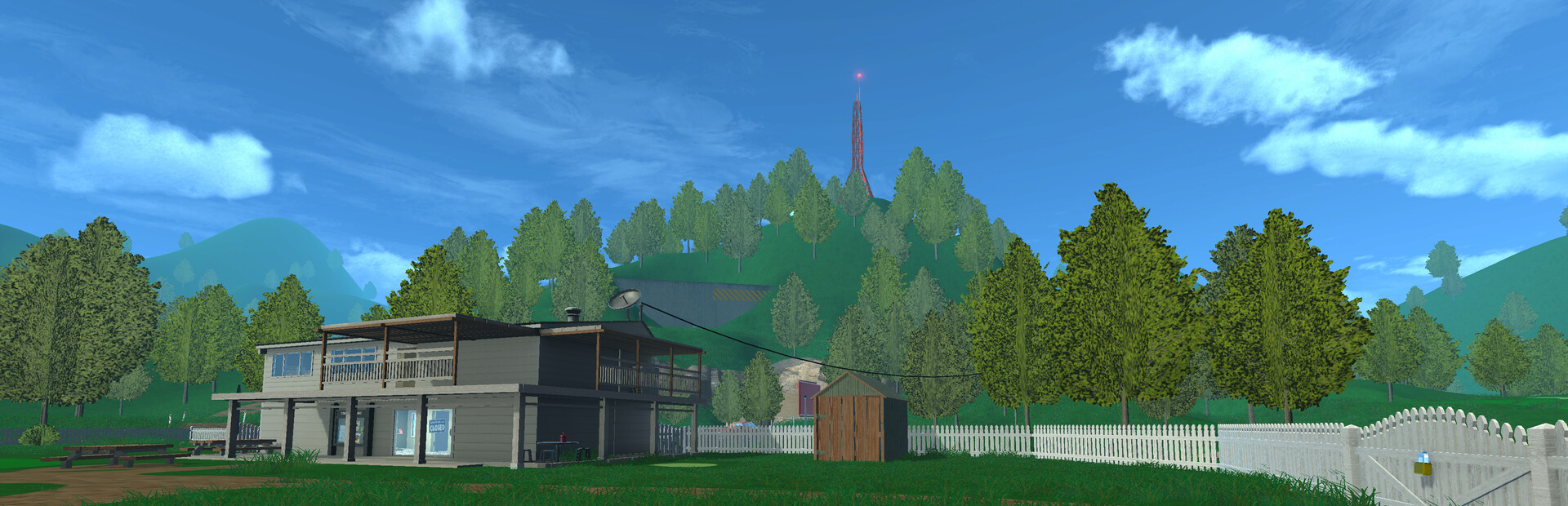
Shot, credit and round controls
Adjust your shot settings and balance, and choose assists for a regular round.

Read and adjust
Refresh a card to see its current value, then set a number or add an amount.
Open the round options
Assist cards set the current number and the starting allowance for future rounds. Close and reopen the round options after adding an assist to show its button.
Tune power and spin
Refresh the Shot Power or Shot Spin card, then set a value to change your shots.
Set your walking pace
Refresh the Walking Speed card and choose the pace you want while exploring.
Adjust sprint speed, or enable jumping and set its strength and number of jumps before landing.
Available resources
CreditsFree
Choose your current credit balance.
Refresh the Credits card, then set a value or add an amount.
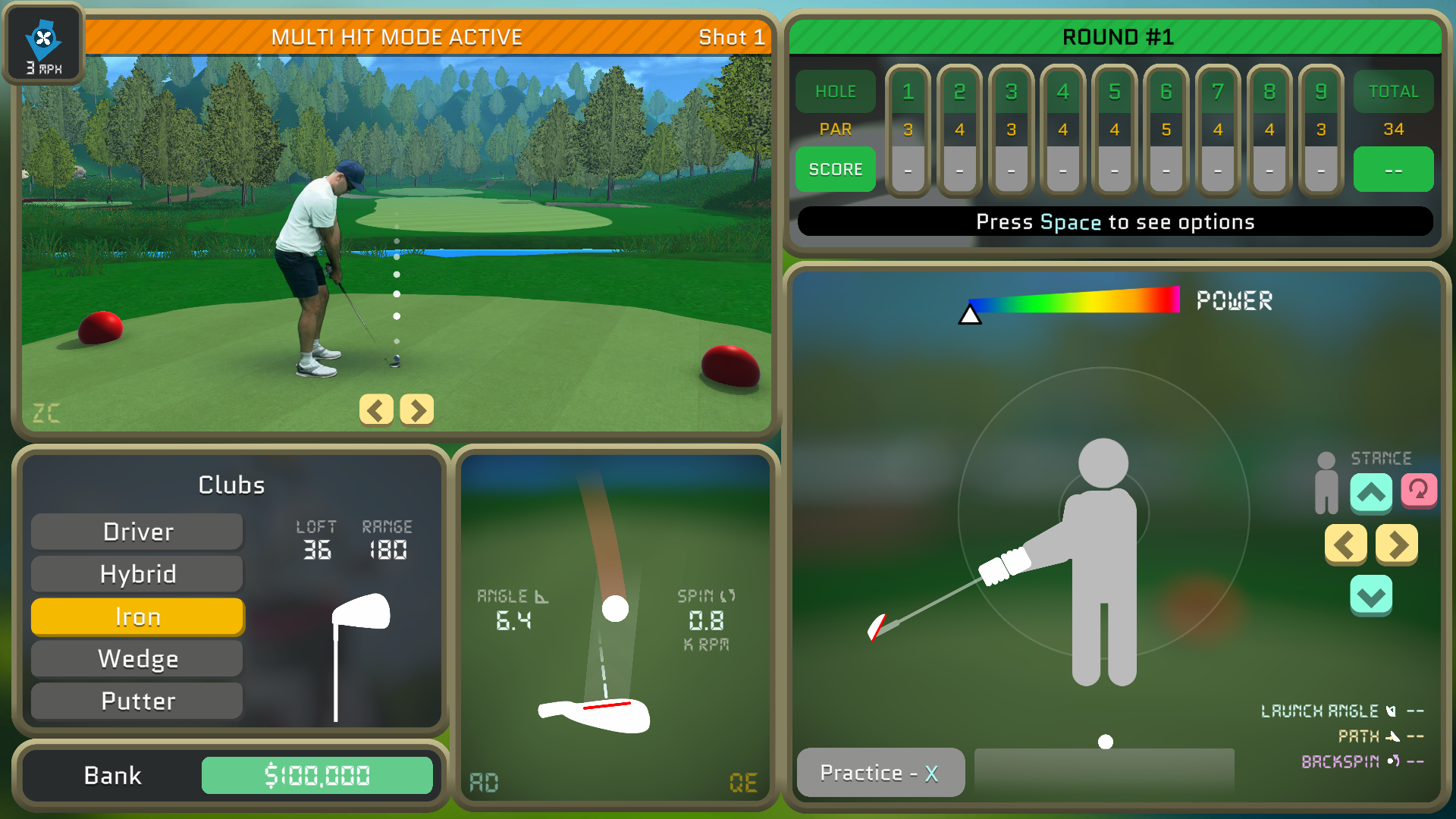
Adjust your golf credits
Choose your credit balance while playing a round.
Hole skipsFree
Set hole skips for the current regular round and the starting allowance for later rounds.
Refresh the card, set the amount, then reopen the round options.
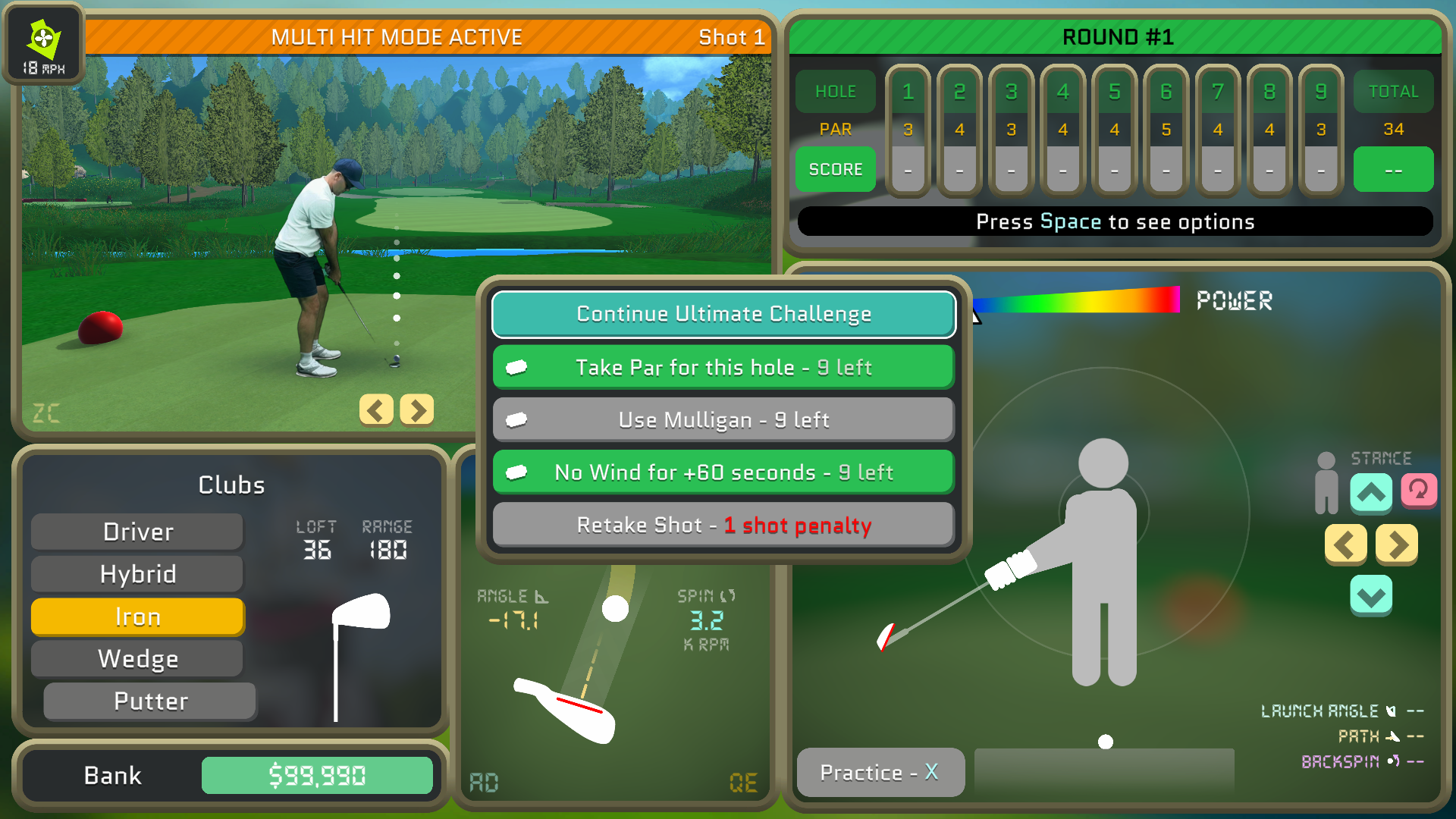
Choose your round assists
Set the number of mulligans, no-wind uses and hole skips available in a regular round.
MulligansFree
Set mulligans for the current regular round and the starting allowance for later rounds.
Refresh the card, set the amount, then reopen the round options.
No-wind usesFree
Set no-wind uses for the current regular round and the starting allowance for later rounds.
Refresh the card, set the amount, then reopen the round options.
Shot powerFree
Adjust the power applied to your golf shots.
Refresh the card, then set your preferred power.
Shot spinFree
Adjust the spin applied to your golf shots.
Refresh the card, then set your preferred spin.
Walking speedFree
Adjust your walking speed while exploring the course.
Refresh the card and set your preferred walking speed.
More ways to customise Normal Golf Game
- Normal Golf Game stat modifiers
Adjust sprint speed and jump settings for exploring the course.
- Normal Golf Game ability modifiers
Fly over the course or enable jumping while walking.
Questions about resources
- Which assists can I change?
- You can adjust mulligans, no-wind uses and hole skips separately.
Using these features
Choose the feature in the Windows app after connecting your game. Check its requirements before making a change.
Setup for Normal Golf Game →