

Game Actions
2 optionsTwo one-click actions with adjustable amounts.
View game actions →Give your next NGU IDLE run more room to grow. Add Gold builds up your reserve, while Add EXP gives you more to spend on permanent upgrades through the game's normal menus.

Start with free mods
Download Bytonian Mods for Windows and try these free features. Choose one to see how it works and any requirements.
Add EXP to spend on permanent upgrades, with normal EXP bonuses applied.
Choose a base amount, apply it once, then visit the normal upgrade page.
Progression requirements still apply to locked purchases.
Add gold to your current balance. Normal gold milestones can unlock as your balance rises.
Choose a whole-number amount, then press Add Gold once.
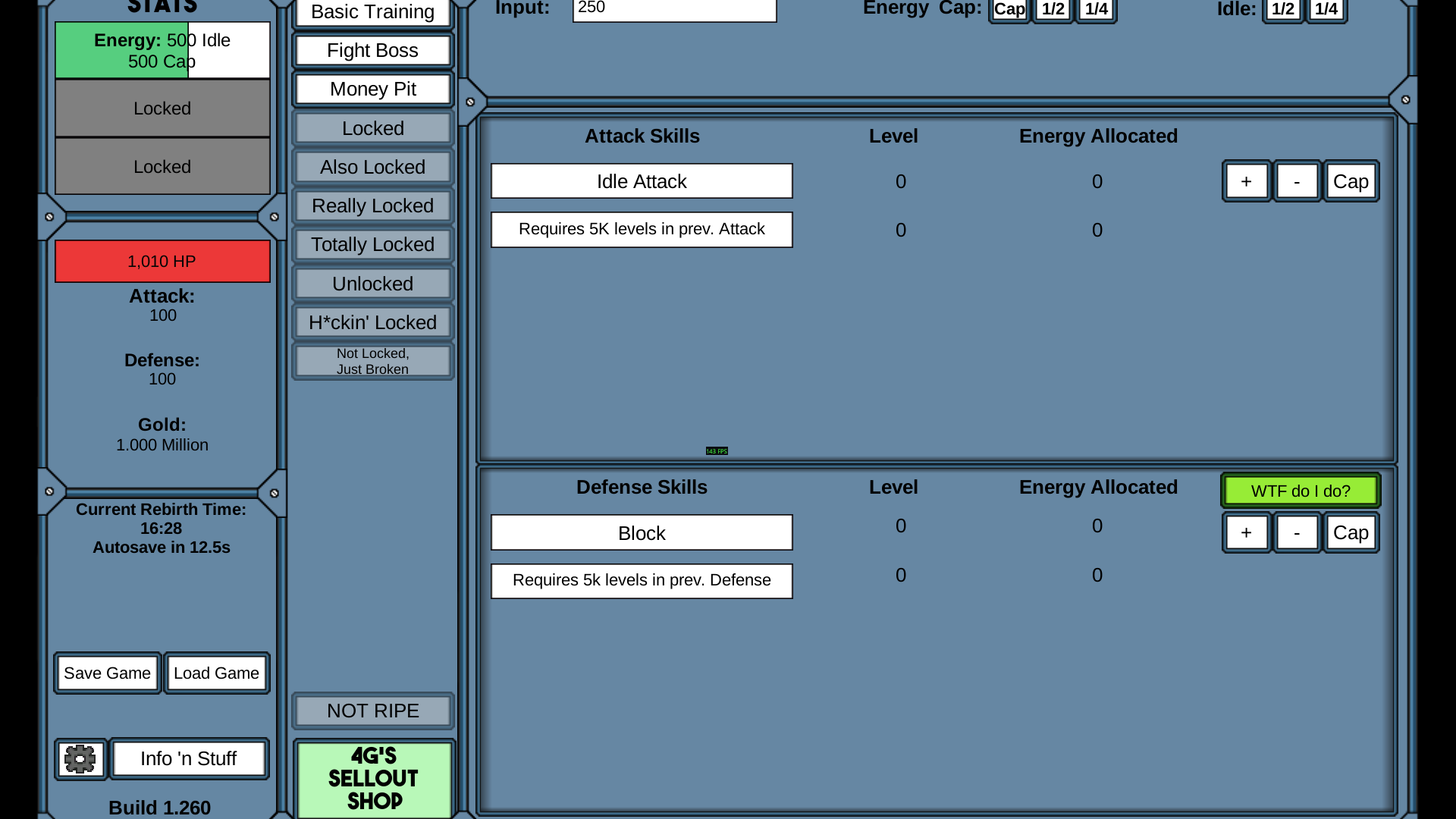
Shape your next NGU IDLE run
Build up your gold and spend EXP on normal upgrades while you choose what to train next.
Choose an amount and add gold to your current run. The game's usual gold milestones still apply, including the Money Pit unlock when your balance reaches its requirement.
Add EXP, then decide where to spend it. Energy generation speed is one early option; other upgrades still require their normal progression milestones.
Two one-click actions with adjustable amounts.
View game actions →Browse the Steam achievement names and descriptions for NGU IDLE. Choose and unlock achievements for free with Bytonian Mods in the Windows app.
View all achievements →Download the Windows app and follow the setup prompts.
Open NGU IDLE and select it in Bytonian Mods. Follow the app’s connection prompts.
Review the available options in the app and choose the ones that suit how you play.