


Choose Your Neon Rolling Ball Coins
Set a coin balance to cover the balls you want, then make your purchases in the Balls menu.

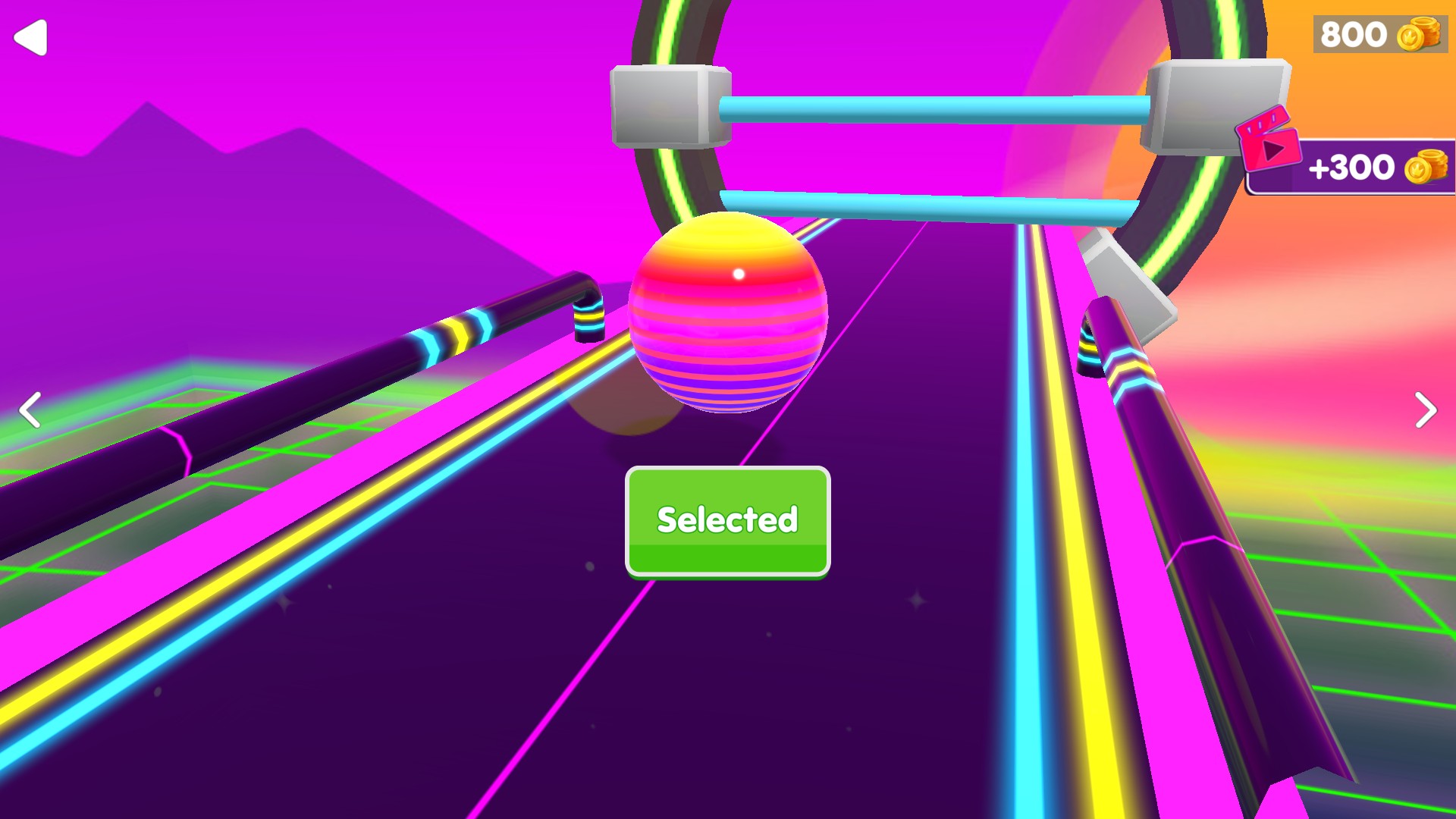
Pick a new ball
Spend coins in the Balls shop to unlock a new look for your next run.
Choose a balance
Enter the number of coins you want and apply your choice. Open Balls when you return to the game.
Unlock your next look
Use the arrows to browse the available balls. Check the price, press Unlock and look for Selected on your new ball.
Available customise
CoinsFree
Choose how many coins you have to spend in the Balls shop.
Enter a whole number from 0 to 100,000, apply it, then open Balls and buy the design you want.
Questions about customise
- Is the Coins control free?
- Yes. The Coins control is free to use.
- Does this unlock every ball at once?
- Choose and buy the balls you want in the regular shop. Each purchase uses the listed number of coins.
Using these features
Choose the feature in the Windows app after connecting your game. Check its requirements before making a change.
Setup for Neon Rolling Ball →