
Resources
4 optionsAdjust four resources with separate controls for map exploration and battles.
View all resources →Adjust gold, provision, mana and souls in Necroking, or change your travel speed between world-map tiles. Choose the free controls you need for your route and the next battle.
Start with free mods
Download Bytonian Mods for Windows and try these free features. Choose one to see how it works and any requirements.
Adjust provision for your next world-map route.
Refresh the current balance, then set it or add a whole-number amount.
Changes must stay between zero and your current provision capacity.
Adjust the mana available for summoning during a regular battle.
Enter a regular battle after the tutorial, refresh the balance and choose your amount.
Changes cannot exceed your current mana capacity.
Adjust your character's travel speed between world-map tiles.
Enable the control and choose a whole-number speed percentage from 50 to 300.
Changes apply from the next step. Normal route rules and provision costs remain.
Adjust the souls available for summoning during a regular battle.
Enter a regular battle after the tutorial, refresh the balance and choose a whole-number amount.
Balances must stay between zero and one million.
Adjust gold and provision from the world map. Gold supports shop purchases, while provision is spent as you move between tiles. During a regular battle, adjust the mana and souls available for summoning units.
Map Travel Speed changes how quickly your character moves between tiles. Choose a percentage from 50 to 300, with 100 as normal speed. The setting applies to map travel and leaves battle pace unchanged.
Install the Windows app, select Necroking and launch the game with mods enabled. Enable the control you want, then use its settings while in the required part of the game.
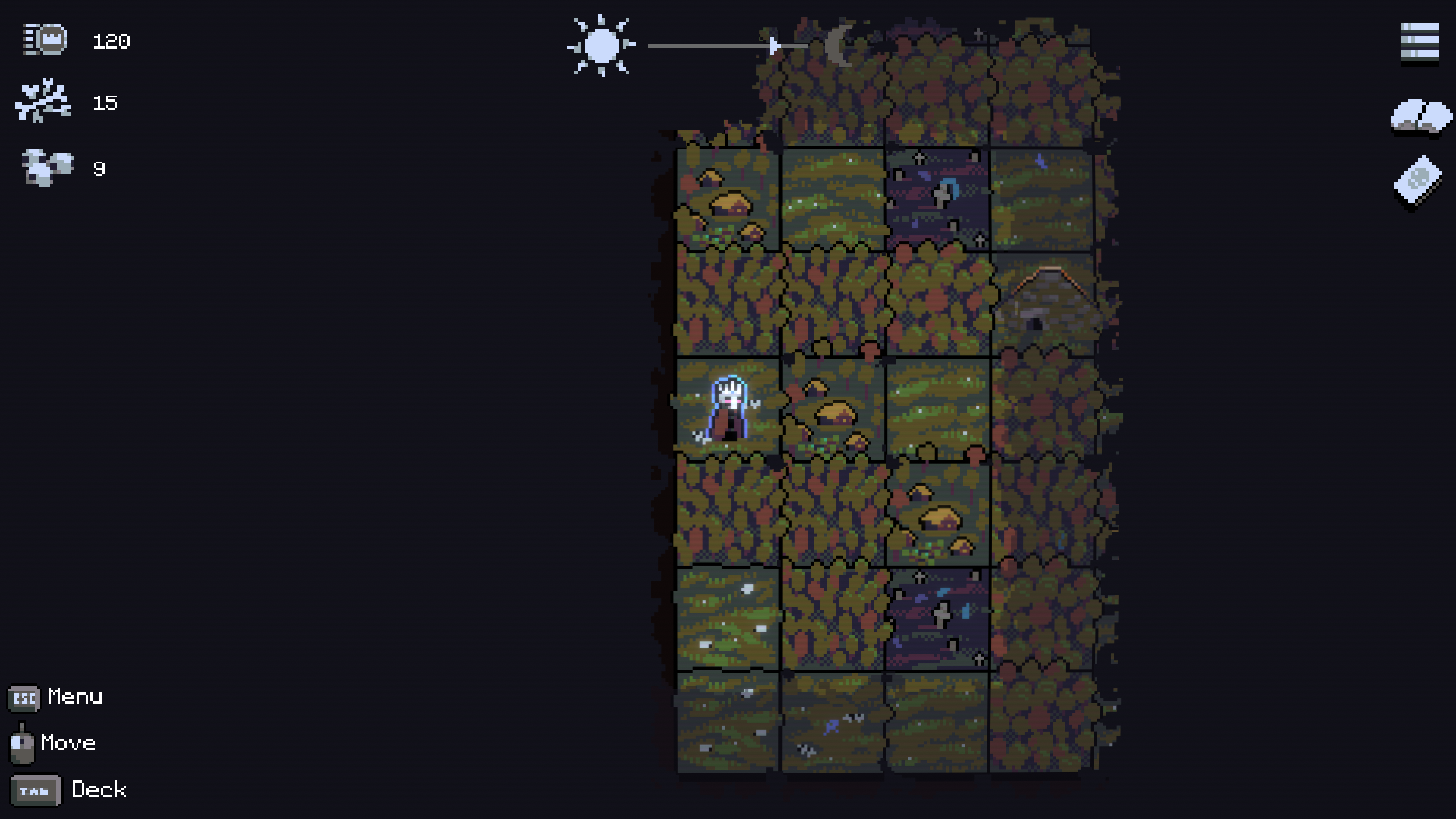
Plan your route across the map
Explore the world map, manage your provision and prepare your deck for the encounters ahead.
Adjust four resources with separate controls for map exploration and battles.
View all resources →Set your character's map travel speed from 50% to 300%.
View stat modifiers →Browse the Steam achievement names and descriptions for Necroking. Choose and unlock achievements for free with Bytonian Mods in the Windows app.
View all achievements →Download the Windows app and follow the setup prompts.
Open Necroking and select it in Bytonian Mods. Follow the app’s connection prompts.
Review the available options in the app and choose the ones that suit how you play.