

Resources
3 optionsSet or add to your current Gols, health and stamina.
View resources →Refill stamina before a workshop job, hold the clock while you work or choose a new way to get around Portia. Set Gols and health separately, or add selected materials, furniture or food to your bag.

Start with free mods
Download Bytonian Mods for Windows and try these free features. Choose one to see how it works and any requirements.
Choose materials, furniture, food and other catalog items and add them directly to your bag.
Enter normal gameplay, open Inventory Spawn, search or choose a category, and select an item and quantity.
Your bag needs space for the requested amount. Quest items and DLC-associated items are excluded.
Choose your current Gols balance for the workshop routine you want to play.
Enter your game, use Refresh, then set a balance or add an amount.
This changes your current balance once. Supported balances range from 0 to 100,000,000.
Fly over the workshop yard, walk with world collisions or coast around Portia on a board.
Enable Movement, choose Fly, Free Walk or Board, and adjust the movement settings to suit you. Turn Movement off to return to normal movement.
Fly passes through world obstacles. Free Walk and Board keep world collisions.
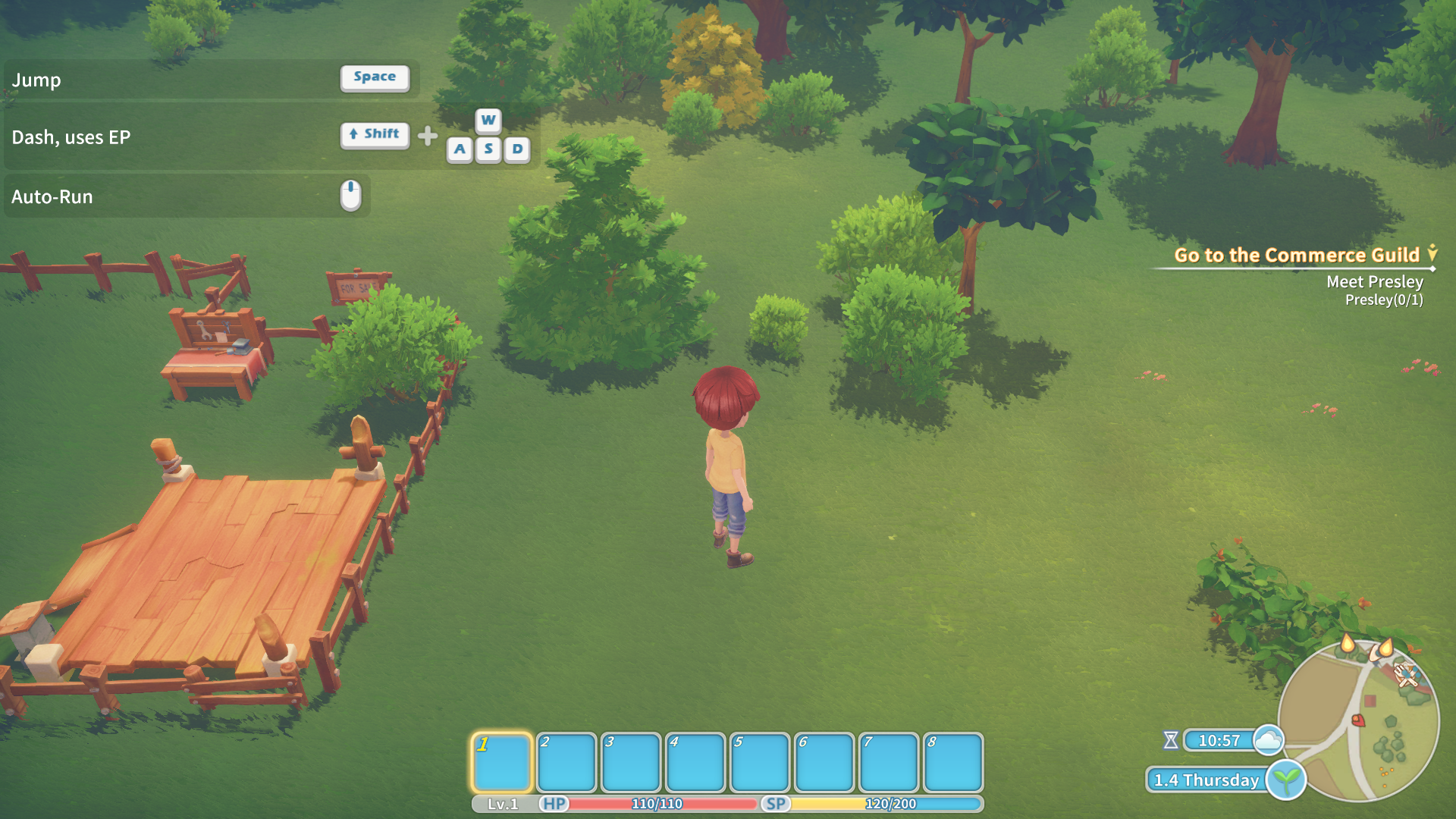
Fly above your Portia workshop
Take to the air around your workshop, then switch back to walking or explore on a board.
Resource controls help you choose current amounts, while movement styles and the clock toggle change how you spend time around your workshop. Browse the relevant category for the controls and their practical limits.
Open My Time at Portia in Bytonian Mods, launch your game and enter gameplay before using a control. For resource changes, use Refresh first so you start from the current amount.
Set or add to your current Gols, health and stamina.
View resources →Hold the in-game clock while normal play continues.
View rule modifiers →Choose Fly, Free Walk or Board and adjust your movement settings.
View ability modifiers →Browse inventory categories and add selected items to your bag.
View game actions →Browse the Steam achievement names and descriptions for My Time at Portia. Choose and unlock achievements for free with Bytonian Mods in the Windows app.
View all achievements →Download the Windows app and follow the setup prompts.
Open My Time at Portia and select it in Bytonian Mods. Follow the app’s connection prompts.
Review the available options in the app and choose the ones that suit how you play.