


Spend less time walking between jobs
Set a comfortable walking pace as you move around the hotel. The control starts at 200%, and you can adjust it from normal speed up to 300%.

Choose your walking pace
Enable walking speed, then choose a percentage from 100% to 300%. Use 100% for your normal pace, or increase it to cover more ground while moving between reception and guest rooms.
Switch the control off to return to the walking speed you had before enabling it.
Available stat modifiers
Walking speedPremium
Walk faster between reception and guest rooms.
Enable the control and choose your walking-speed percentage. Switch it off to return to your previous walking pace.
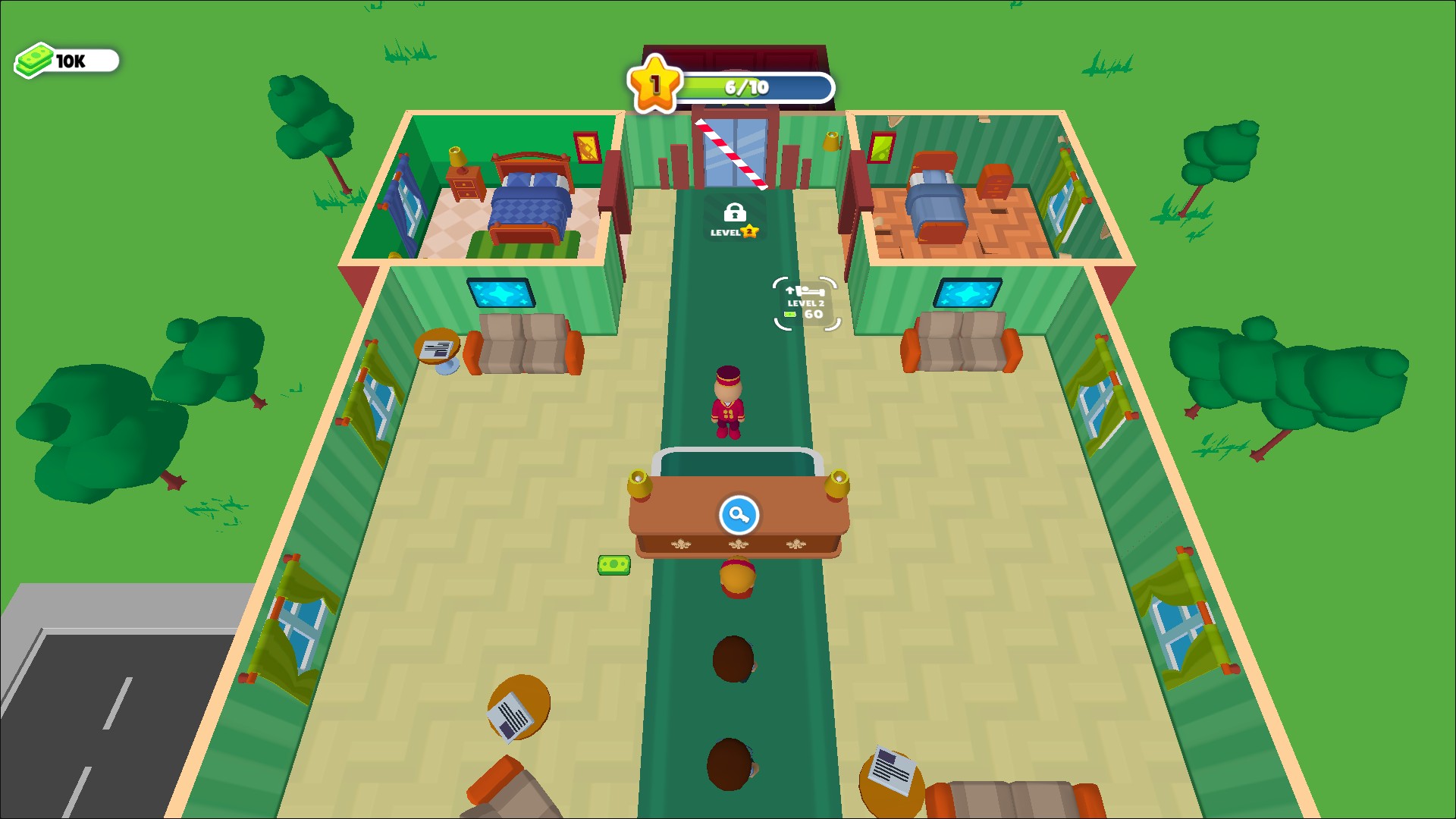
Get around your hotel faster
Adjust walking speed from 100% to 300% to move between reception and guest rooms. Switch it off to return to your normal walking speed.
More ways to customise My Perfect Hotel
- My Perfect Hotel resources
Set a cash balance for ordinary hotel purchases and room improvements.
Using these features
Choose the feature in the Windows app after connecting your game. Check its requirements before making a change.
Setup for My Perfect Hotel →