

Cash and gems for your farm
Choose each balance independently. The free Cash card handles your farm money, while Gems has its own Premium card and amount.
Requires the Windows app and the Bytonian Mods browser extension for Chrome or Edge. Browser setup guide

Pick a balance
Refresh the card to see your current balance, then set a total or add or subtract an amount. The counter in the game may take a moment to catch up.
Available resources
CashFree
Choose your farm's cash balance.
Refresh the balance, then set a total or add or subtract an amount.
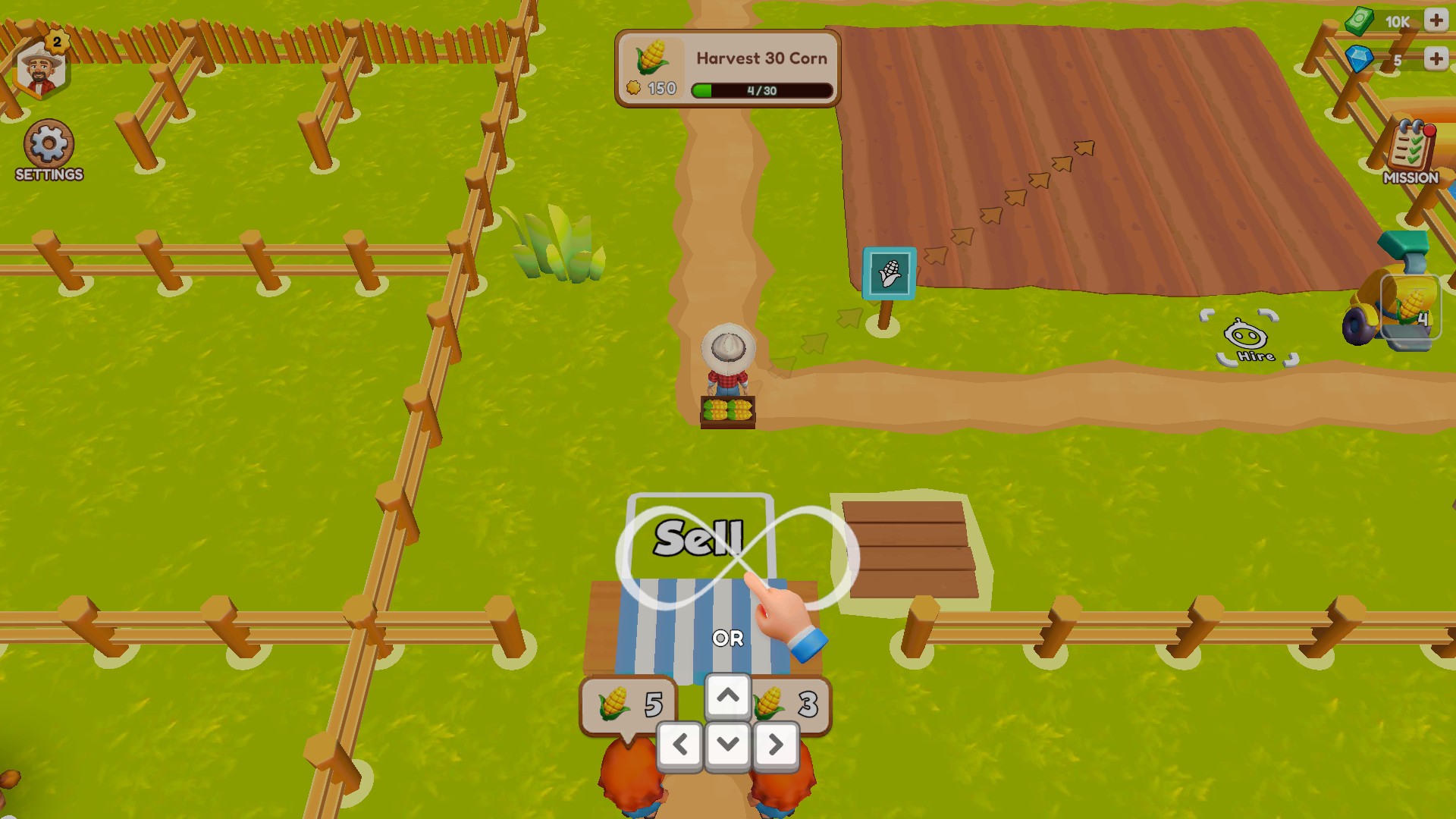
Cash for your growing farm
Choose your cash balance and keep building your farm. Here, the cash counter shows 10K beside the corn field and market.
GemsPremium
Choose your gem balance independently of cash.
Refresh the Gems card before choosing a total or adding or subtracting gems.
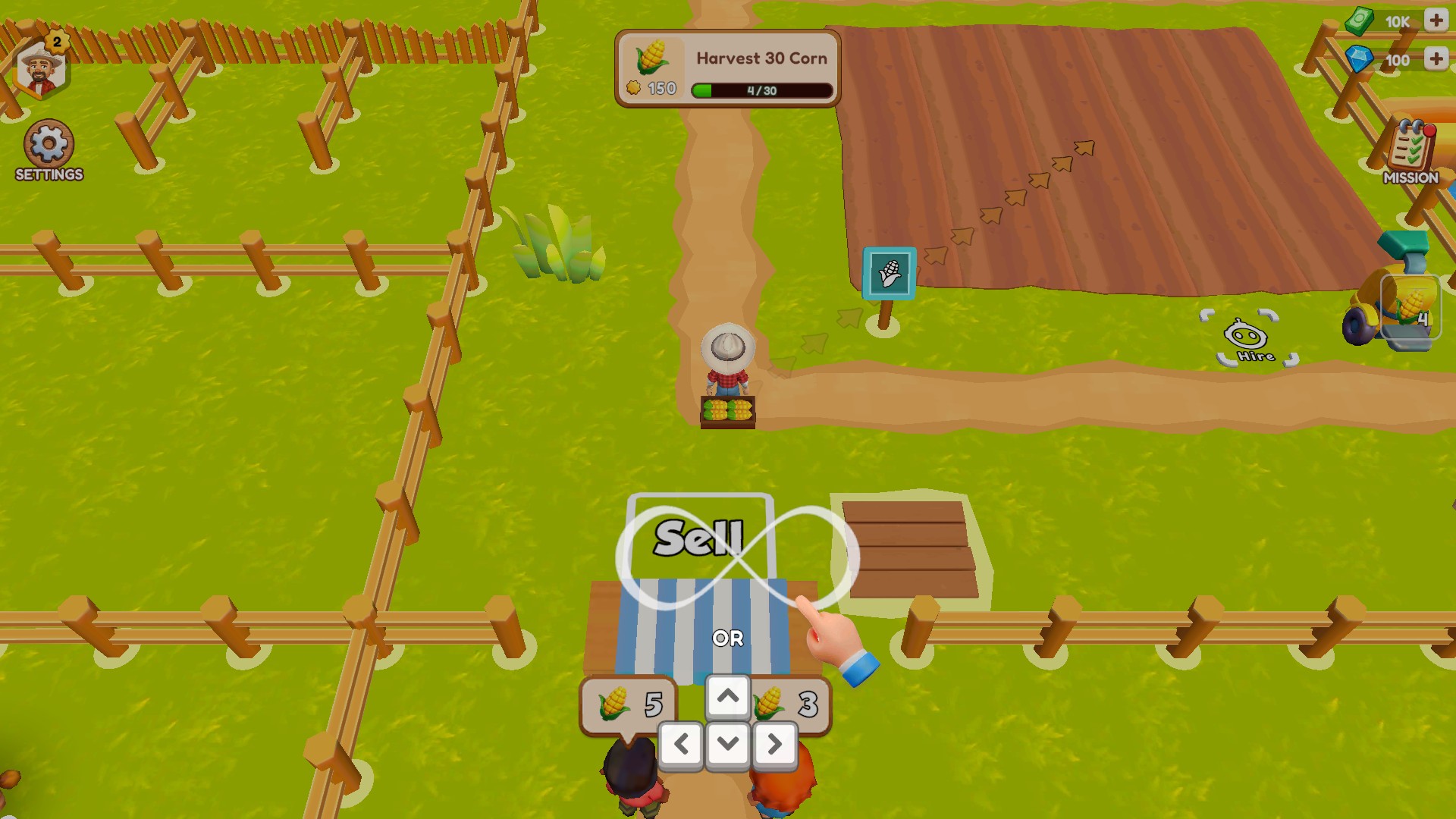
Choose your gem balance
Adjust your farm's gems with a dedicated balance control. The gem counter here shows 100.
More ways to customise My Perfect Farm: Idle Tycoon
- My Perfect Farm: Idle Tycoon stat modifiers
Choose a walking speed from 50% to 400%, with 100% as normal.
- My Perfect Farm: Idle Tycoon ability modifiers
Fly above the farm, then turn flight off to return to ordinary walking.
- My Perfect Farm: Idle Tycoon progression systems
Add experience in amounts you choose, from 1 to 1,000 per press.
Using these features
Choose the feature in the Windows app after connecting your game. Check its requirements before making a change.
Setup for My Perfect Farm: Idle Tycoon →