

Choose your My Army Base cash balance
Enter a cash amount with the free control and check the new total on your camp's cash display.
Requires the Windows app and the Bytonian Mods browser extension for Chrome or Edge. Browser setup guide

Pick the balance you want
Enter a whole-number amount between 0 and 1,000,000,000. Setting cash replaces the current balance with your chosen total. Use Refresh to read the current amount before making another change.
Available resources
CashFree
Set your cash balance to the amount you want. Your chosen total appears in the game's cash display.
Load your base, refresh the current balance and enter a whole-number amount from 0 to 1,000,000,000. The chosen amount replaces your current cash total.
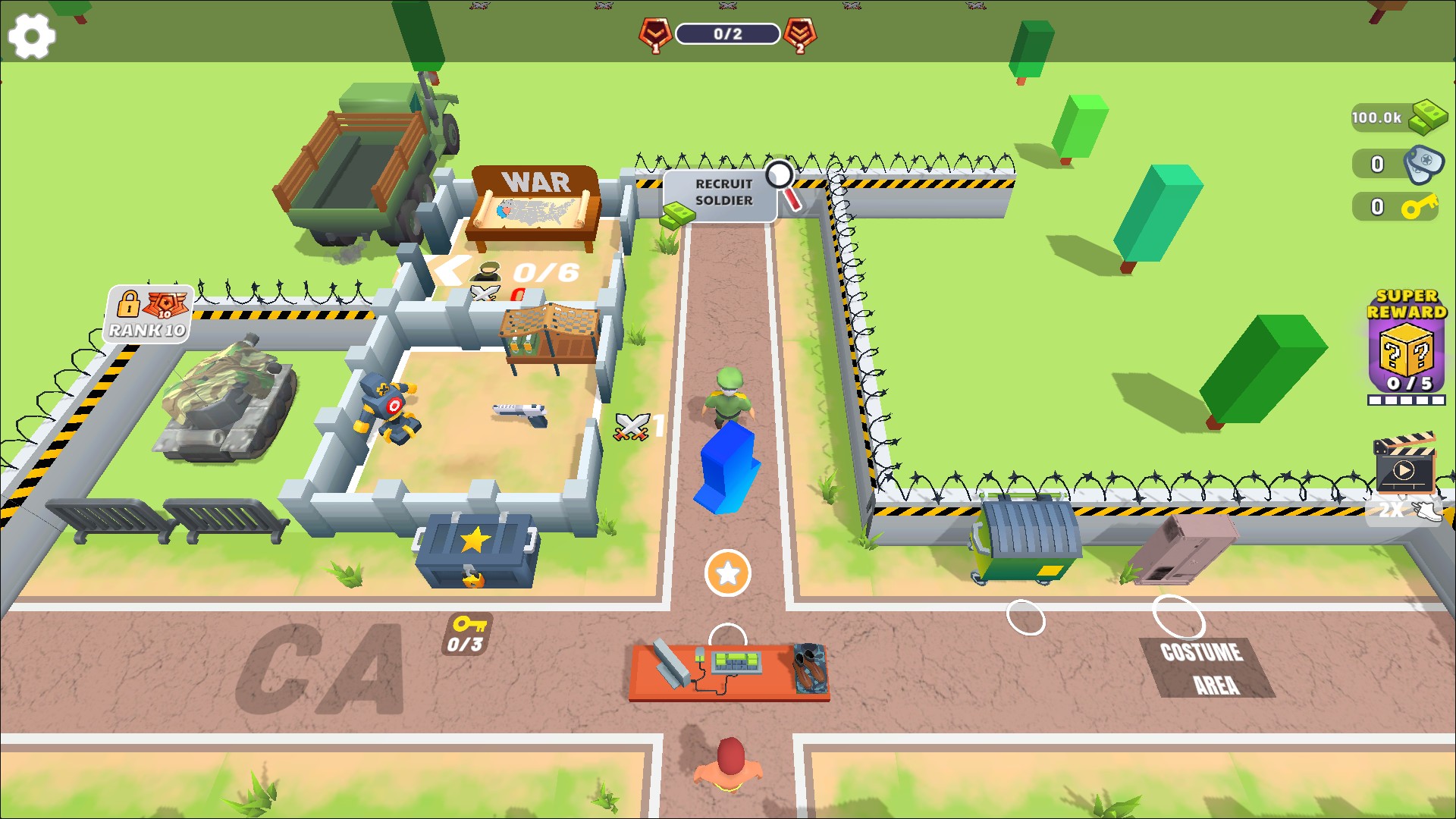
Choose your cash balance
Set your cash to the amount you want and see it in the game's cash display.
Questions about resources
- Is the cash editor free?
- Yes. The Cash control is free to use with Bytonian Mods.
Using these features
Choose the feature in the Windows app after connecting your game. Check its requirements before making a change.
Setup for My Army Base →