
Cash for the truck shop
Choose a cash balance for the colours and parts you want. Purchases stay in the normal shop, where you can preview a selection and use its purchase button to own and equip it.
Requires the Windows app and the Bytonian Mods browser extension for Chrome or Edge. Browser setup guide

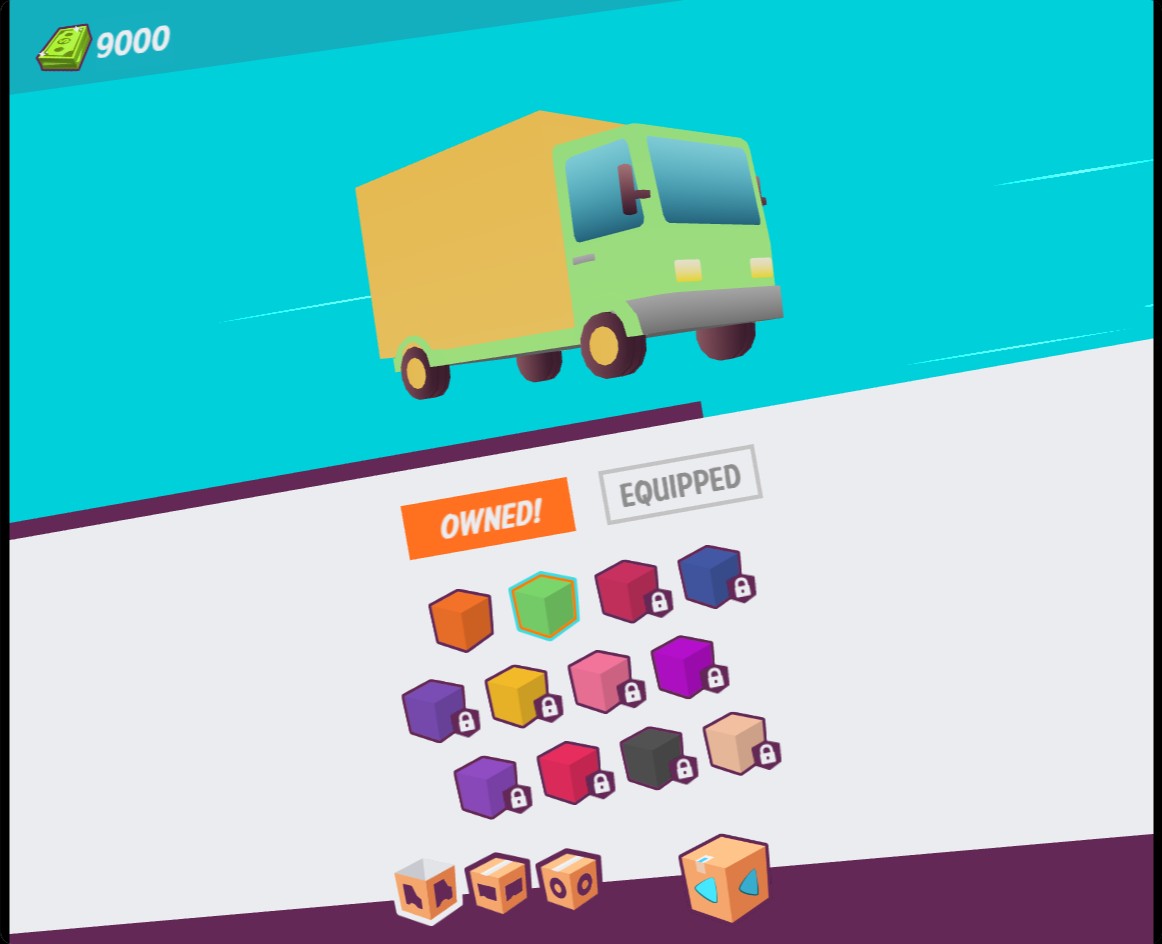
Buy and equip a new cabin colour
Use cash in the normal truck shop to purchase a colour and equip it. The green cabin is owned and equipped after a 1,000-cash purchase.
Choose your balance
After a round has added cash to your save, enter a whole-number balance from 0 to 1,000,000 and apply it. Open the truck shop and select a colour or part. The purchase button uses that item's normal cash price.
See the result on your truck
Buying the green cabin equips it immediately. Return to the title screen to see the new cabin colour on your truck.
Available customisation options
CashFree
Set cash for truck colours and parts in the normal shop.
Play a round until cash appears, set a whole-number balance and apply it. Select a part in the truck shop and use its purchase button to buy and equip it.
Questions about customisation options
- How much does the green cabin cost?
- The green cabin costs 1,000 cash in the normal shop.
Using these features
Connect your game, then open Customise in the Windows app. Choose an option, check its available values and follow its instructions. Each option lists its own requirements and limits.
Setup for Moving Co. →