
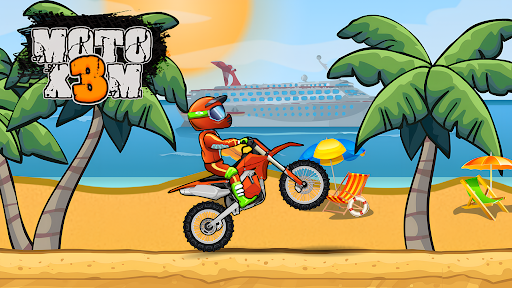
Choose your Moto X3M vehicle
Set your next ride with the free Vehicle control. Choose from six vehicle and rider combinations, then enter a race to see your selection on the course.
Requires the Windows app and the Bytonian Mods browser extension for Chrome or Edge. Browser setup guide
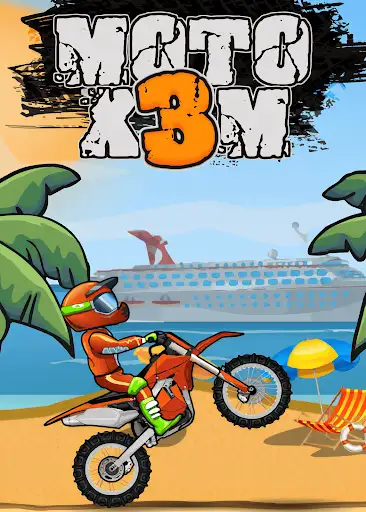
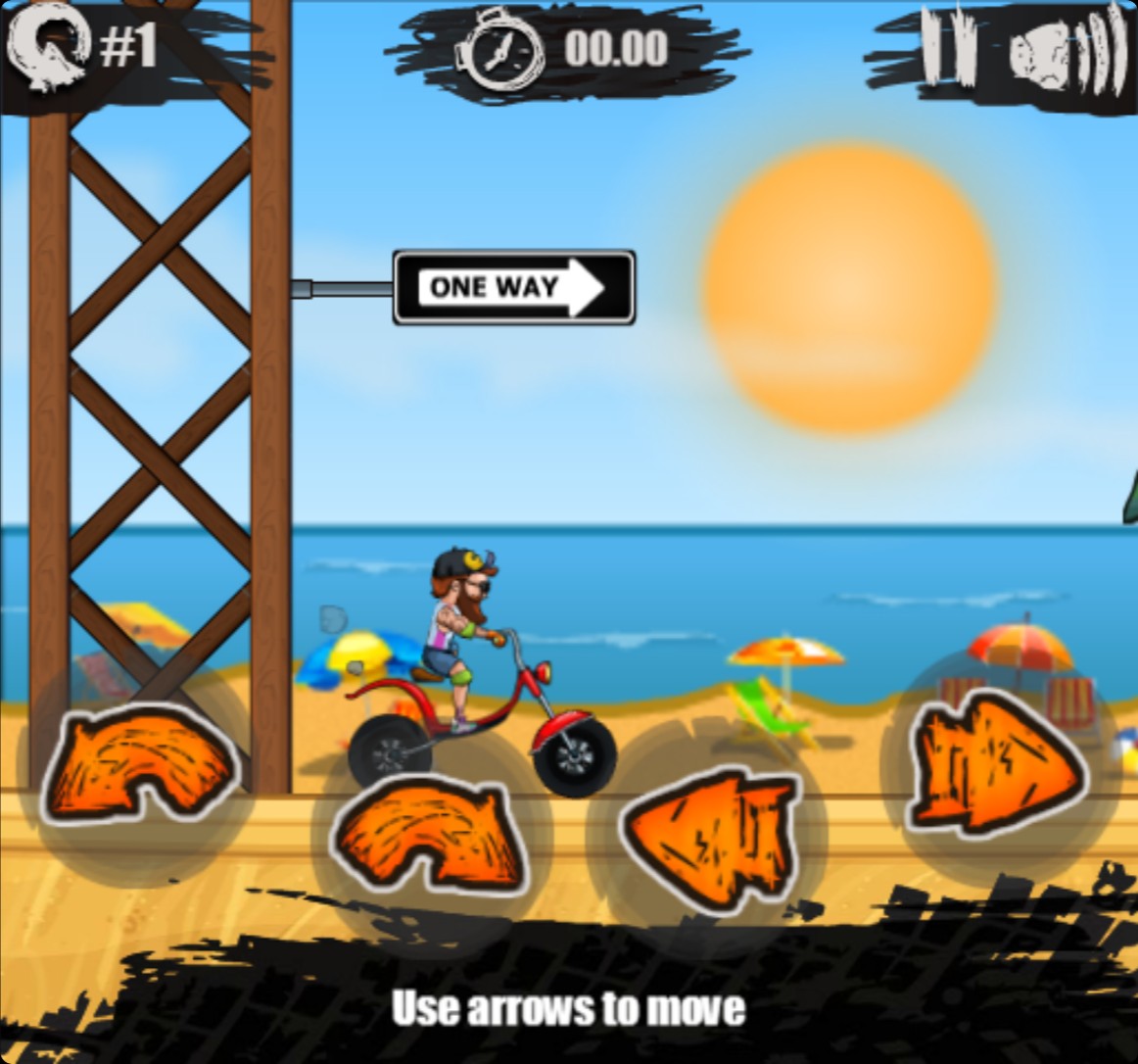
Ride the Pirate Chopper
Choose the Pirate Chopper and take its red bike into your next race.
Take your selection onto the track
Choose a vehicle and rider, apply the change, then start a level to see your pick on the course. For example, the Pirate Chopper brings its red bike and pirate rider to Level 1.
Available customisation options
VehicleFree
Choose your vehicle and rider, including the Classic Dirt Bike, Quad Bike, Red Sport Bike, Santa Bike, Pink Dirt Bike and Pirate Chopper.
Select a vehicle, apply your choice and enter a race.
Using these features
Connect your game, then open Customise in the Windows app. Choose an option, check its available values and follow its instructions. Each option lists its own requirements and limits.
Setup for Moto X3M →