
Resources
1 optionSet the balance you want for your next lunar project.
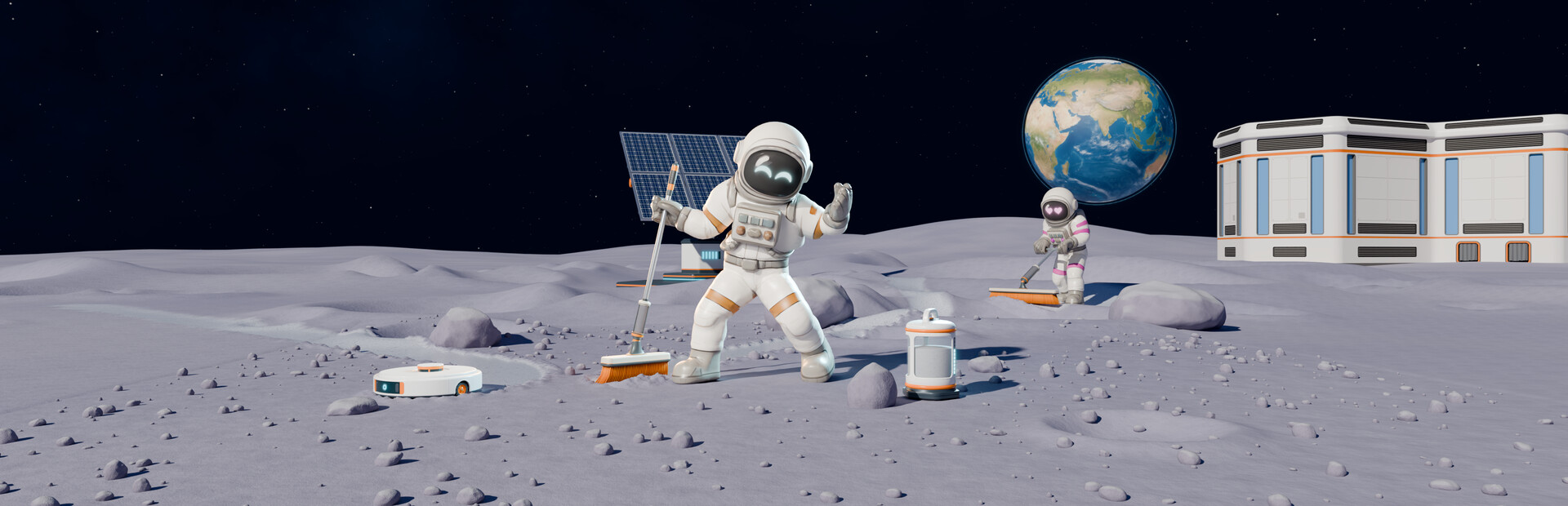
View resources →Moon Sweepers turns the lunar surface into a worksite: sweep up dust, sell what you collect and build up your equipment. Bytonian Mods gives you controls for the cleaning itself, the trips back to base and the machines that keep your shift moving.

Start with free mods
Download Bytonian Mods for Windows and try these free features. Choose one to see how it works and any requirements.
Fly above your worksite or pass through terrain to reach awkward areas. Turn Movement off when you want ordinary walking and collision again.
Explore this free feature →Deliver a Push sweeper, Ride-on sweeper, Lunar sweeper, Mega vacuum rover or Crew transport at a built garage. Recall an owned vehicle when you need it back at base. Stand within 50 metres of the garage, leave your vehicle and keep the bay clear.
Explore this free feature →Spot missed dust with a contrasting tint and follow bearings to flags, sites, robots, parked vehicles and unloading stations. Keep section progress and nearby work information in view.
Explore this free feature →Play your own local WAV file through the station radio. Set volume and looping, pause or resume playback, and stop to return to the normal station audio. Playback stays local to your game.
Explore this free feature →I Hired Eight Helpers in Moon Sweepers
Eight local cleaning helpers and a wider robot sweep tackle the dust in Moon Sweepers, while a full capsule queue brings the player back to delivery work.
Moon Sweepers, but I Can Actually See the Dirt
Dust tint makes remaining dirt visible, brush reach extends collection distance, and section cleanup removes selected dust in Moon Sweepers.
Moon Sweepers: From a Toothbrush to a Lunar Garage
A Moon Sweepers guide to hand tools, equipment progression, garage vehicles, driving settings and cleaning-edge guides.
Moon Sweepers: Follow the Dust
A Moon Sweepers guide following dust through unloading and processing, then separating robot-fleet rules, solar generation and battery storage.
Walk, Boost or Fly? Moon Sweepers Movement Mods
A Moon Sweepers guide separating normal astronaut mobility, jetpack allowances, carrying and pickup reach from Fly and its direction and speed controls.
Find a Stop and Get Back: Moon Sweepers Mods
A Moon Sweepers guide to Lunar Survey, remaining-dust visibility, named bookmarks, travel to the GRAIL site and return options.
Choose Your View: Moon Sweepers Camera and Lighting Mods
A Moon Sweepers guide to third-person framing, HUD visibility, helmet lighting, night brightness and separate lunar-clock controls.
Make Moon Sweepers Your Own: Controls, Radio and Crew
A Moon Sweepers guide to per-action keyboard bindings, local WAV radio playback, larger hosted-lobby capacity and achievement-selection confirmation.
I Invented Upside-Down Parking in Moon Sweepers
My Moon Sweepers rover is parked wheels up. The Right vehicle control gets it moving again. Driving lessons sold separately.
Start with the free Sweep Toggle, Dust Visibility or Vehicle Cleaning Guides. Broaden handheld passes, carry more material and tune a vehicle when you want to cover more ground.
Use station automation, faster conveyors and processing, nearby helper crewmates and robot work controls to reduce repeated chores. Adjust the lunar clock and solar power for the shift you want to run.
Install the Bytonian Mods Windows app, open Moon Sweepers and choose the controls you want. Host your own shift for world, money, unlock and automation changes. Spawn vehicles at a built garage with a clear bay.
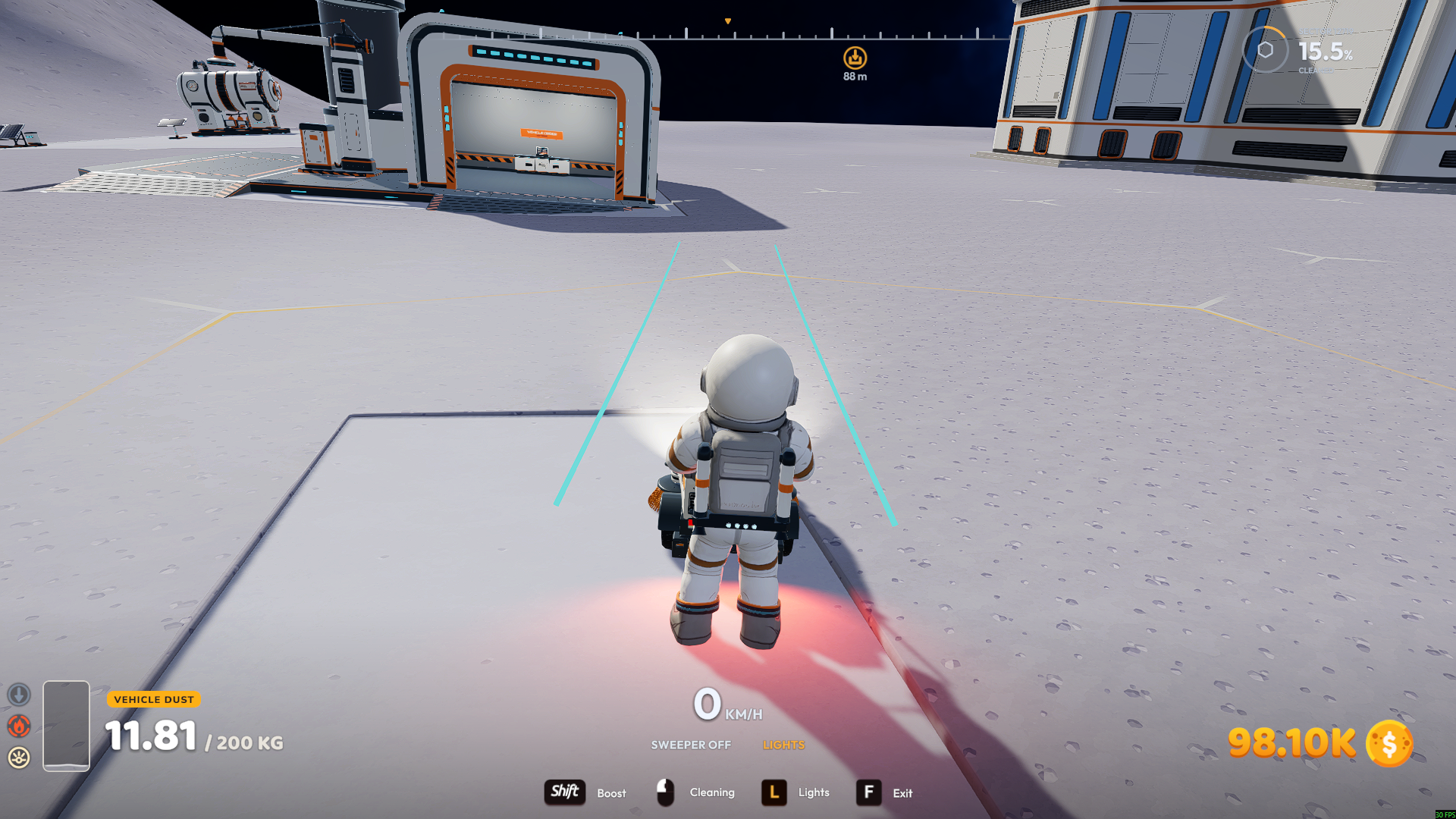
Keep every cleaning pass on track
Mark your vehicle's cleaning edges, carry more dust and plan the next pass across your lunar worksite.
Set the balance you want for your next lunar project.
View resources →Unlock tools and upgrade the vehicles you already own.
View unlocks →Adjust travel, carrying and cleaning performance.
View stat modifiers →Tune the worksite economy, power supply and next hosted lobby.
View rule modifiers →Fly to awkward places or reshape a handheld cleaning pass.
View ability modifiers →Make missed patches, landmarks and cleaning edges easier to see.
View all presentation modifiers →Spend more of your shift in the light you prefer.
View world modifiers →Keep dust moving and put common actions where you want them.
View system modifiers →Deliver a garage vehicle, travel to a destination or finish nearby work.
View all game actions →Choose the soundtrack for your own lunar shift.
View utilities →Browse the Steam achievement names and descriptions for Moon Sweepers. Choose and unlock achievements for free with Bytonian Mods in the Windows app.
View all achievements →Download the Windows app and follow the setup prompts.
Open Moon Sweepers and select it in Bytonian Mods. Follow the app’s connection prompts.
Review the available options in the app and choose the ones that suit how you play.