
Stat Modifiers
1 optionChoose 50% to 300% movement speed and switch back to normal whenever you like.
View stat modifiers →Moon Hunters blends exploration, cooperative adventures and choices that shape your heroes' stories. These free controls help you spend more time exploring, with quick resource refills and adjustable adventure settings.
Start with free mods
Download Bytonian Mods for Windows and try these free features. Choose one to see how it works and any requirements.
Add a chosen amount of opals to every active party balance.
Choose the amount, close menus and use the action during normal adventure play.
Restore living, locally controlled heroes to their normal maximum health.
Use during normal adventure play after closing menus.
This action does not revive fallen heroes.
Adjust normal walking and running speed for locally controlled heroes.
Choose a speed and enable the control during adventure play. Switch off to return to normal movement.
Refill living, locally controlled heroes' energy to its normal maximum.
Use for a one-time energy refill during normal adventure play.
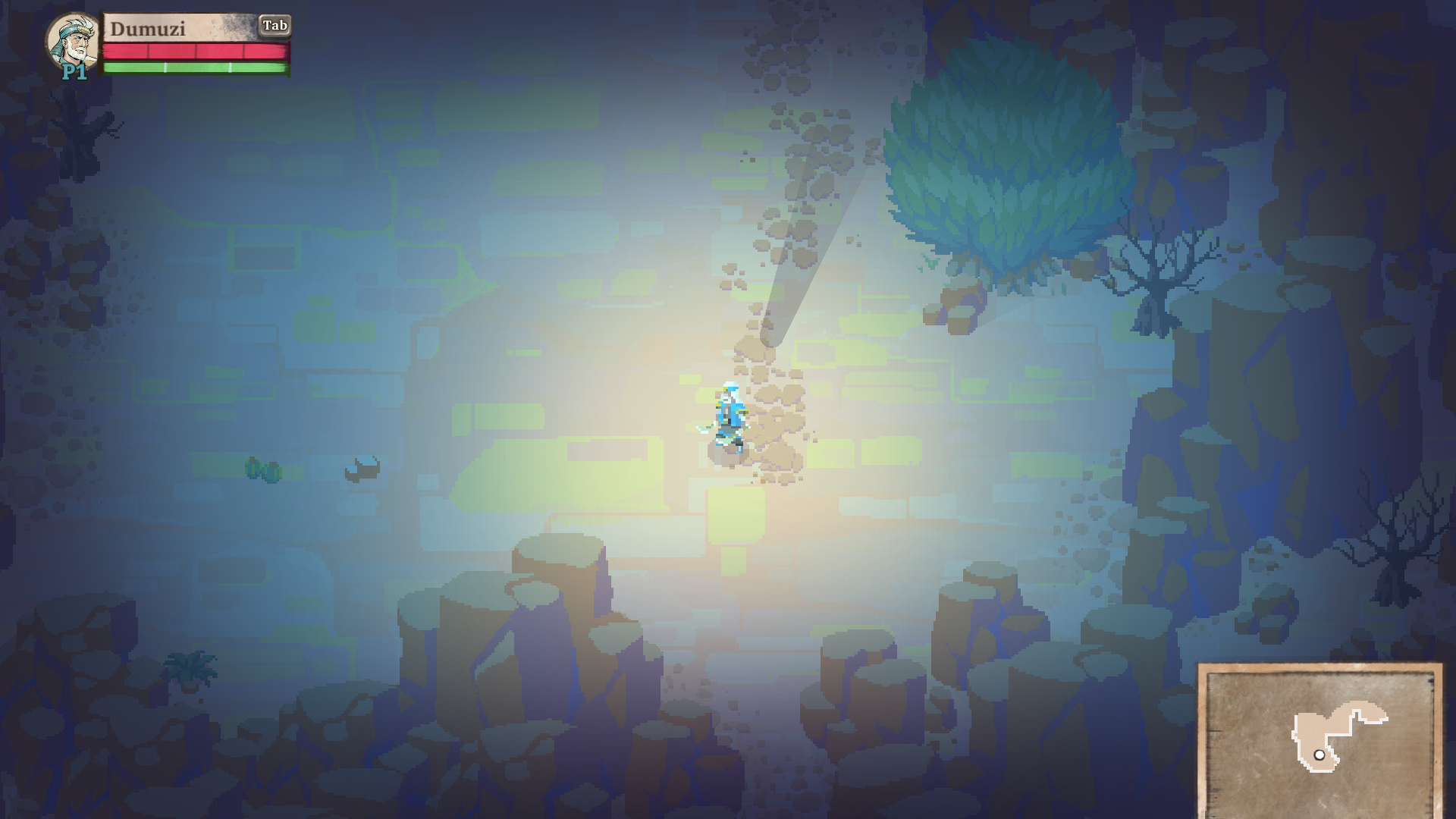
Explore Moon Hunters
Guide your hero through a moonlit world of stories and discoveries.
Use the action controls for a one-time refill or extra party opals. Turn on ongoing energy support or ordinary damage protection when you want a more forgiving journey, or adjust movement speed to suit your pace.
Load into an adventure with a living, locally controlled hero. Close menus and finish scripted sequences before using the controls. Switch ongoing settings off whenever you want the normal game behavior again.
Choose 50% to 300% movement speed and switch back to normal whenever you like.
View stat modifiers →Top up energy automatically and protect local heroes from ordinary hits.
View rule modifiers →Add party opals and refill health or energy with one-time actions.
View game actions →Browse the Steam achievement names and descriptions for Moon Hunters. Choose and unlock achievements for free with Bytonian Mods in the Windows app.
View all achievements →Download the Windows app and follow the setup prompts.
Open Moon Hunters and select it in Bytonian Mods. Follow the app’s connection prompts.
Review the available options in the app and choose the ones that suit how you play.