
Choose your cash and truck paint
Prepare your garage balance and choose a paint style before starting your next run. Cash supports normal truck purchases, while Truck Paint selects an existing preset for your chosen vehicle.
Requires the Windows app and the Bytonian Mods browser extension for Chrome or Edge. Browser setup guide

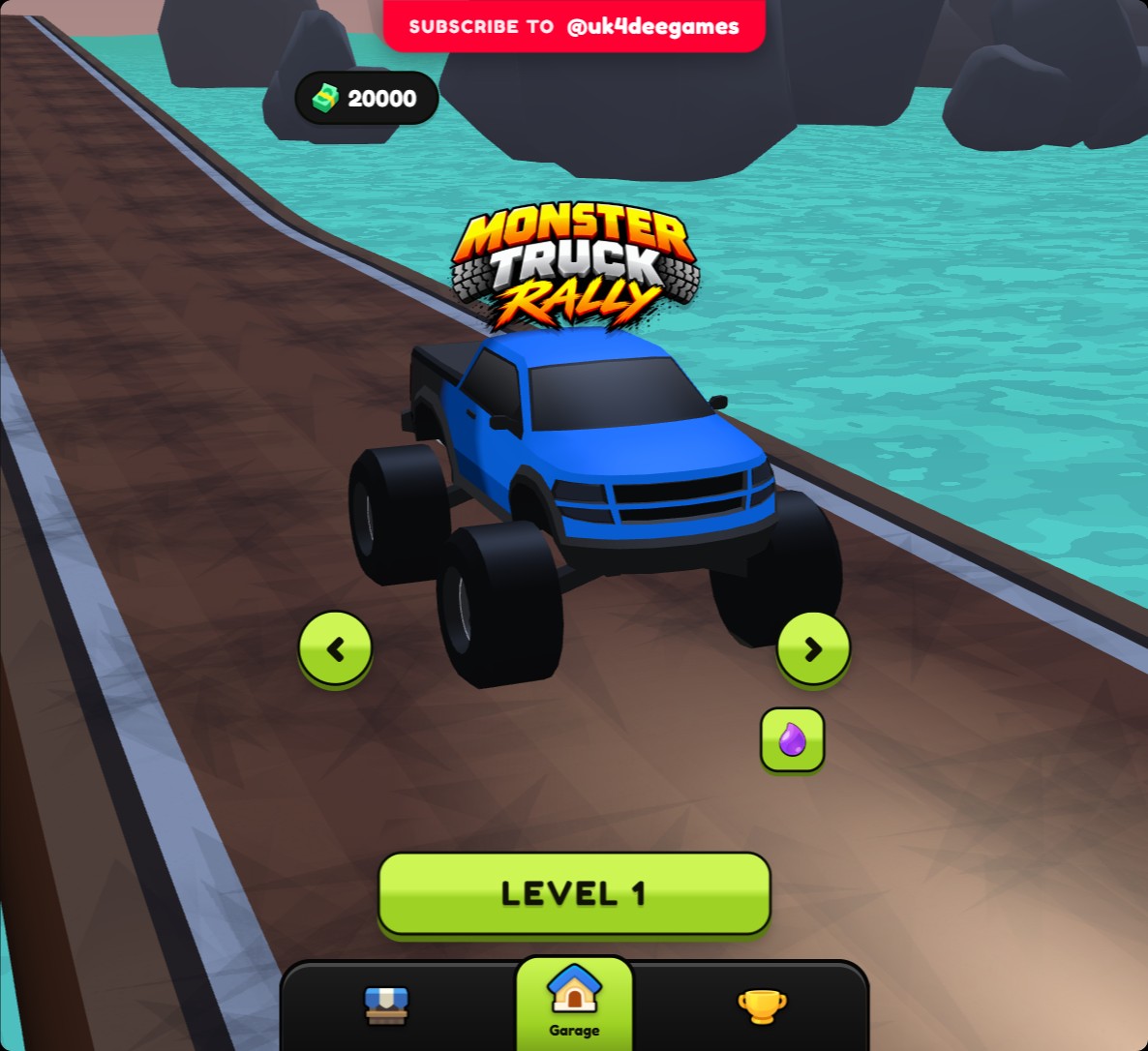
Cash for the garage
20,000 cash ready to spend through the normal truck garage.
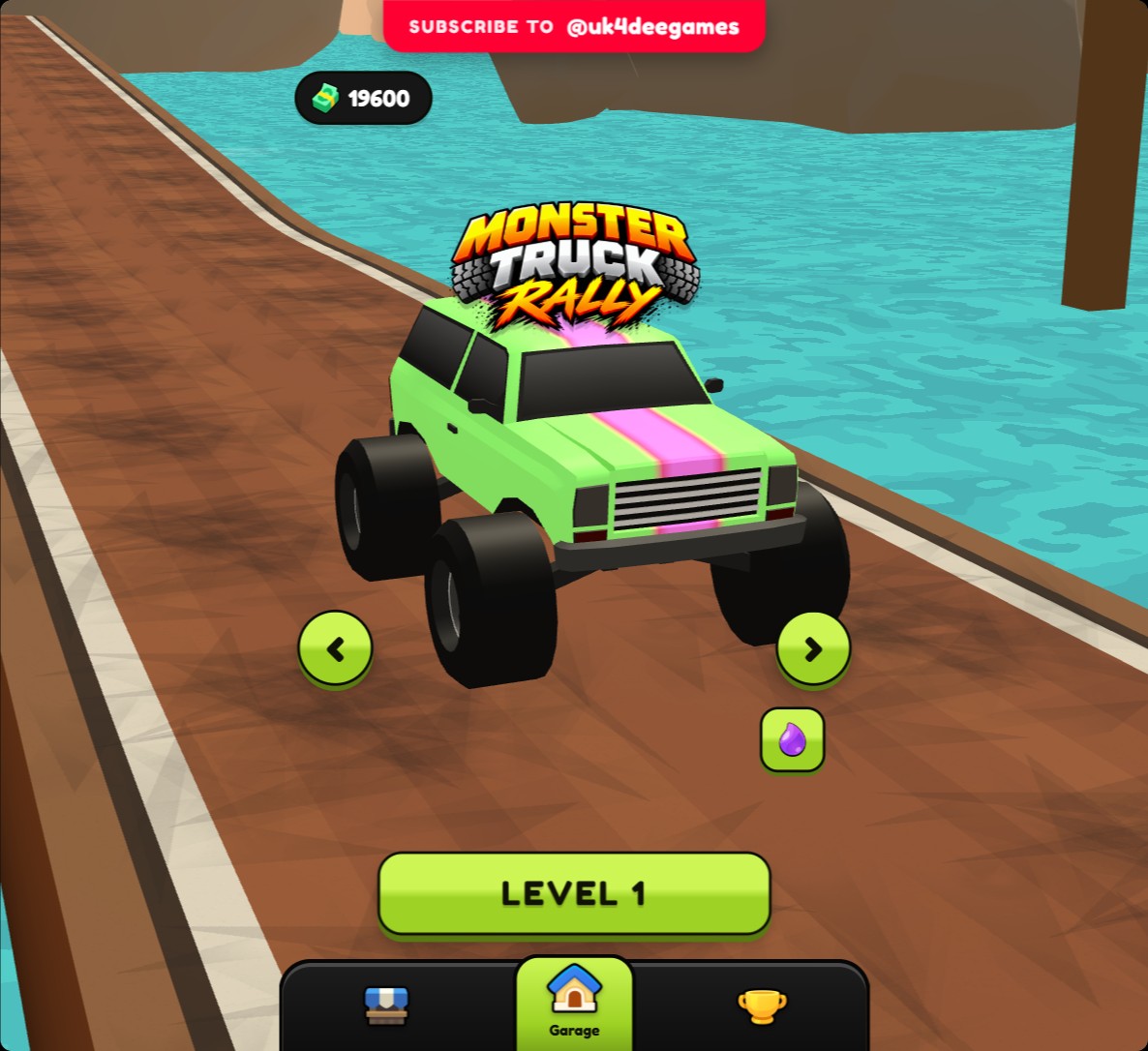
A different paint style for Deimos
The fourth paint style gives Deimos a lime body and pink stripe in the garage.
Cash for truck purchases
Choose a balance from 0 to 200,000 and apply it before shopping. Move through the garage, check the truck's price and use its normal unlock button. Each purchase spends cash from your balance.
Five paint presets
Select Paint 1 through Paint 5 to change the current truck's appearance. Check the garage preview, then start a level with that look. Each truck uses its own colors and designs within those presets.
Available customisation options
CashFree
Choose your garage cash balance for normal truck purchases.
Set a whole-number amount from 0 to 200,000, apply it and buy trucks through the garage.
Truck purchases use the normal garage prices.
Truck PaintPremium
Choose one of five existing paint presets for your truck in the garage and on the course.
Select the truck, choose Paint 1 through Paint 5 and apply it before starting a run.
Colors and designs depend on the selected truck.
Questions about customisation options
- Does Cash purchase a truck automatically?
- Choose your balance, then buy the truck through its normal garage unlock button.
- Will the same paint preset look identical on every truck?
- Colors and designs depend on the selected truck. Use the garage preview to choose the style you want.
Using these features
Connect your game, then open Customise in the Windows app. Choose an option, check its available values and follow its instructions. Each option lists its own requirements and limits.
Setup for Monster Truck Rally →