


Set Your Coins and Harvested Wheat
Use Coins to choose your balance, or Harvested Wheat to prepare ingredients for the tavern. Each setting changes its own amount.

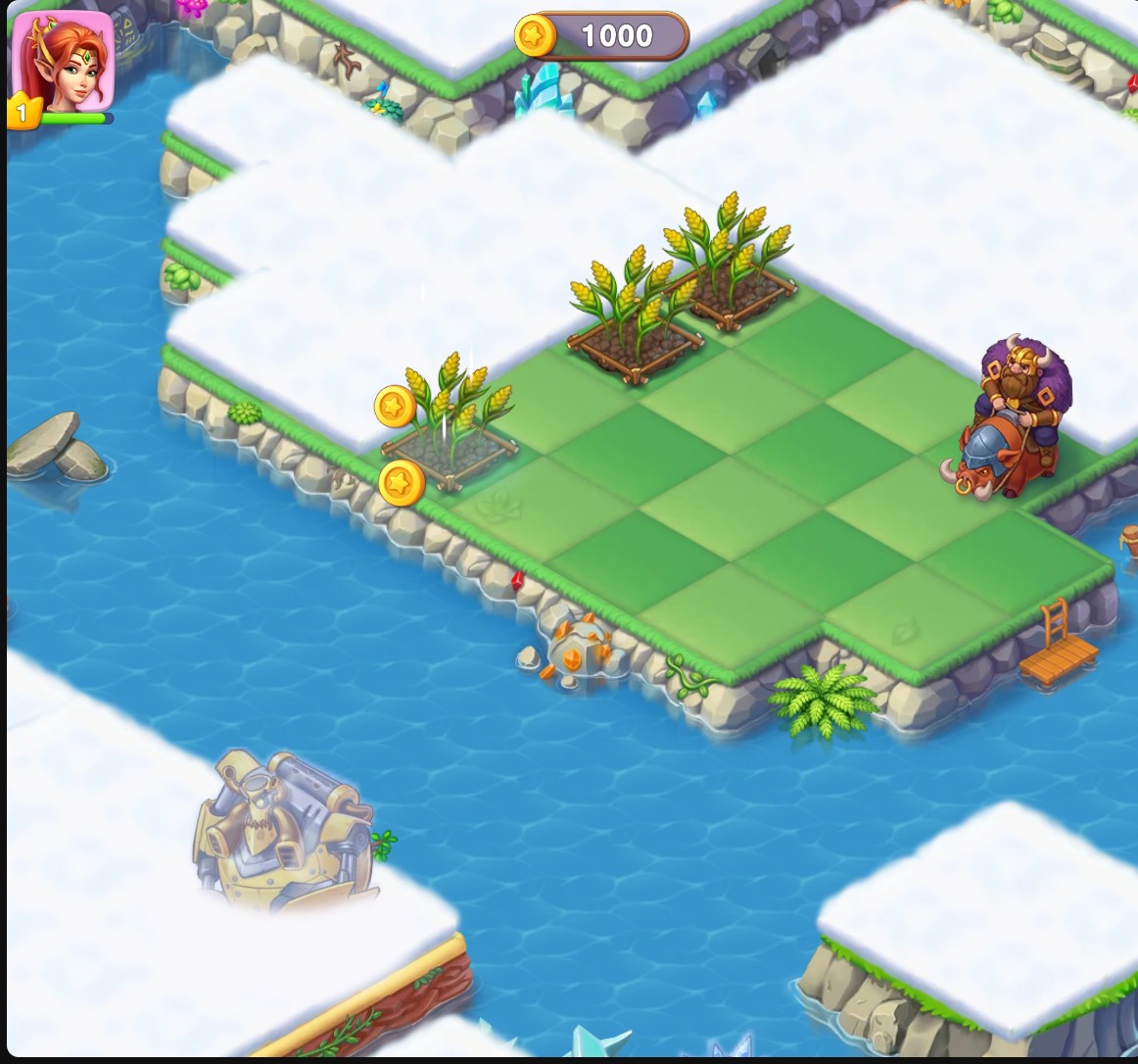
Mergest Kingdom coin balance
Set your coin balance and continue merging on your kingdom's island.
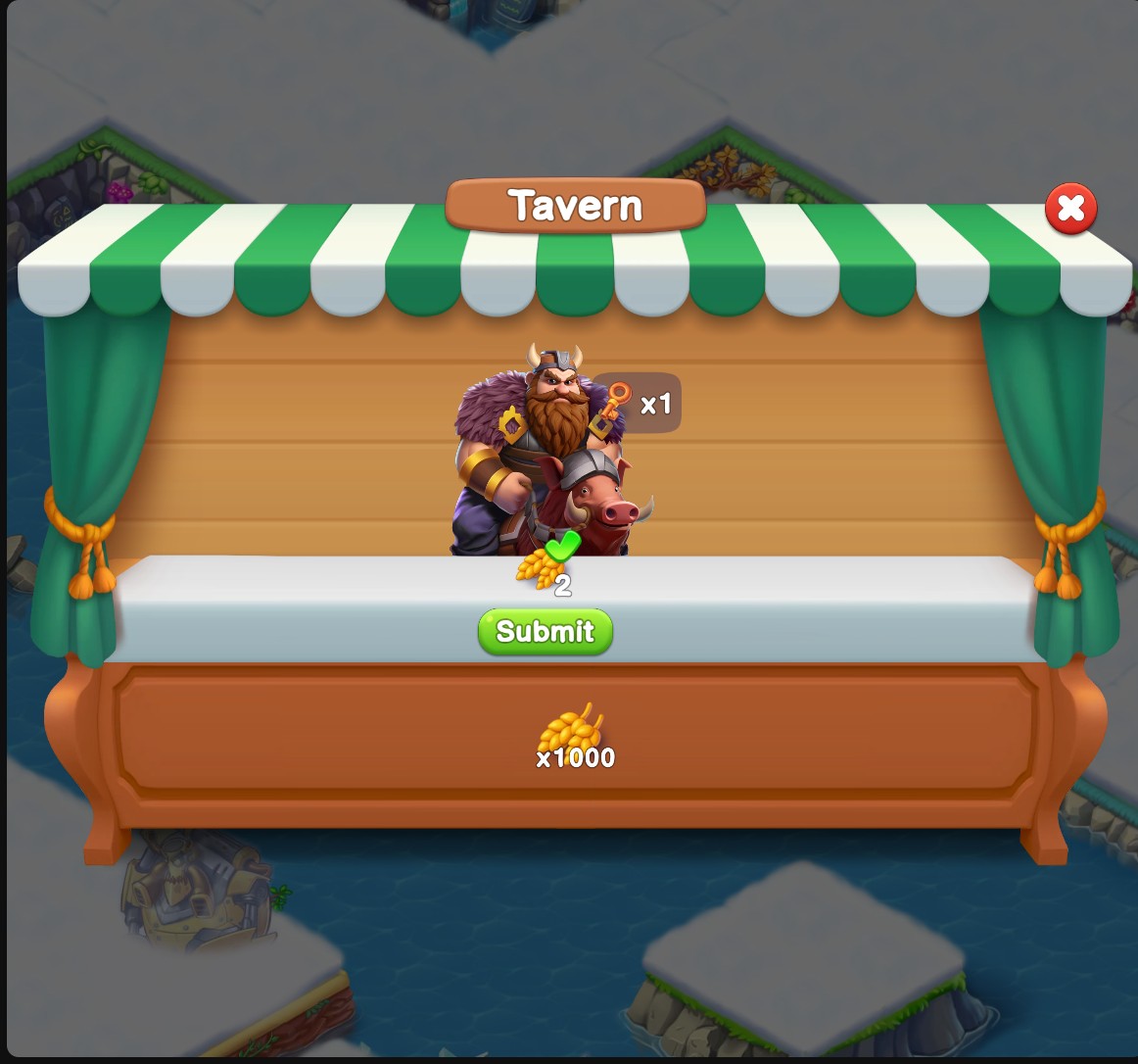
Harvested wheat for tavern orders
Choose your harvested wheat amount for the tavern's ingredient orders. Harvest and collect wheat normally first to make this control available.
Set Coins and Return to the Island
Enter the Coins amount you want and apply it. Check the counter at the top of the island once the game HUD is visible, then continue your normal merges and tasks.
Harvest First, Then Choose Your Wheat
Harvest a ripe wheat plot and collect the wheat before using Harvested Wheat. Once the setting is available, enter your amount and apply it. Open the tavern to see your wheat and submit orders that use it.
Follow Each Order's Requirements
The tavern still spends the ingredients an order requests. Changing wheat does not supply other ingredients or complete the island's merge and land requirements.
Available customise
CoinsFree
Choose the coin balance shown for your kingdom.
Set your Coins amount, apply it and return to the island's coin counter.
Before you use it: Merge tasks and land requirements still use the normal game rules.
Harvested wheatPremium
Choose harvested wheat available for normal tavern orders.
Harvest and collect wheat normally first. When the control is available, set your amount, apply it and use the tavern's normal Submit button.
Before you use it: Orders still spend their ingredients. Other ingredients and island tasks remain part of normal play.
Questions about customise
- Why is Harvested Wheat unavailable at the start?
- Harvest and collect wheat through normal play first. The control becomes available once the game has a harvested wheat amount.
- Does a tavern order still use up wheat?
- Yes. Submit spends the amount of wheat shown by the order.
Using these features
Choose the feature in the Windows app after connecting your game. Check its requirements before making a change.
Setup for Mergest Kingdom →