

Customise
2 optionsTwo separate controls for producing items and funding room restoration.
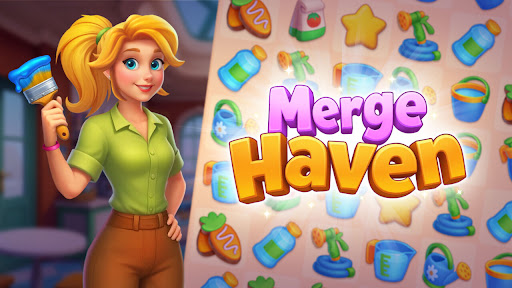
View customise →Merge matching items, produce more from generators and fill customer orders. Spend the stars you earn on tasks that restore the room, from removing window boards to the next repairs.

The Free Energy setting lets you choose the balance available for normal generator uses. Tap a generator to produce items, then merge them into the items your customers need.
Premium Restoration stars lets you choose a balance to spend on room tasks. Open Complete Task, check its star cost and complete the work you want to fund.
Two separate controls for producing items and funding room restoration.
View customise →Download the Windows app and follow the setup prompts.
Set up the browser extension in Chrome or Edge, then open the supported YouTube Playable. Follow the connection guide if the game is already running.
Review the available options in the app and choose the ones that suit how you play.