
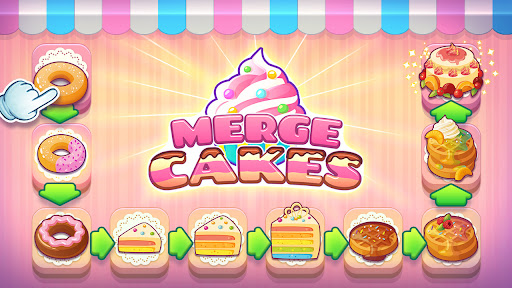
Coins and Shop Choices
Choose the balance or shop selection for the area you want to play. Cake Coins and Biscuit Coins affect separate balances, while the biscuit-area unlock adds the normal selector for the second board.
Requires the Windows app and the Bytonian Mods browser extension for Chrome or Edge. Browser setup guide

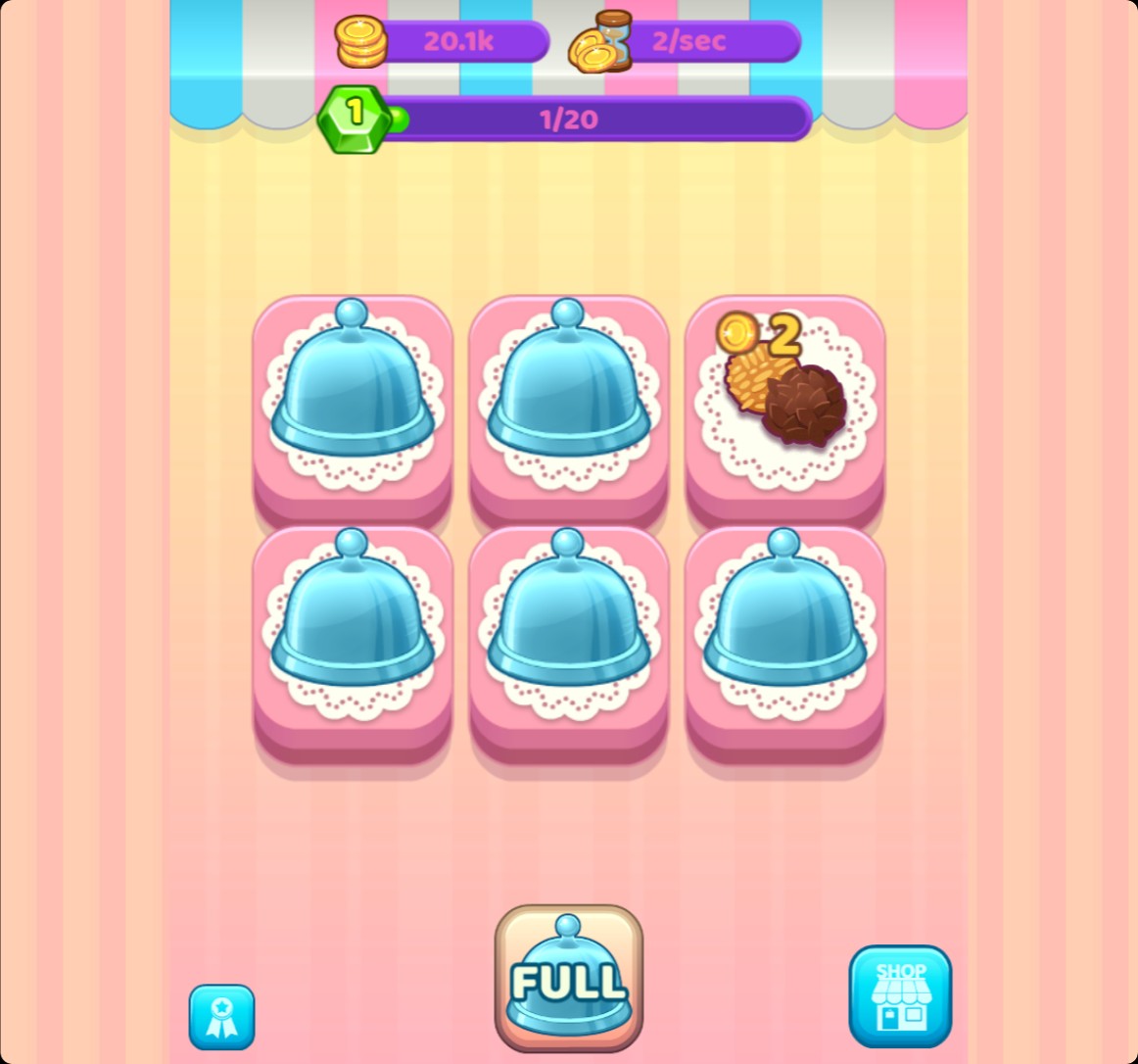
Cake coins ready for your next merge
Set the cake area's saved coins while keeping your current desserts and normal idle income.
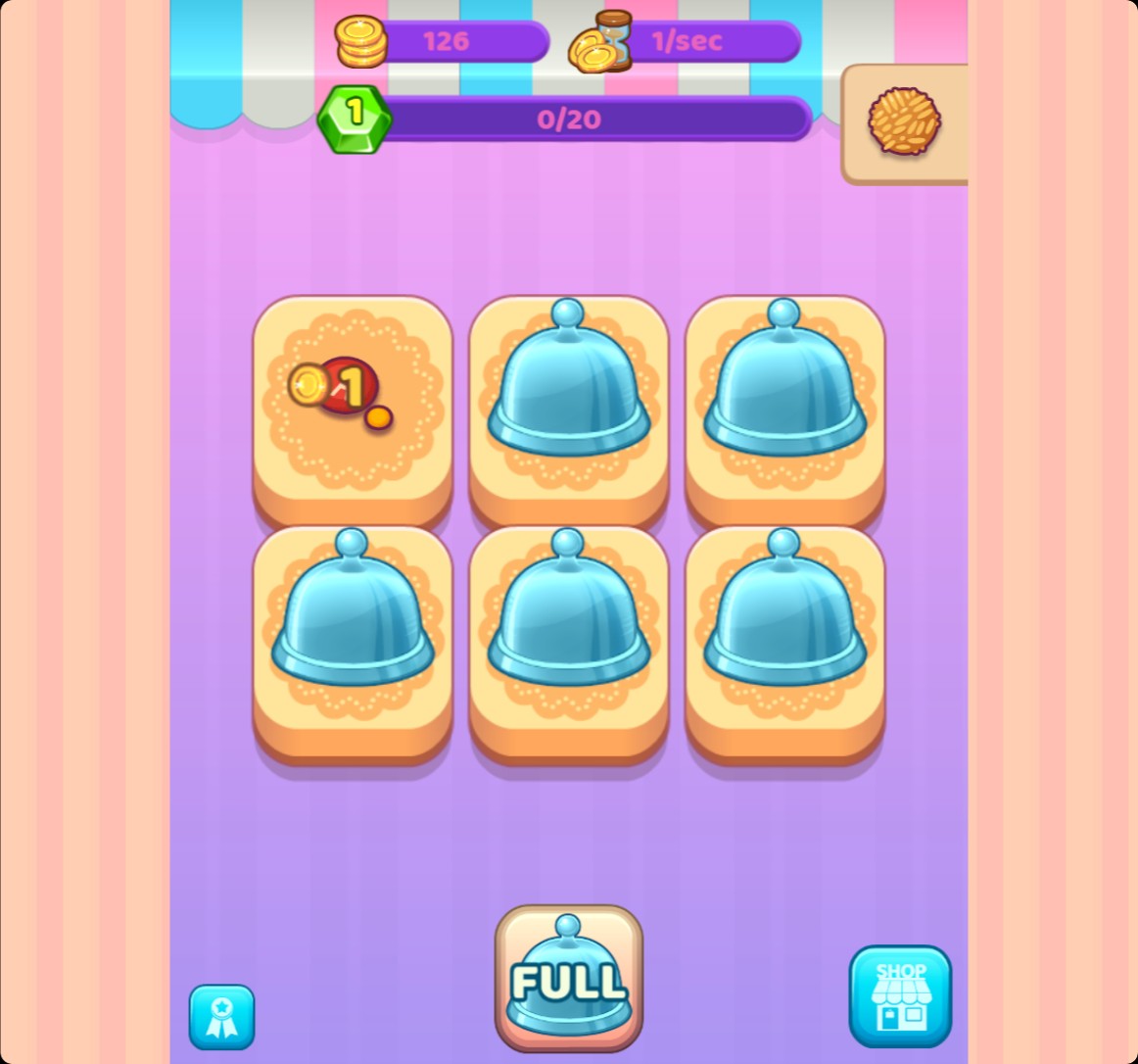
Start merging in the biscuit area
Unlock the second area, then use the normal area selector to start its separate biscuit board.
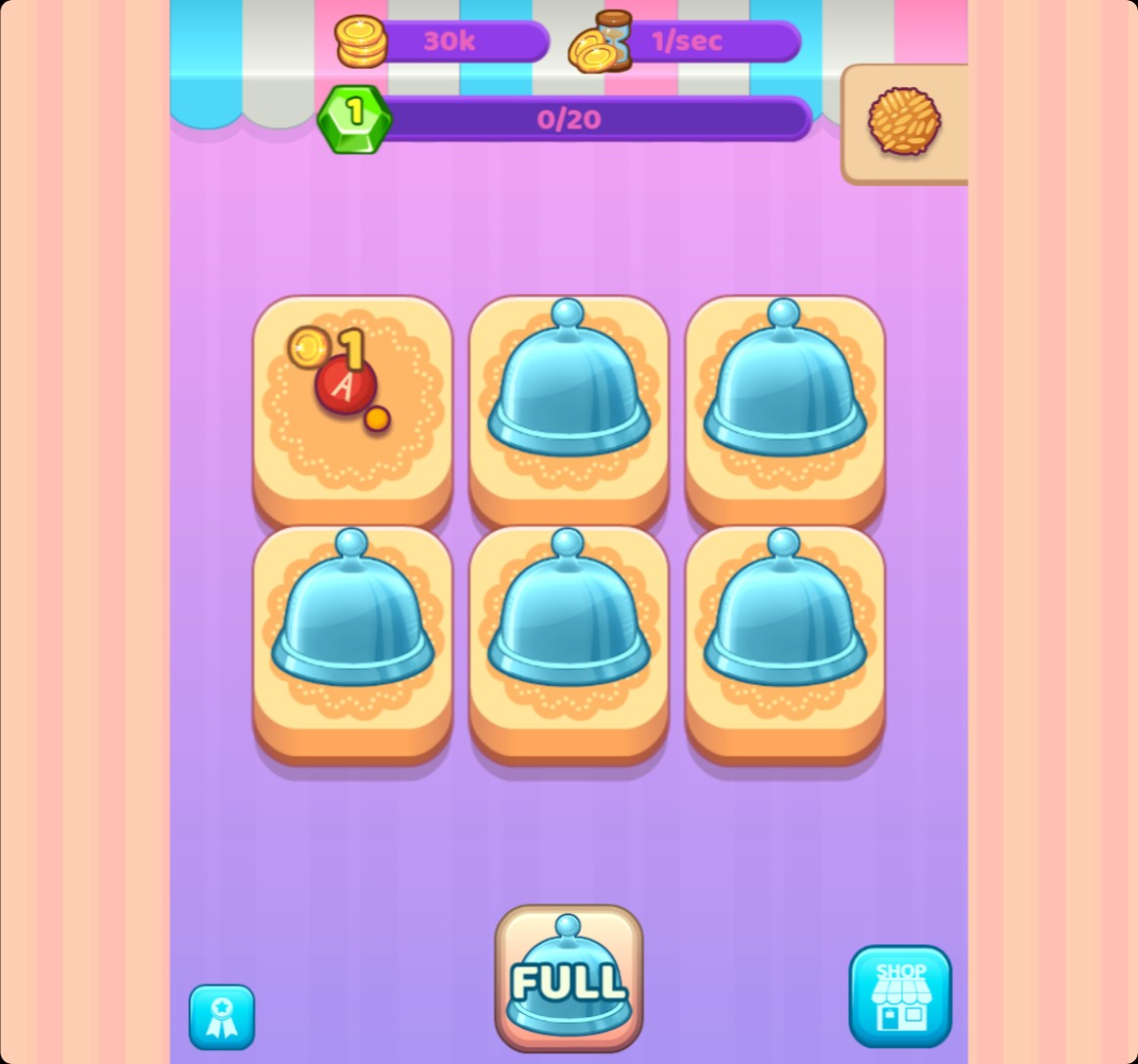
Choose your biscuit coin balance
Set the biscuit area's separate saved coins and keep its current desserts and normal idle income.
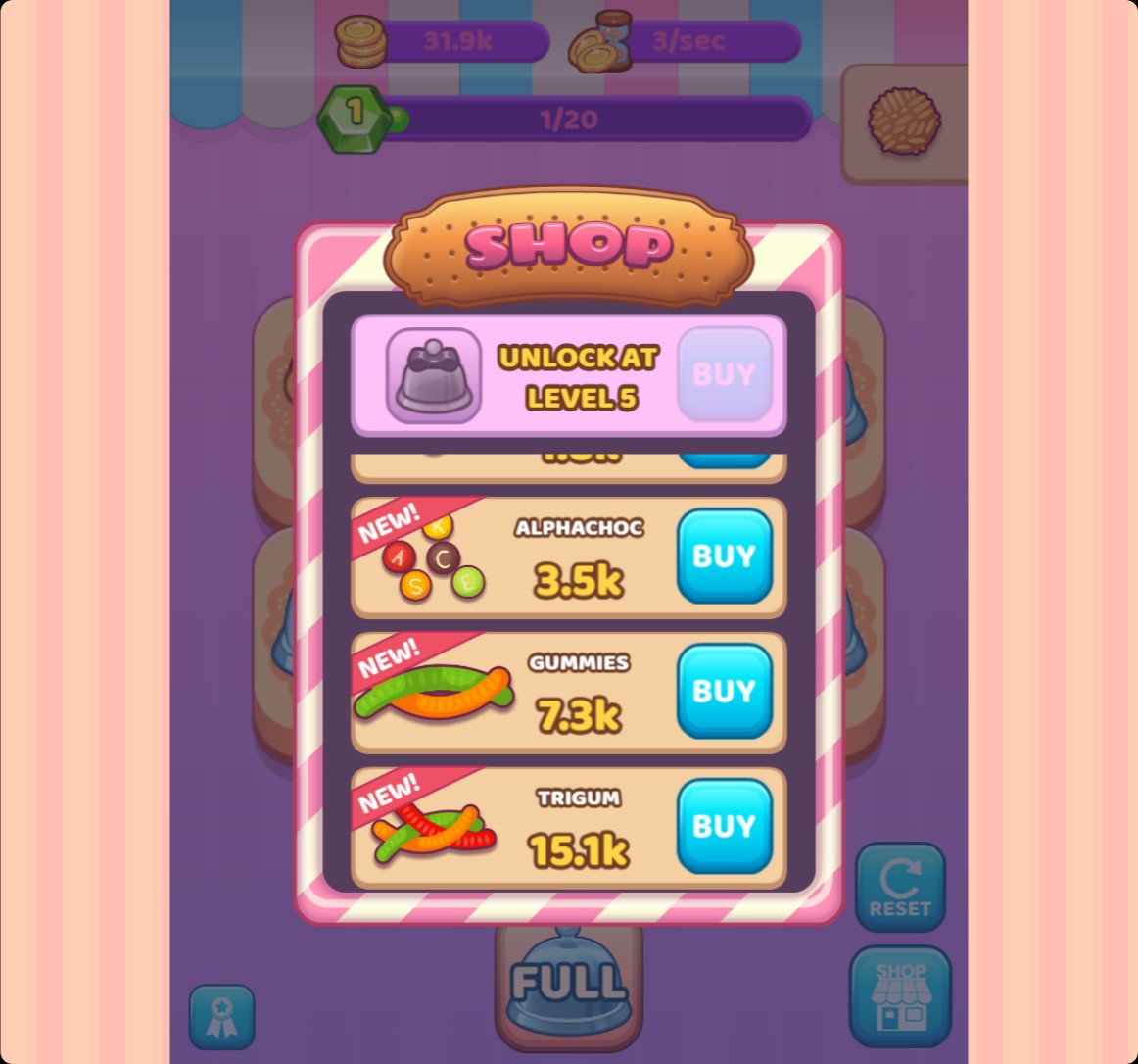
Browse a wider biscuit shop selection
Reveal more biscuit shop choices at their normal prices. Keep a tray free before choosing Buy.
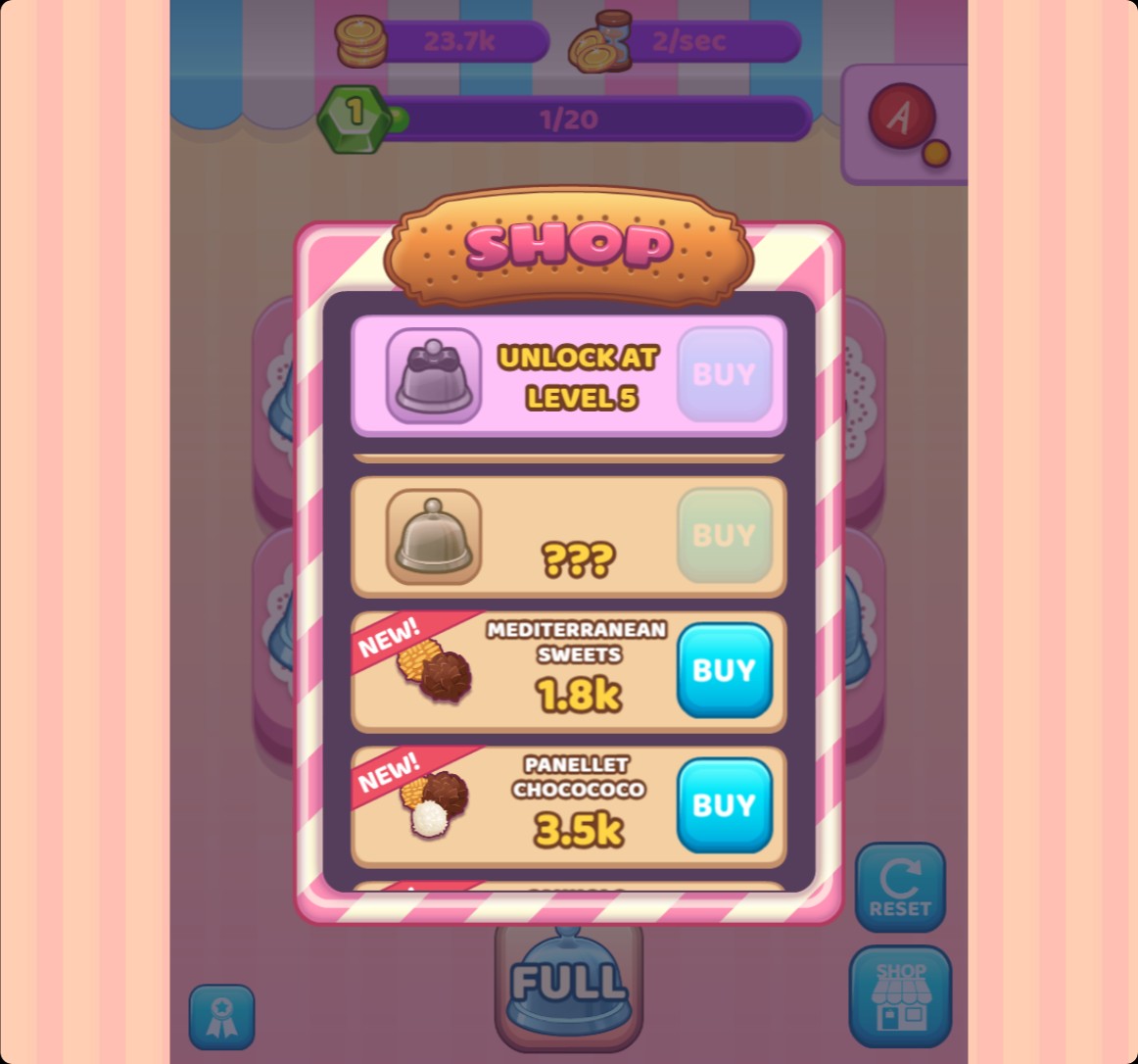
Expand the cake shop selection
Browse more cake shop desserts at their normal prices. Keep a tray free for your next purchase.
Set the coins for the right area
Enter a whole-number balance from 0 to 100,000,000 for Cake Coins or Biscuit Coins, then apply your chosen control. Open the matching area to see its balance; ordinary dessert income continues as you play.
Unlock the biscuit area first if you want to play its board. Use the normal area selector to reach it, then choose Biscuit Coins for that area's separate balance.
Browse more desserts in each shop
Expand Cake Shop Selection and Expand Biscuit Shop Selection reveal more named dessert choices in their matching shops. Open Shop and scroll through the list to find an affordable option.
Desserts keep their normal prices and need a free tray. The separate level-gated upgrade offer still follows its usual level requirement.
Available customisation options
Cake CoinsFree
Choose the coin balance for your cake area.
Enter a whole number from 0 to 100,000,000, apply Cake Coins and open the cake board to see the balance.
Unlock Biscuit AreaPremium
Unlock the biscuit area and start its separate dessert board.
Apply Unlock Biscuit Area, then use the normal area selector to enter the biscuit board.
Biscuit CoinsPremium
Choose the separate coin balance for your biscuit area.
Unlock the biscuit area, enter a whole-number balance from 0 to 100,000,000 and apply Biscuit Coins. Open the biscuit board to see its coins.
Expand Cake Shop SelectionPremium
Expand the cake shop's selection of named desserts.
Apply Expand Cake Shop Selection, open Shop in the cake area and scroll to an affordable dessert. Keep a tray free and pay its normal price.
Expand Biscuit Shop SelectionPremium
Expand the biscuit shop's selection of named treats.
Unlock the biscuit area and apply Expand Biscuit Shop Selection. Open its Shop, scroll to an affordable treat and keep a tray free for a normal purchase.
Questions about customisation options
- Does Biscuit Coins also change Cake Coins?
- Each control sets its own area's balance. Choose Cake Coins for the cake board and Biscuit Coins for the biscuit board.
- Why does Buy ask for more trays?
- A shop purchase needs an empty tray. Make space on the board before choosing Buy.
- Are the expanded shop desserts free?
- They keep their normal coin prices. Choose an affordable dessert and keep a tray free.
Using these features
Connect your game, then open Customise in the Windows app. Choose an option, check its available values and follow its instructions. Each option lists its own requirements and limits.
Setup for Merge Cakes →