

Set your rolling speed
Expand Rolling speed to choose a percentage from 50% to 300%. The default setting is 150%; 100% gives the normal rolling pace.

Adjust the percentage
Enable Rolling speed during active puzzle play, then change Speed to suit the section ahead. Lower values slow rolling and higher values increase its pace.
Return to the original pace
Switch Rolling speed off to restore the original speed. The control is unavailable while paused and in Time Trial.
Available stat modifiers
Rolling speedFree
Adjust your ball's rolling speed during normal puzzle play.
Resume a level, enable Rolling speed and expand the card to choose a percentage.
Unavailable while paused and in Time Trial.
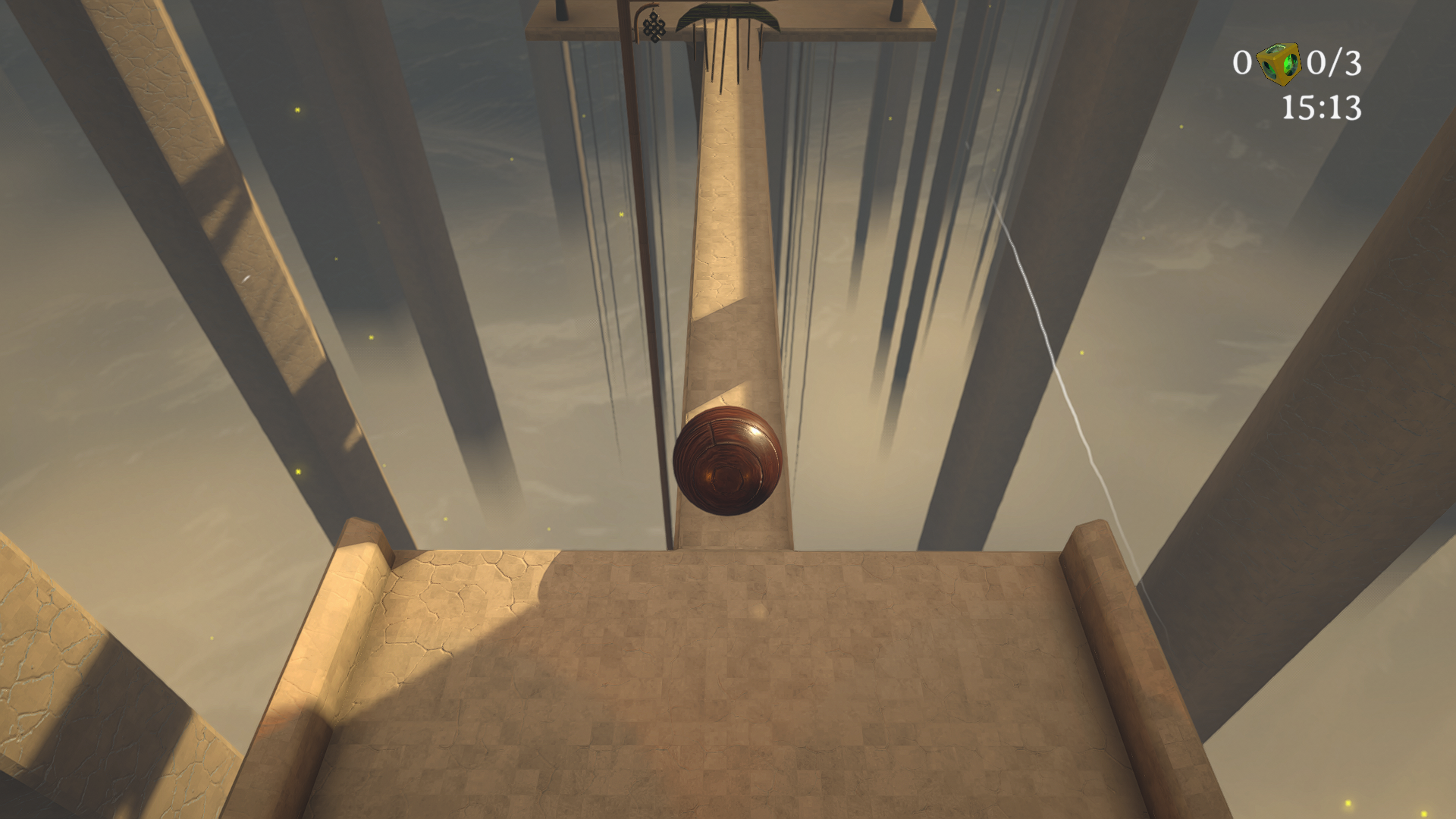
Rolling Speed in MemoryMaze
Adjust rolling speed while exploring MemoryMaze's puzzle platforms.
Questions about stat modifiers
- Which setting gives the normal speed?
- Choose 100%, or turn Rolling speed off to restore the original setting.
Using these features
Choose the feature in the Windows app after connecting your game. Check its requirements before making a change.
Setup for MemoryMaze →