

Choose your Hint stock
Keep Hints ready for Mahjong boards. Choose a stock in Saved Hints, then use the game's Hint button to highlight a matching pair.
Requires the Windows app and the Bytonian Mods browser extension for Chrome or Edge. Browser setup guide

Use Hints on the board
Apply your chosen Hint stock before loading the board. Tap Hint during play to reveal a matching pair, then match those tiles normally.
Available customisation options
Saved HintsFree
Choose how many Hints are ready to help find matching Mahjong tiles.
Set your Hint stock in Customise, apply it, then open a board and tap Hint to highlight a pair.
Changes Hints only; Shuffle, Highlight and Coins keep their own values.
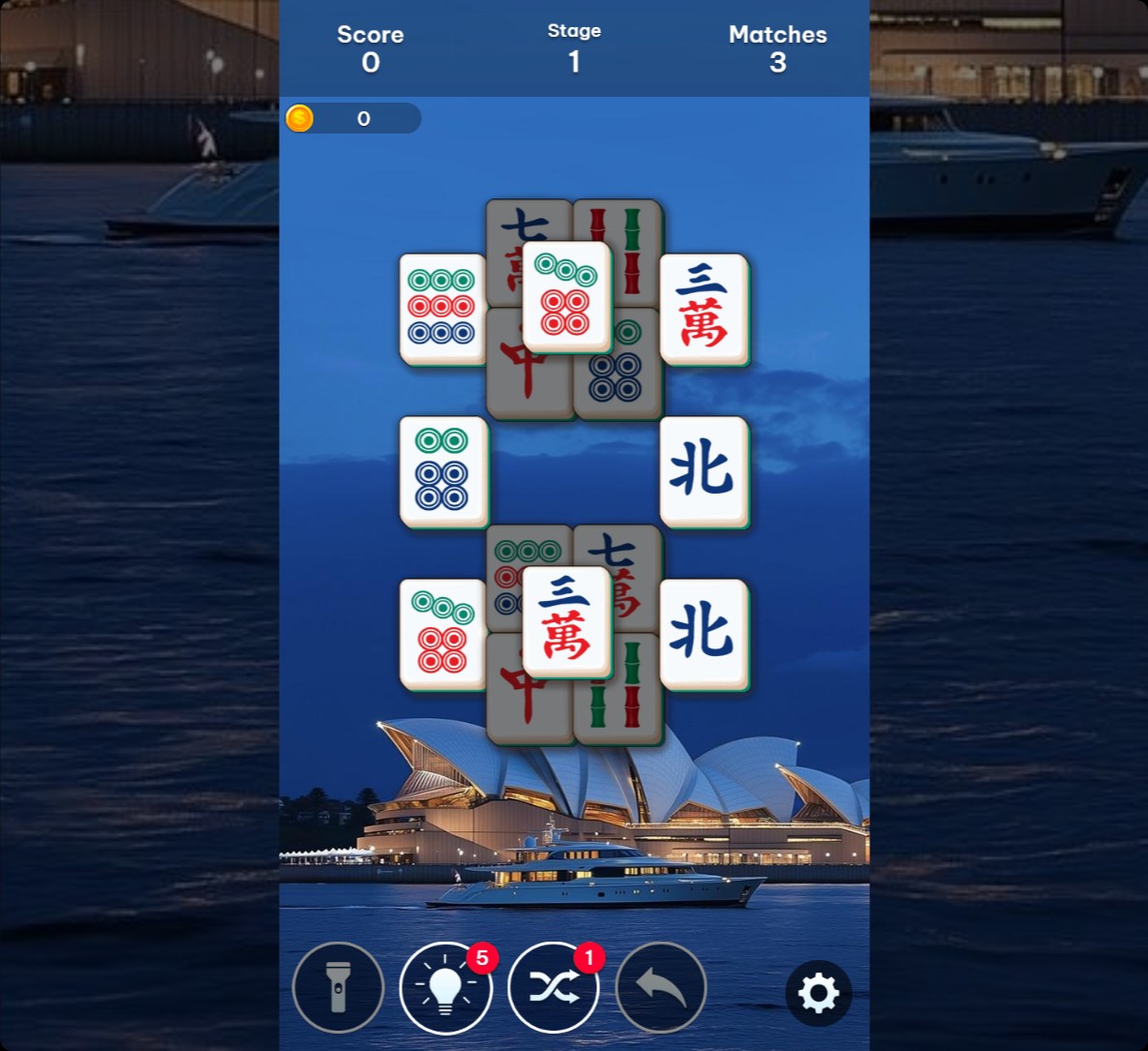
Five Hints ready
Choose a saved Hint stock for Mahjong boards. This board shows five Hints ready to use.
Questions about customisation options
- Does Saved Hints change the other aids?
- No. It changes Hints only. Shuffle and Highlight keep their own stocks.
Using these features
Connect your game, then open Customise in the Windows app. Choose an option, check its available values and follow its instructions. Each option lists its own requirements and limits.
Setup for Mahjong World Tour →