
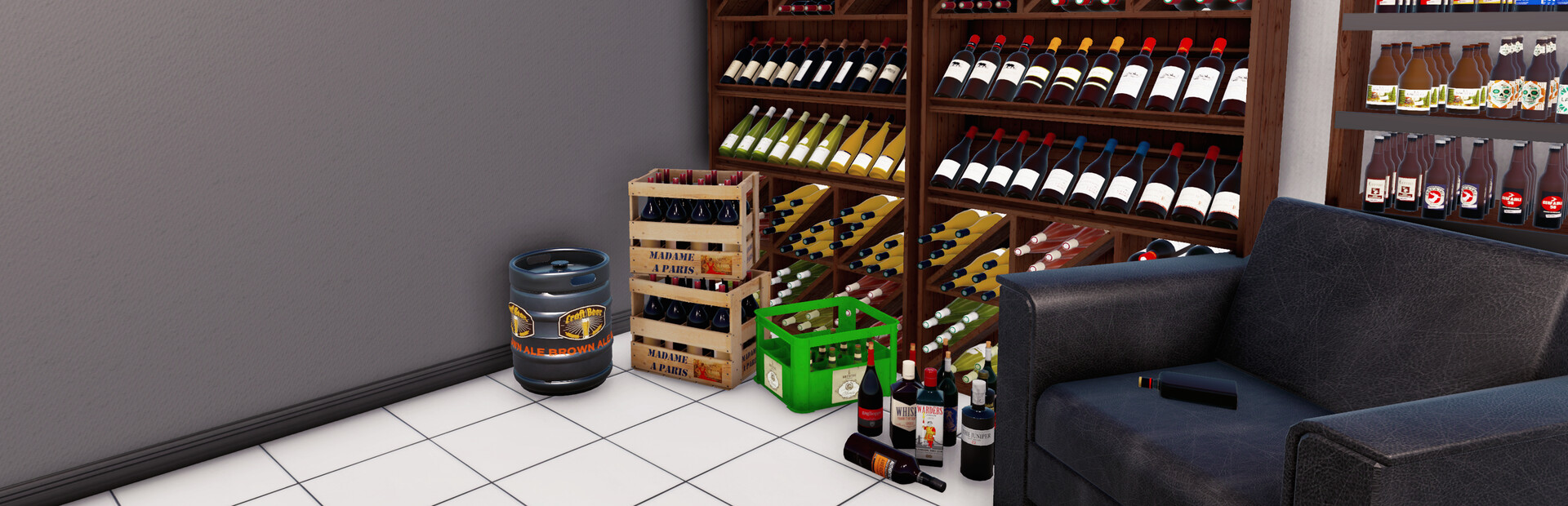
Give your store budget a boost
Add Cash gives you a straightforward way to increase your shop balance when you want more room in the budget.

Choose an amount
Enter a whole amount from 1 to 100,000, then use Add Cash during normal play. The resulting balance must stay at or below 1,000,000.
Use it between activities
Finish seated computer work and close menus before using the cash action. Your shop balance updates when the action succeeds. See the overview for setup.
Available game actions
Add CashFree
Add the chosen amount to your store cash balance.
Choose an amount, finish seated activities and close menus, then use Add Cash.
Use whole amounts from 1 to 100,000. The resulting balance must stay at or below 1,000,000.
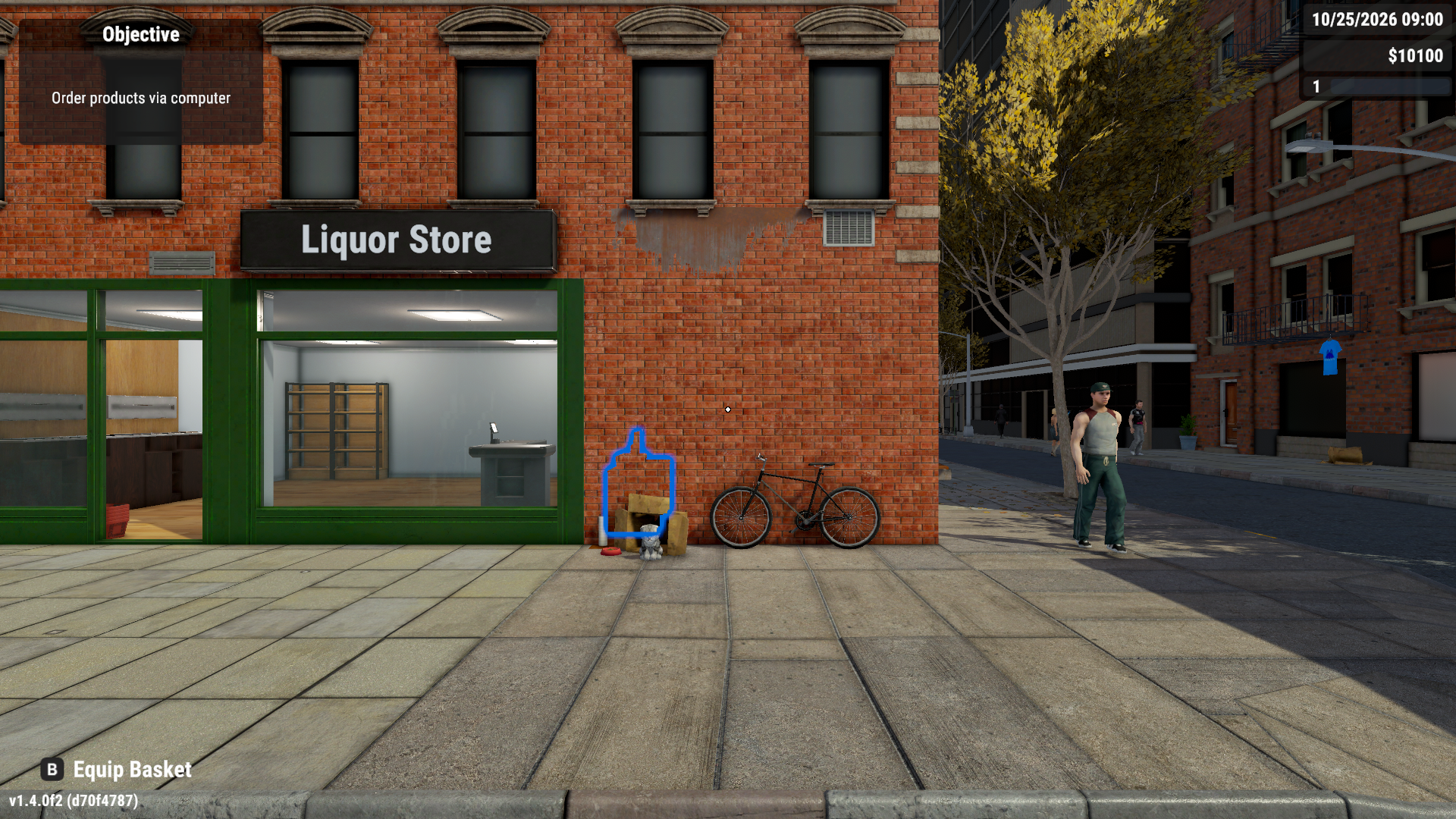
Add cash to your store budget
Choose an amount of cash to add to your store balance while you play.
More ways to customise Liquor Store Simulator
- Liquor Store Simulator rule modifiers
Adjust walking pace and choose how quickly the shop day passes.
Using these features
Choose the feature in the Windows app after connecting your game. Check its requirements before making a change.
Setup for Liquor Store Simulator →