

Choose your camera view
Get closer to your character or take in more of the surrounding lawn. Camera View gives you two ways to frame your leaf-clearing adventure.
Requires the Windows app and the Bytonian Mods browser extension for Chrome or Edge. Browser setup guide

A closer look
Choose Third-person for a closer view behind your character as you move around the lawn.
Take in the surroundings
Choose Top-down to return to the broad overhead perspective. Select a view, apply it and give the camera a moment to settle.
Available perspective modifiers
Camera ViewFree
Switch between a closer third-person view and the overhead lawn view.
Choose Third-person or Top-down, then apply your view.
Give the camera a moment to settle after switching.
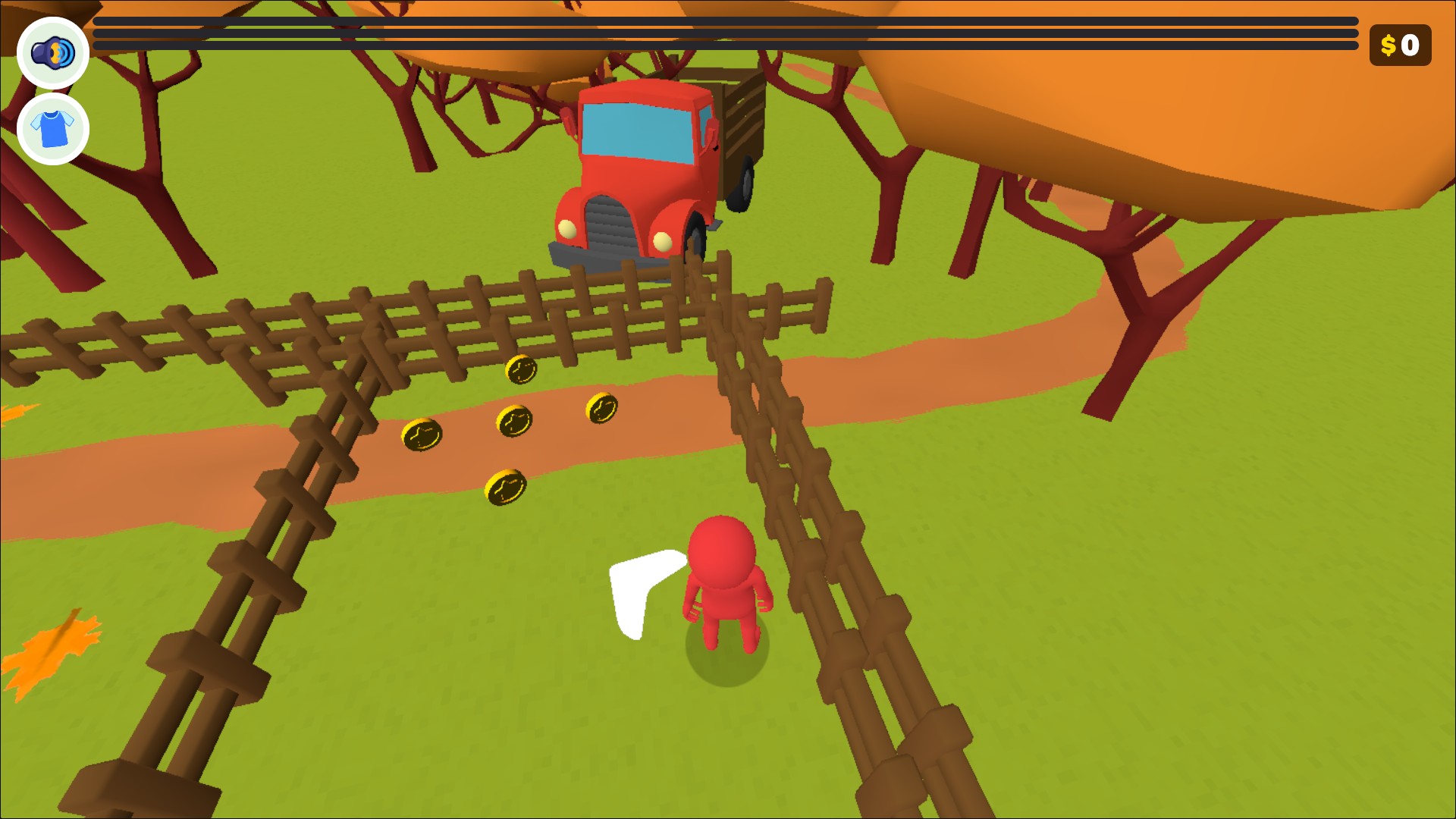
A closer view of the lawn
Switch to a closer third-person view as you explore the lawn and collect coins.
More ways to customise Leaf Blower Simulator
- Leaf Blower Simulator game actions
Finish the current area with one action.
Using these features
Choose the feature in the Windows app after connecting your game. Check its requirements before making a change.
Setup for Leaf Blower Simulator →