

Resources
1 optionSet, add or subtract petrol between 0 and 100% of the tank.
View resources →Look after British gardens with control over your mower's fuel. Set the tank percentage during a Career or Free Mow job, whether you want a full tank or a smaller amount for the next stretch of lawn.

Start with free mods
Download Bytonian Mods for Windows and try these free features. Choose one to see how it works and any requirements.
Set your petrol mower's tank percentage, or add and subtract percentage points during a Career or Free Mow job.
Resume play and stop the mower engine. Refresh the fuel card, then set an amount from 0 to 100 or use add and subtract.
Requires a petrol mower. Challenge mode and electric mower charge are excluded.
Mower Fuel lets you set a percentage or add and subtract fuel from the current tank. It works with petrol mowers, so the amount stays easy to compare across different tank sizes.
Start your Career or Free Mow job, resume play and stop the mower engine. Refresh the fuel card, then choose the amount you want. The game's normal refuelling remains available.
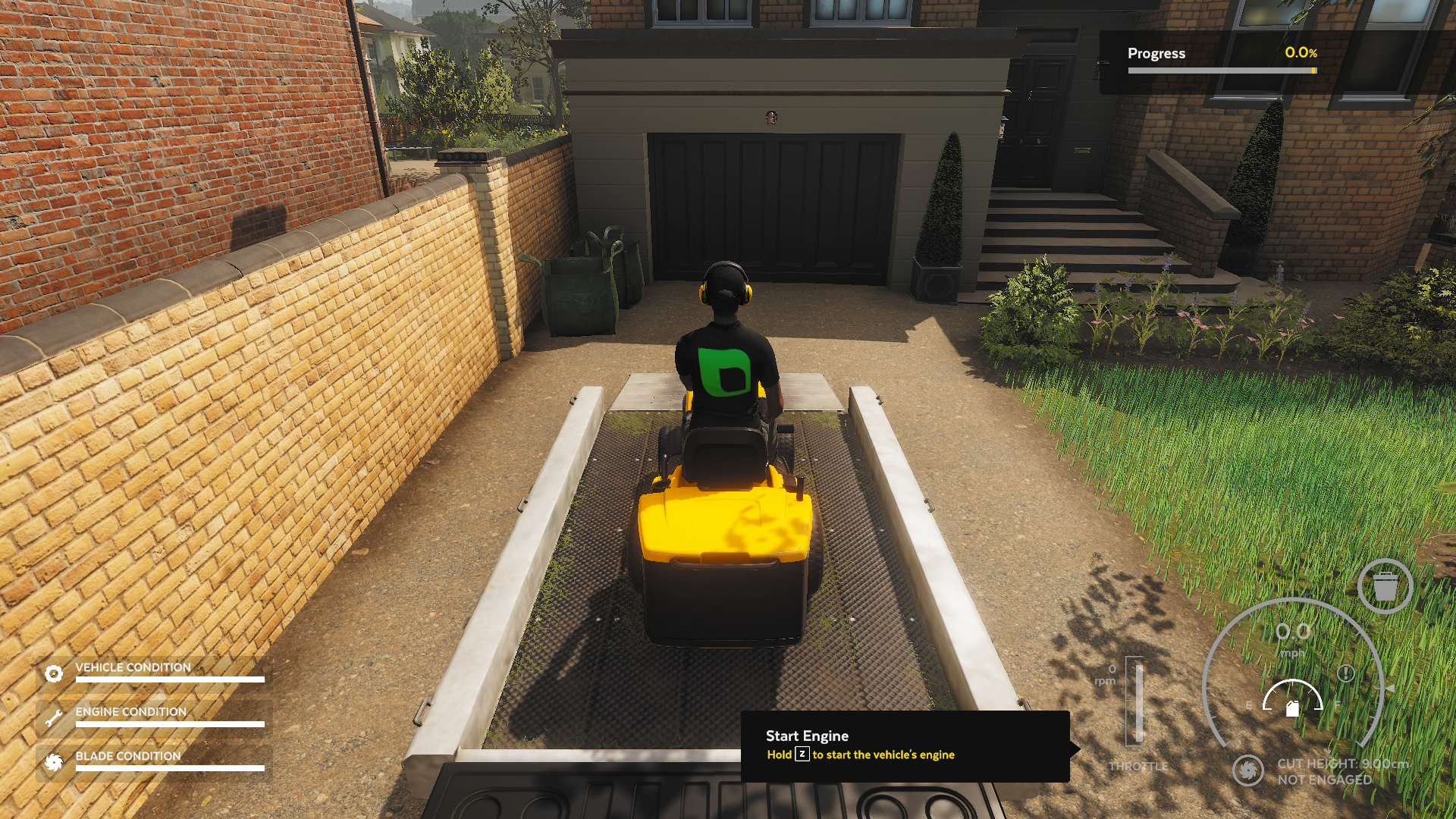
A petrol mower ready for the garden
Choose the fuel amount for your petrol mower and get ready for your next stretch of lawn.
Set, add or subtract petrol between 0 and 100% of the tank.
View resources →Browse the Steam achievement names and descriptions for Lawn Mowing Simulator. Choose and unlock achievements for free with Bytonian Mods in the Windows app.
View all achievements →Download the Windows app and follow the setup prompts.
Open Lawn Mowing Simulator and select it in Bytonian Mods. Follow the app’s connection prompts.
Review the available options in the app and choose the ones that suit how you play.