


Choose your coins and reward upgrade level
Use Coins to set a balance for the game's upgrade shop. Coin reward upgrade level separately lets you choose the level from 0 to 9.

Set a balance before shopping
Enter a coin value from 0 to 99,999 and apply it. Return to the game and buy an upgrade with the balance you've chosen.
Choose the reward upgrade setting
Set Coin reward upgrade level from 0 to 9. This changes the upgrade level; the price shown on the upgrade button may stay the same.
Available resources
Coin reward upgrade levelPremium
Choose the coin reward upgrade level.
Set a level from 0 to 9 and apply it.
Before you use it: The price displayed on the upgrade button may not refresh.
CoinsFree
Adjust your coins and spend them on the game's upgrades.
Set a coin balance from 0 to 99,999, apply it, then return to the game and use an upgrade button.
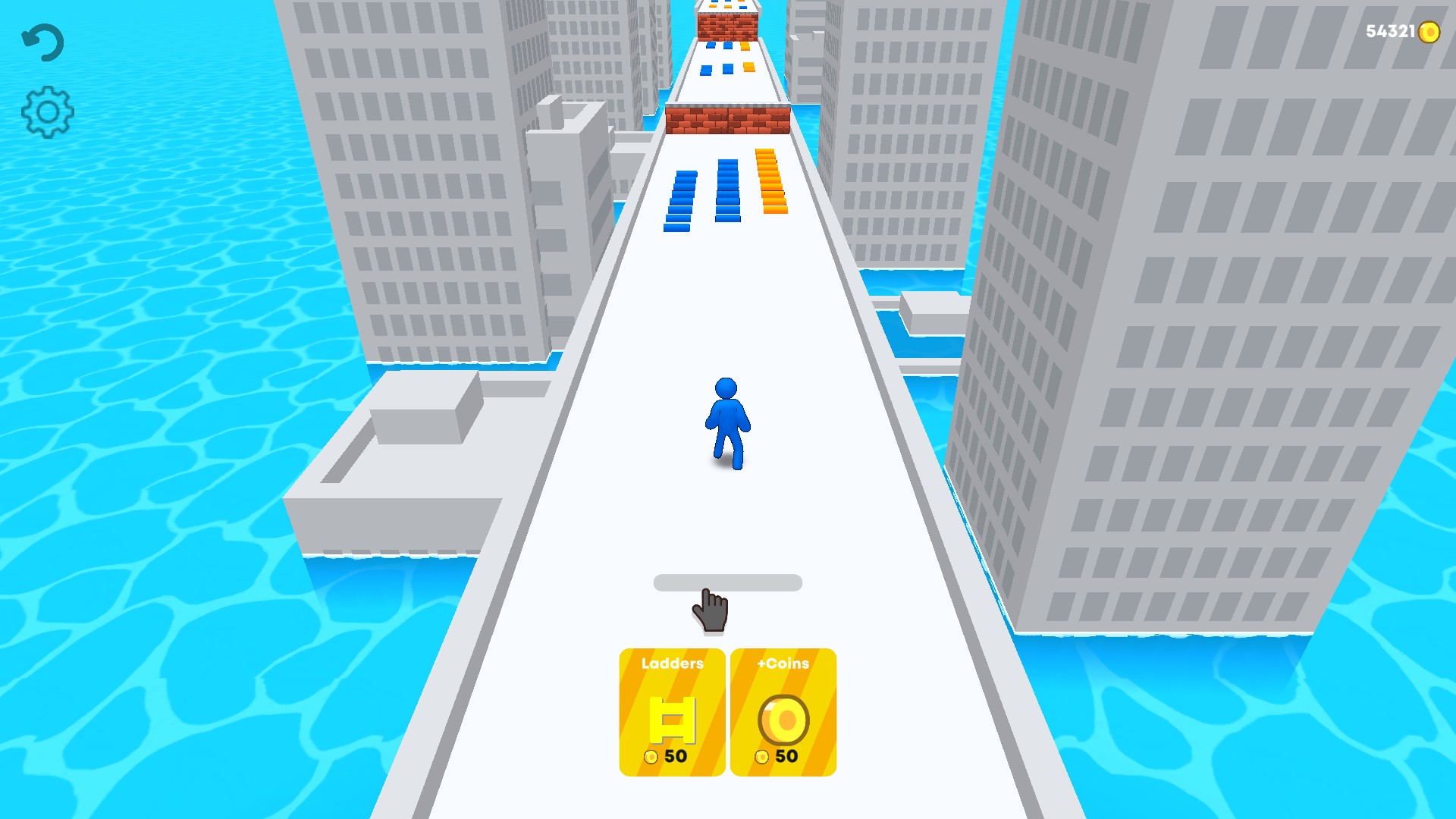
Coins ready for upgrades
Set your coin balance and use it for the game's ladder and coin upgrade choices.
Using these features
Choose the feature in the Windows app after connecting your game. Check its requirements before making a change.
Setup for Ladder Master →