
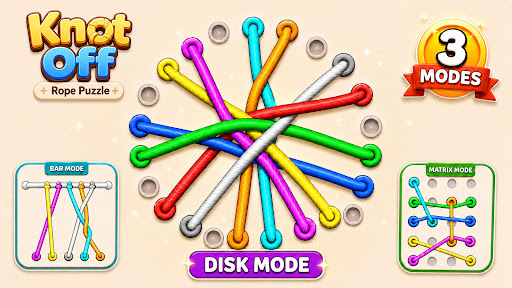
Choose your scissors supply
Set the number of scissors you want available before tackling your next tangle. Each normal cut uses one from your supply.
Requires the Windows app and the Bytonian Mods browser extension for Chrome or Edge. Browser setup guide

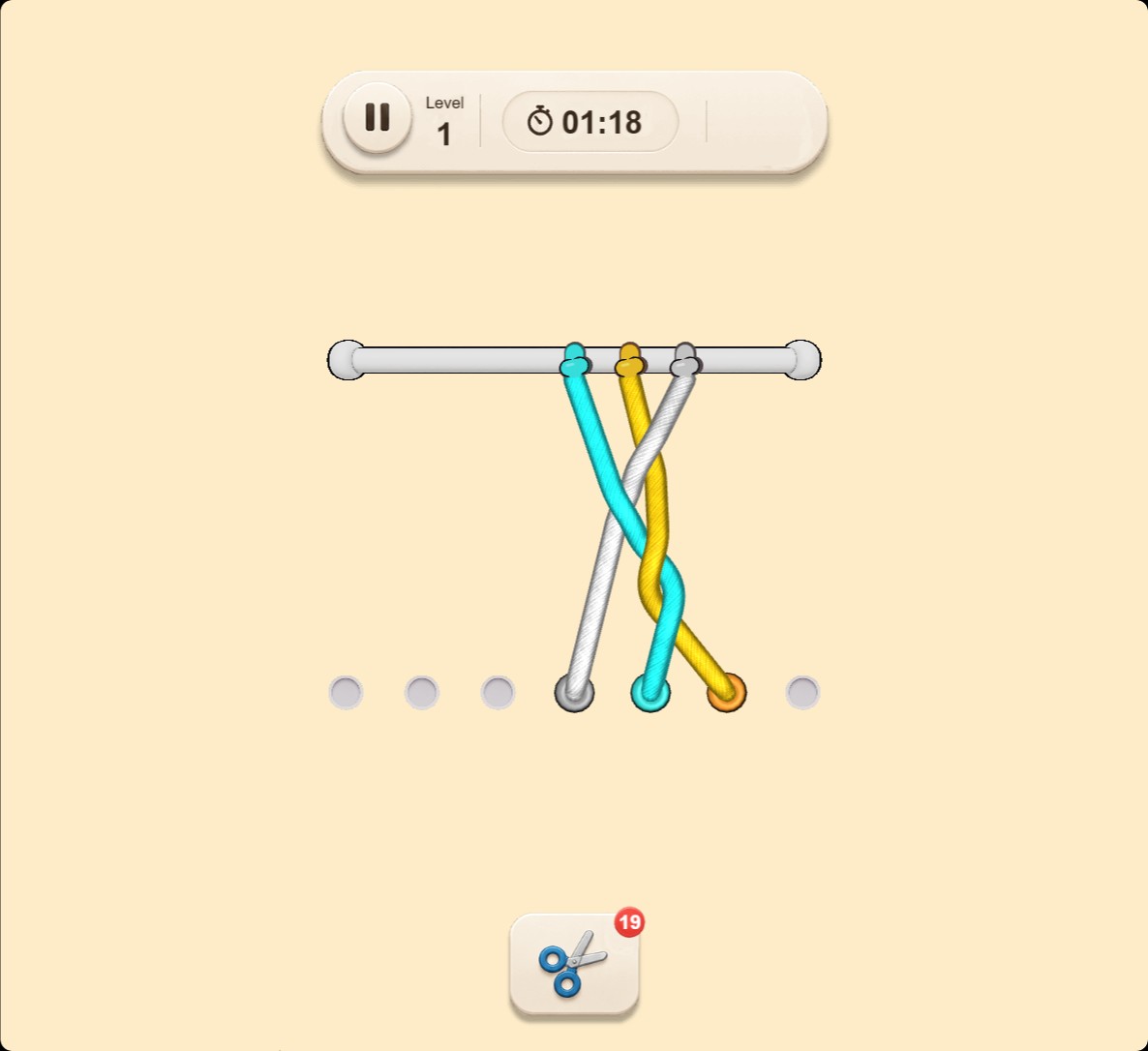
More scissors for tangled ropes
Choose your scissors supply, then select a rope to cut and make room to untangle the rest.
Set the amount you want
Choose a scissors total and apply it. Return to the puzzle and check the stock shown on the scissors button.
Make a normal cut
Press the scissors button, then select a rope in the highlighted part of the board. The game cuts that rope and uses one scissors charge. Continue moving the remaining rope ends to clear the tangle.
Available customisation options
ScissorsFree
Choose your scissors stock for cutting tangled ropes.
Set your stock, press the in-game scissors button and select a rope to cut.
Questions about customisation options
- How do I spend a scissors charge?
- Press the scissors button and select a rope to cut. A completed cut uses one charge.
- Can I choose a smaller stock?
- Yes. Set the scissors total to the amount you want for your puzzle.
Using these features
Connect your game, then open Customise in the Windows app. Choose an option, check its available values and follow its instructions. Each option lists its own requirements and limits.
Setup for Knot Off: Rope Puzzle →