

Choose your restaurant resources
Set the resources you want, apply your changes, then use the restaurant shop and cooking menus as usual.
Requires the Windows app and the Bytonian Mods browser extension for Chrome or Edge. Browser setup guide

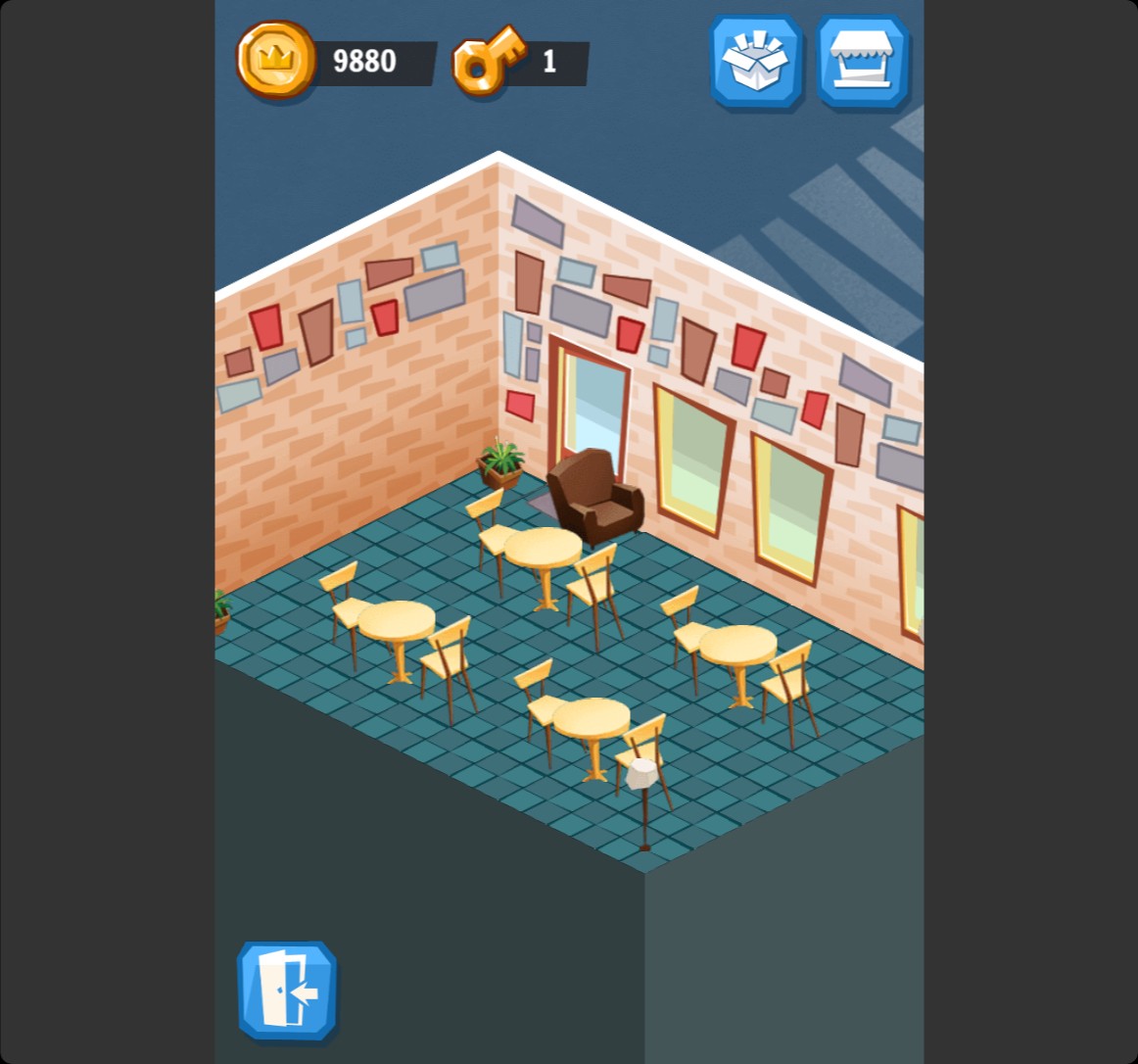
Furnish your restaurant
Use coins to buy furniture and arrange your restaurant.
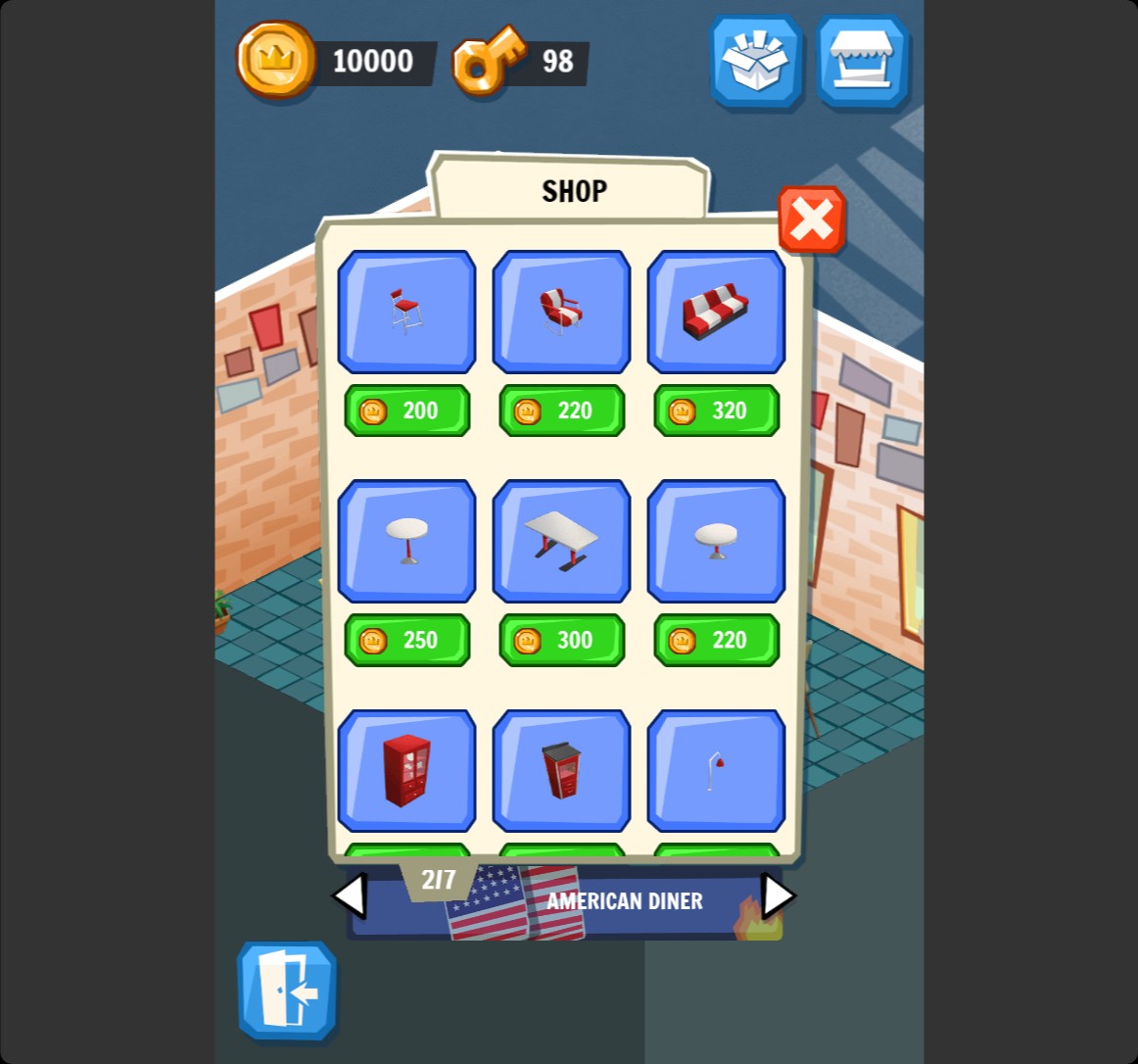
Unlock furniture collections
Use furniture keys to open new styles for your restaurant.
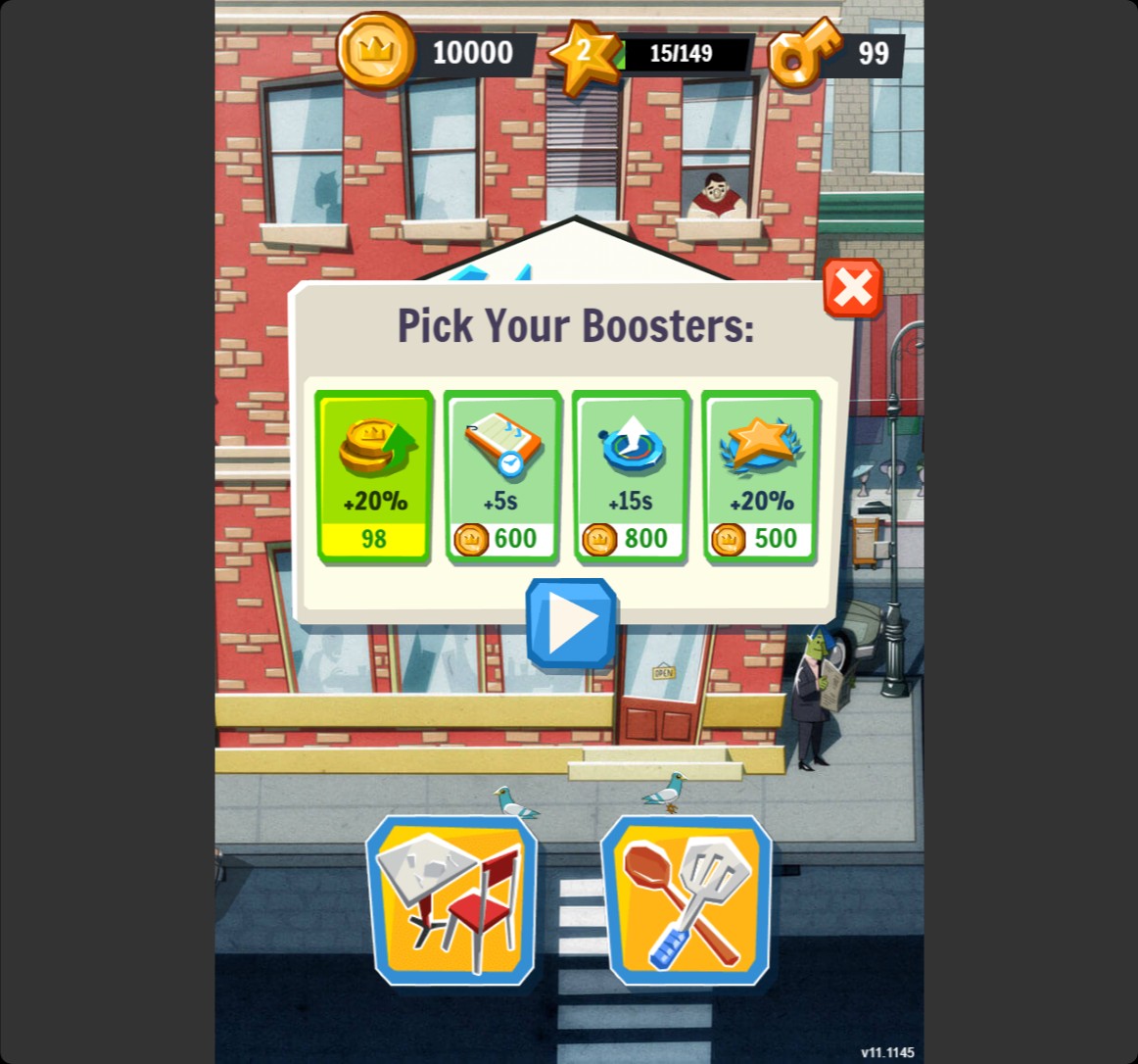
Prepare coin boosters
Set your coin booster stock, then choose one before a cooking round.
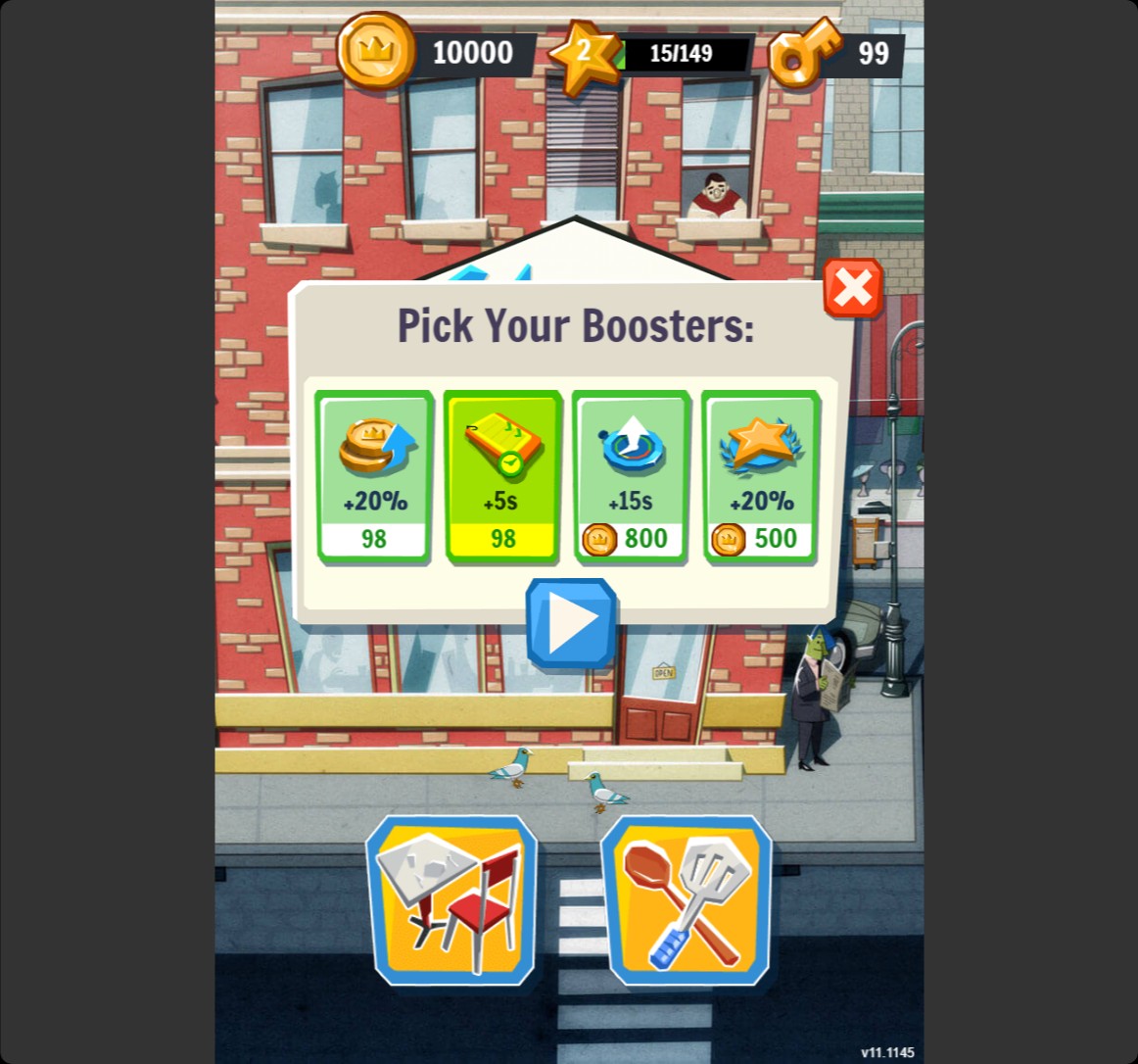
Prepare customer patience boosters
Set your customer patience booster stock and select one before a cooking round.
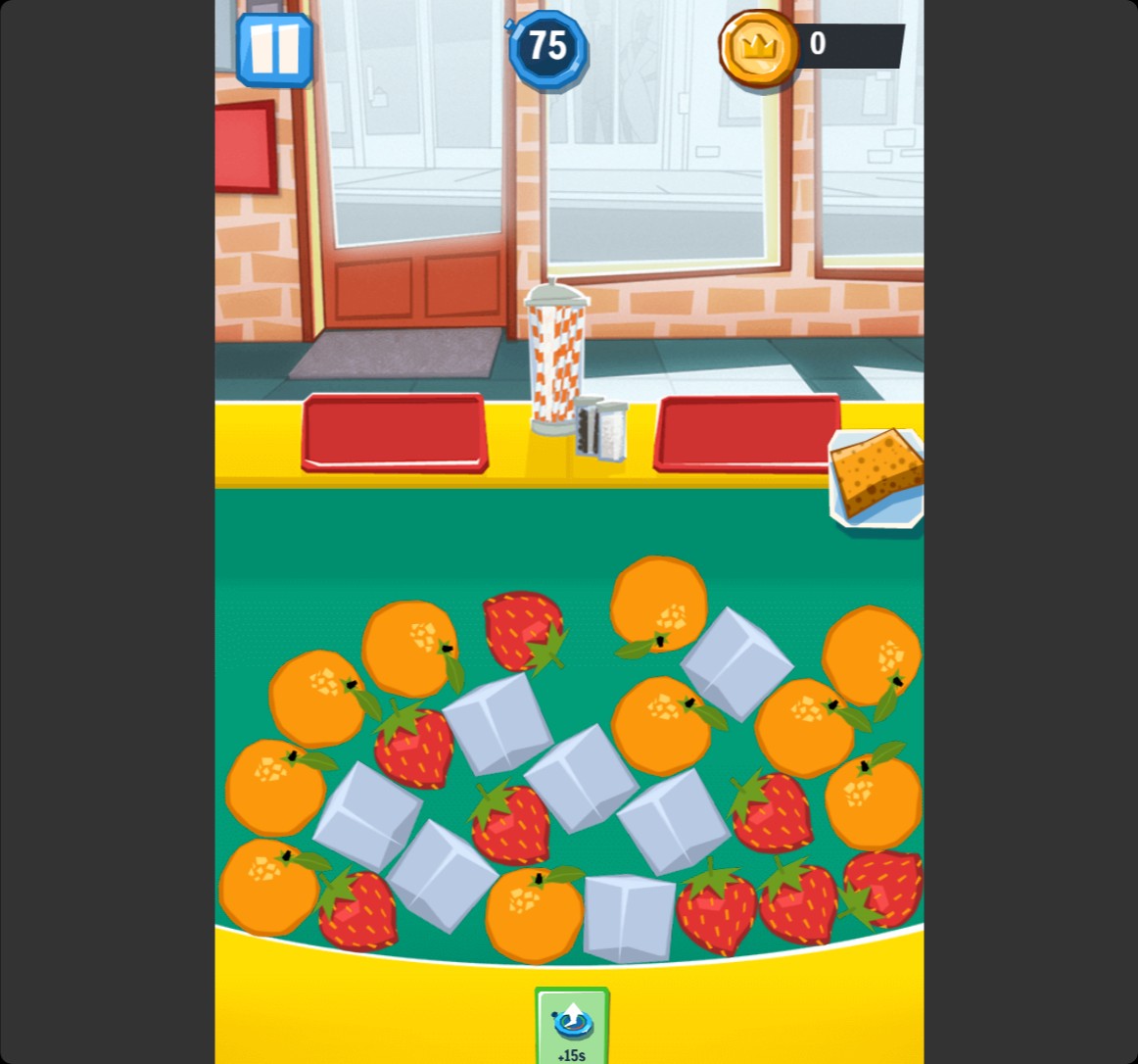
Start cooking with extra time
Select a round-time booster before cooking to add 15 seconds to the round.
Coins and furniture keys
Use coins to buy furniture or pre-round boosters. Spend a furniture key through the shop's Unlock button to open another collection; furniture pieces still have their own coin prices.
Select boosters before cooking
Choose coin, customer patience or round-time boosters from the pre-round picker. Selecting a booster uses one from its stock when the round begins. A round-time booster changes a 60-second round into a 75-second round.
Available customisation options
CoinsPremium
Set coins for furniture and pre-round booster purchases.
Apply the amount, then buy furniture in the restaurant shop or choose boosters before cooking.
Furniture keysPremium
Set furniture keys to unlock new restaurant collections.
Open the restaurant shop, browse to a locked collection and use Unlock. Furniture pieces still cost coins.
Coin boostersPremium
Set your coin booster stock for the pre-round picker.
Apply the stock, select a coin booster, then choose your cooking menu.
Select the booster before starting a round.
Customer patience boostersFree
Set your customer patience booster stock for the pre-round picker.
Apply the stock and choose a customer patience booster before cooking.
Select the booster before starting a round.
Round time boostersPremium
Set round-time booster stock to add 15 seconds when you select one before cooking.
Apply the stock, choose the round-time booster and start a cooking round.
One selected booster is used per round.
Using these features
Connect your game, then open Customise in the Windows app. Choose an option, check its available values and follow its instructions. Each option lists its own requirements and limits.
Setup for Kitchen Bazar →