

Prepare your puzzle help
Choose coins for normal booster purchases or set the automatic moves you have ready. Use help when you want to get past a difficult part of a picture.
Requires the Windows app and the Bytonian Mods browser extension for Chrome or Edge. Browser setup guide

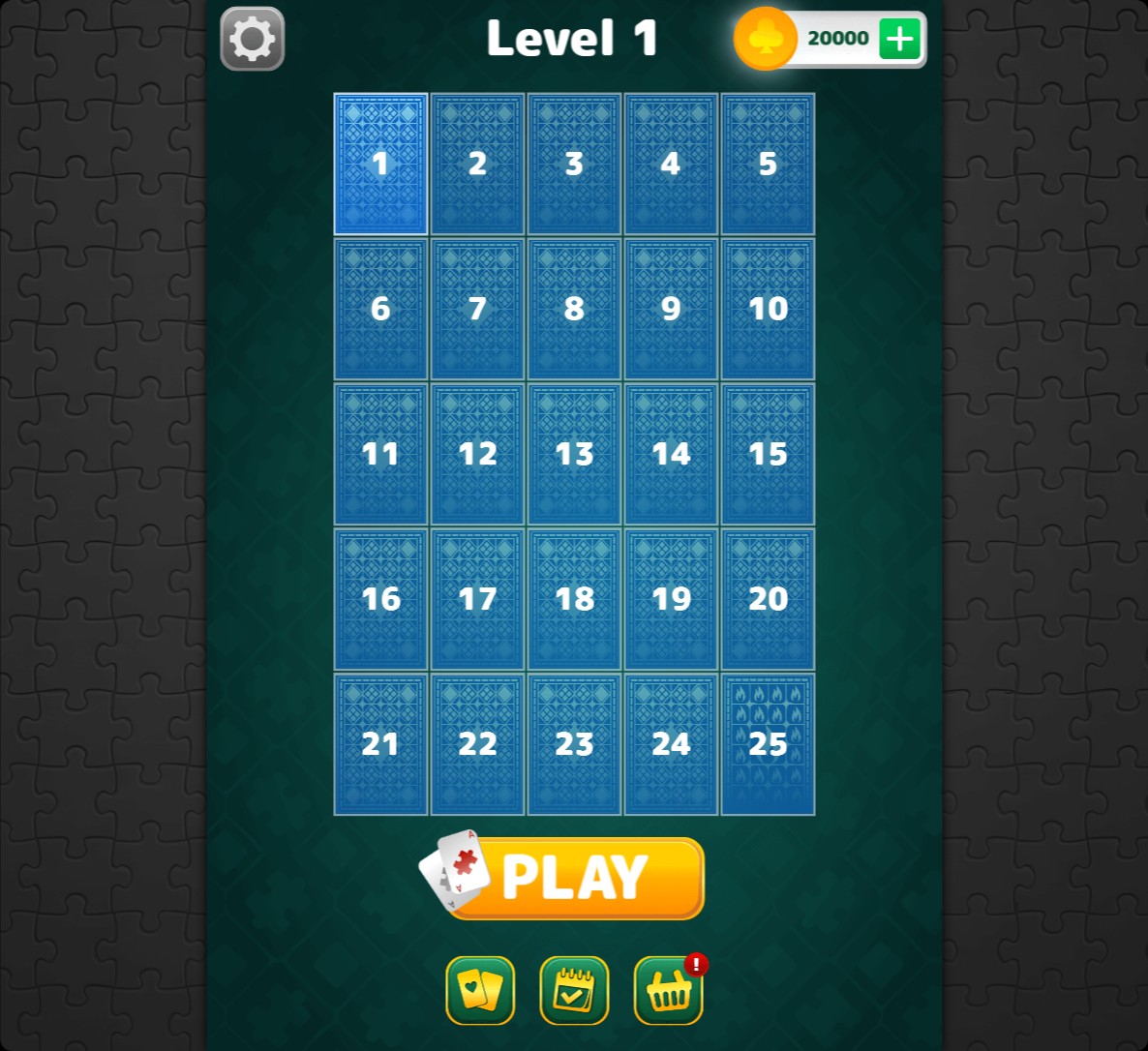
Coins for puzzle help
The home wallet shows 20,000 coins before returning to the puzzle.
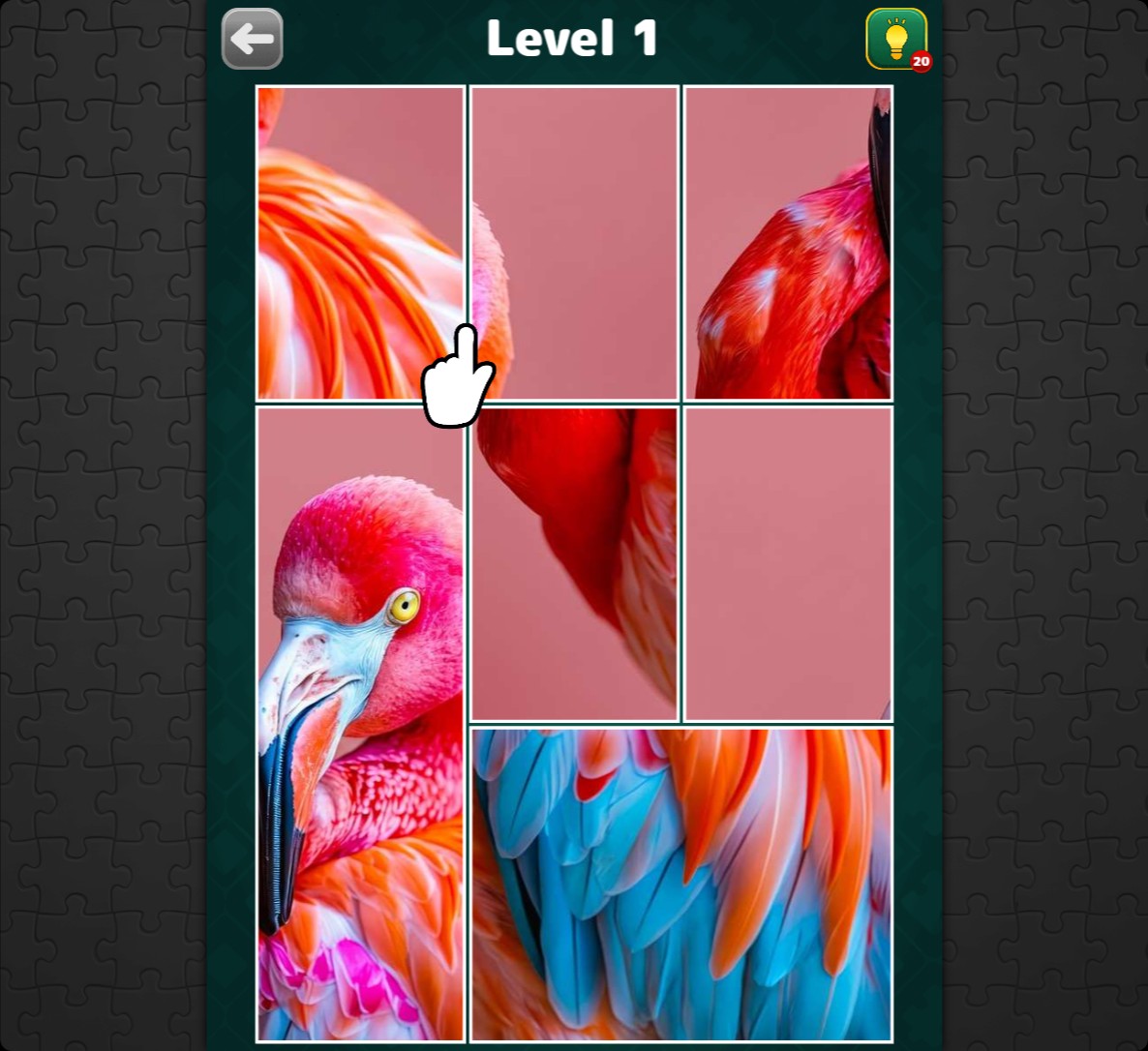
Automatic moves ready
The puzzle's lightbulb control shows 20 automatic moves in stock.
Coins for booster purchases
Set your coin balance, then use the normal booster controls to buy the help you want.
Automatic moves when you need them
Choose your ready stock and press the lightbulb during a puzzle to make a suggested move. Each use spends one move from your stock.
Available customisation options
CoinsFree
Choose a coin balance for normal booster purchases.
Set the balance and apply it, then use the normal booster purchase controls.
Auto MovesPremium
Choose automatic move stock so puzzle help is ready when you want it.
Apply your stock, open a picture puzzle and press the lightbulb to make a suggested move.
Questions about customisation options
- Does Auto Moves finish the whole picture?
- The lightbulb makes a suggested move when you use it. Keep arranging and joining the remaining pieces to complete the picture.
- Where do I use automatic moves?
- Open a picture puzzle and use the lightbulb button at the top right.
Using these features
Connect your game, then open Customise in the Windows app. Choose an option, check its available values and follow its instructions. Each option lists its own requirements and limits.
Setup for Jigpic Solitaire →