

Choose your Cash and Video-Coins balances
Pick the currency you want to change, enter an amount and apply it. Once the game reloads, spend your balance through the normal purchase menus.
Requires the Windows app and the Bytonian Mods browser extension for Chrome or Edge. Browser setup guide

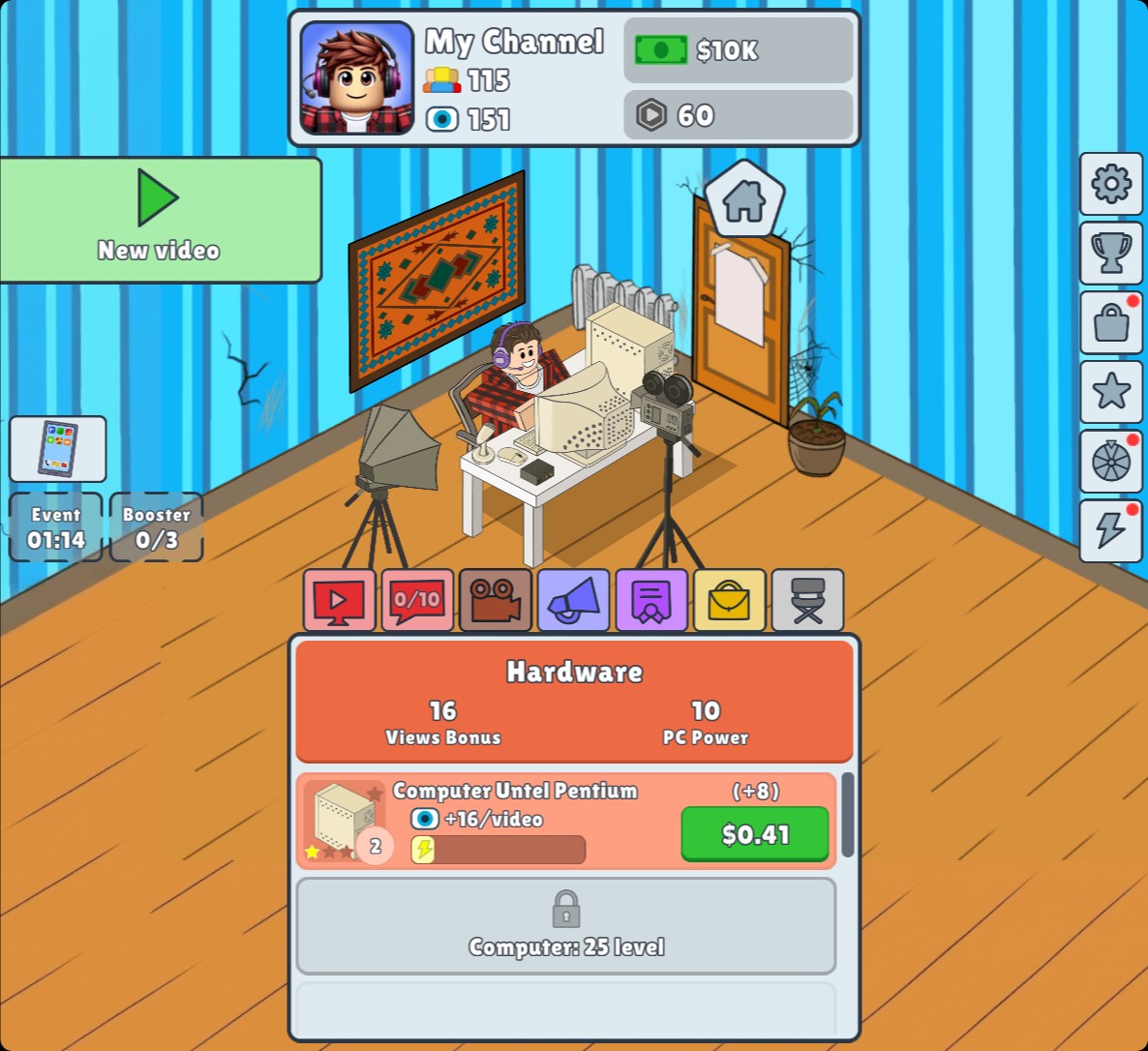
Cash for computer upgrades
Use your Cash balance to buy computer upgrades through Hardware. This computer has reached level2 and adds16 views per video.
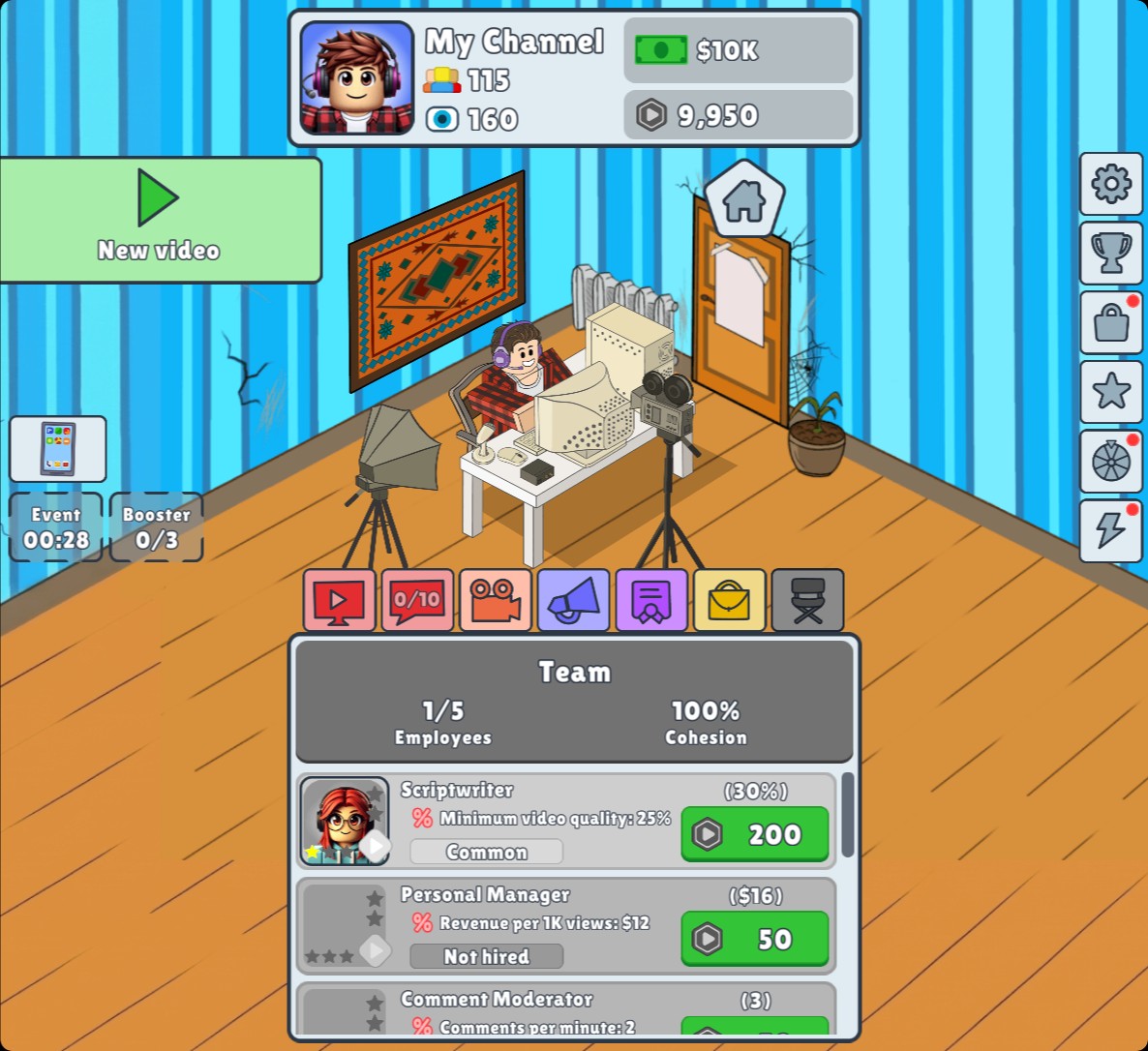
Video-Coins for your Team
Hire employees through the Team menu. This Scriptwriter raises minimum video quality to25%, with9,950 Video-Coins remaining after the50-coin hire.
Set Cash for Hardware
Enter your preferred Cash amount, apply the change and open Hardware. Select an available computer upgrade to increase its video bonus. Later equipment follows the game's normal unlocks.
Set Video-Coins for Team
Choose a Video-Coins amount, apply it and open Team. Select an employee, review the coin price and confirm the hire. Your remaining balance stays visible at the top of the screen.
Available customisation options
CashFree
Set your Cash balance for computer and other equipment purchases.
Enter an amount, apply it, then open Hardware and buy an available upgrade.
Video-CoinsPremium
Set your Video-Coins balance for Team hiring and employee upgrades.
Enter a whole-number amount, apply it, then open Team and confirm a coin purchase.
Questions about customisation options
- Does setting Cash also change Video-Coins?
- The controls are separate. Choose Cash for equipment or Video-Coins for Team purchases.
- Where do I buy equipment or hire staff?
- Open Hardware for equipment upgrades or Team to hire an available employee after setting the relevant balance.
Using these features
Connect your game, then open Customise in the Windows app. Choose an option, check its available values and follow its instructions. Each option lists its own requirements and limits.
Setup for Idle Vlogger Simulator →