
Choose Coins for your Babel Tower upgrades
Give your production chain room to grow. Choose your Coins balance, then use the game's Upgrade buttons to improve your machines and transporters.
Requires the Windows app and the Bytonian Mods browser extension for Chrome or Edge. Browser setup guide

Set Coins, then spend them in the game
Enter the amount you want and press Apply. After the game reloads, open a machine or transporter upgrade panel and buy the upgrade normally.
Help materials reach production
A stone transporter upgrade can increase the amount it carries. Spend Coins on the capacity and production improvements that help your current building chain.
Available customisation options
CoinsFree
Choose your Coins balance for normal machine, transporter and facility purchases.
Enter a coin amount and press Apply. Once the game reloads, buy upgrades through its normal menus.
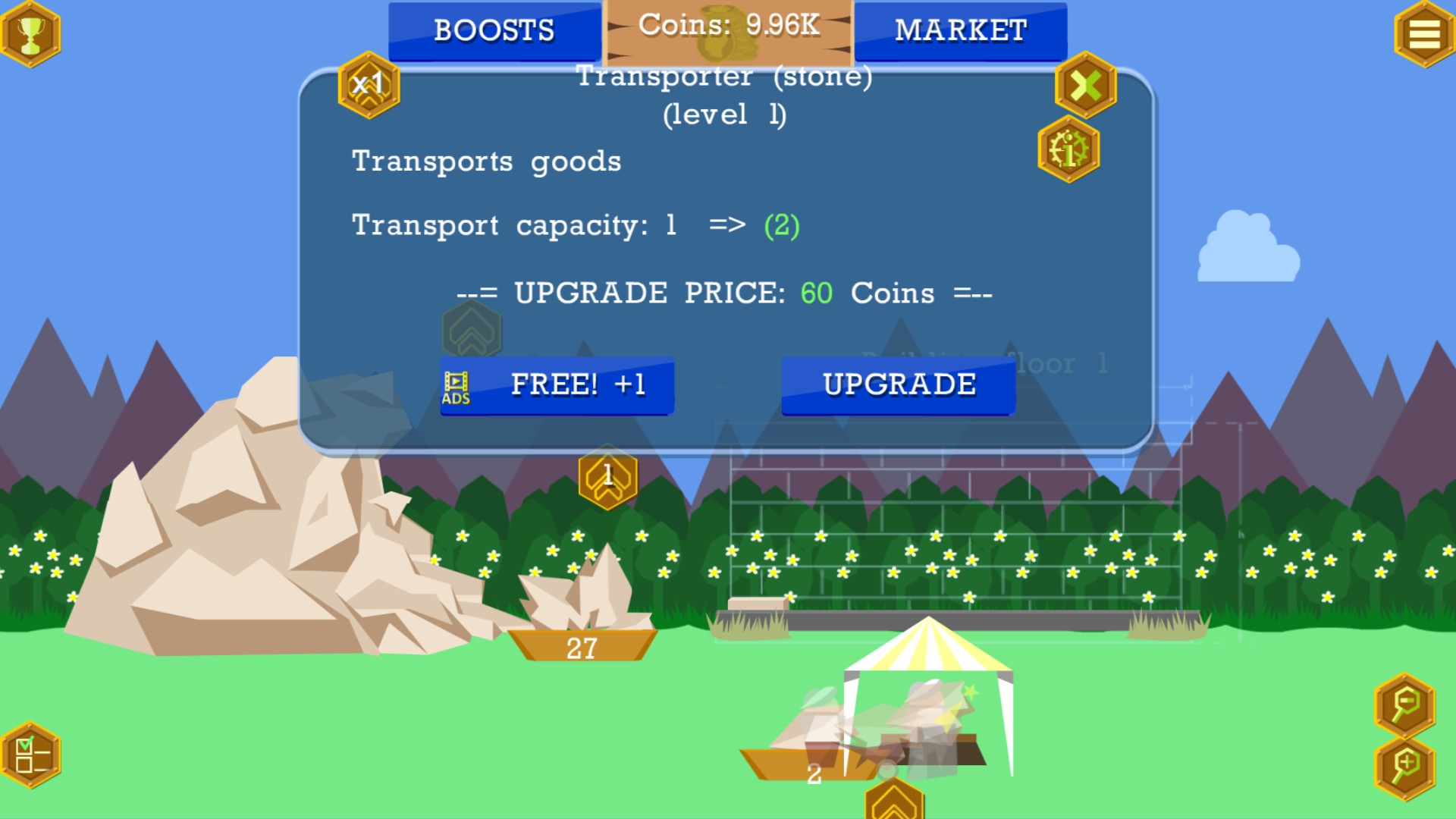
Put your Coins to work
Choose your coin balance, then buy normal machine upgrades. This stone transporter has reached level 1 after a 40-Coin upgrade.
Questions about customisation options
- Does changing Coins buy upgrades automatically?
- You choose and buy each upgrade through the game's normal controls.
- Is the Coins control Free?
- Yes. The Coins control is Free.
Using these features
Connect your game, then open Customise in the Windows app. Choose an option, check its available values and follow its instructions. Each option lists its own requirements and limits.
Setup for Idle Tower Builder: Babel Tower →