

Customise
1 optionA Free coin balance setting for building up your restaurant.
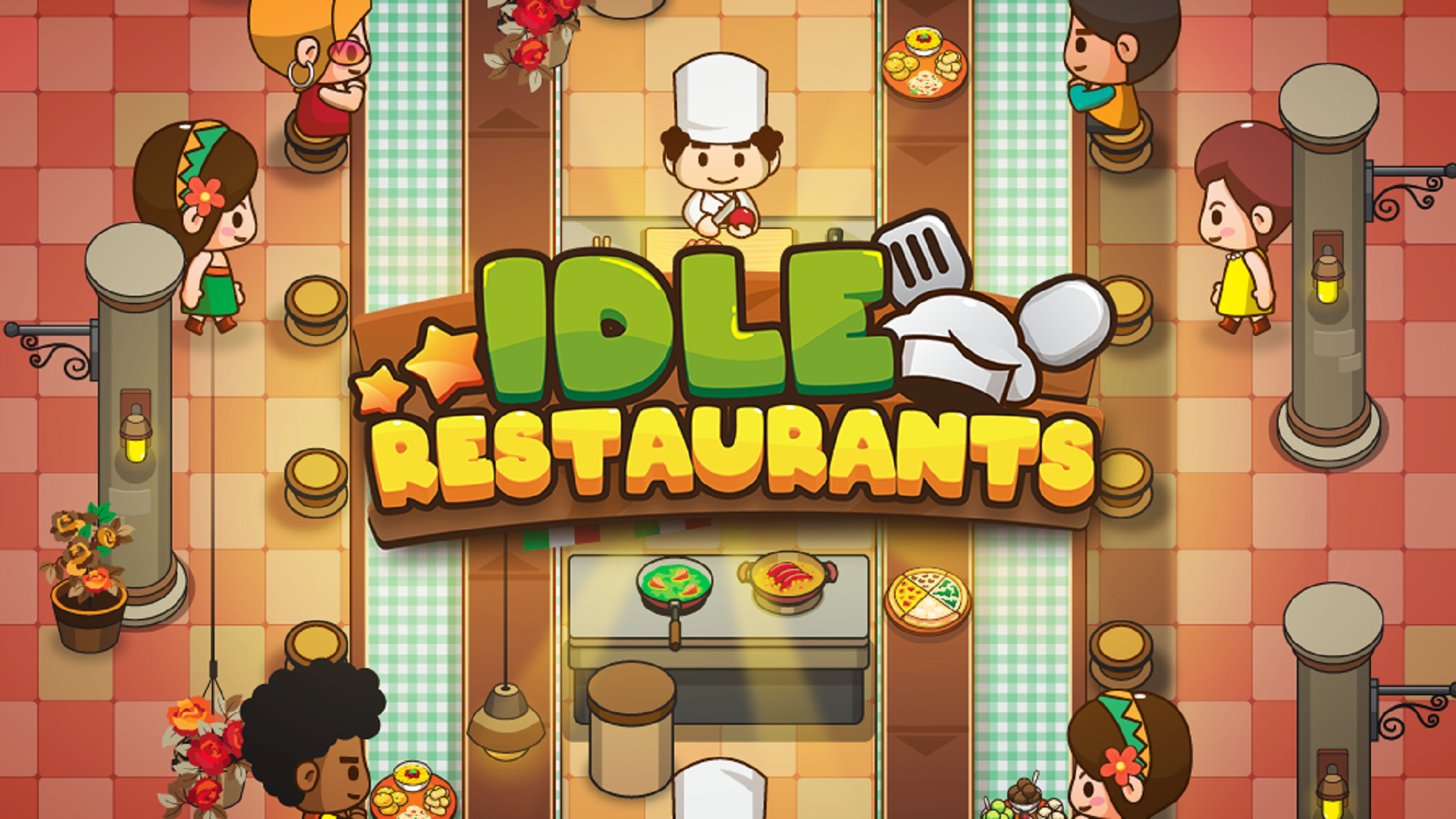
View customise →Keep dishes moving along the counter and serve your restaurant's hungry guests. In Idle Restaurants, upgrades help you build up places such as The Vegan House while your restaurant earns coins.

The Free Coins setting lets you enter the balance you want. Apply your amount, open the restaurant and spend coins through the normal upgrade buttons.
Decide where to put your coins next. Your restaurant keeps earning income, and purchases still follow the game's normal prices and requirements.
A Free coin balance setting for building up your restaurant.
View customise →Download the Windows app and follow the setup prompts.
Set up the browser extension in Chrome or Edge, then open the supported YouTube Playable. Follow the connection guide if the game is already running.
Review the available options in the app and choose the ones that suit how you play.