
Customize your Idle Racer car and earnings
Finish the tutorial, then choose cash for parts purchases, a base income level or a single tier for all three core parts. Resume in the garage and follow the game’s normal purchase and race prompts.
Requires the Windows app and the Bytonian Mods browser extension for Chrome or Edge. Browser setup guide

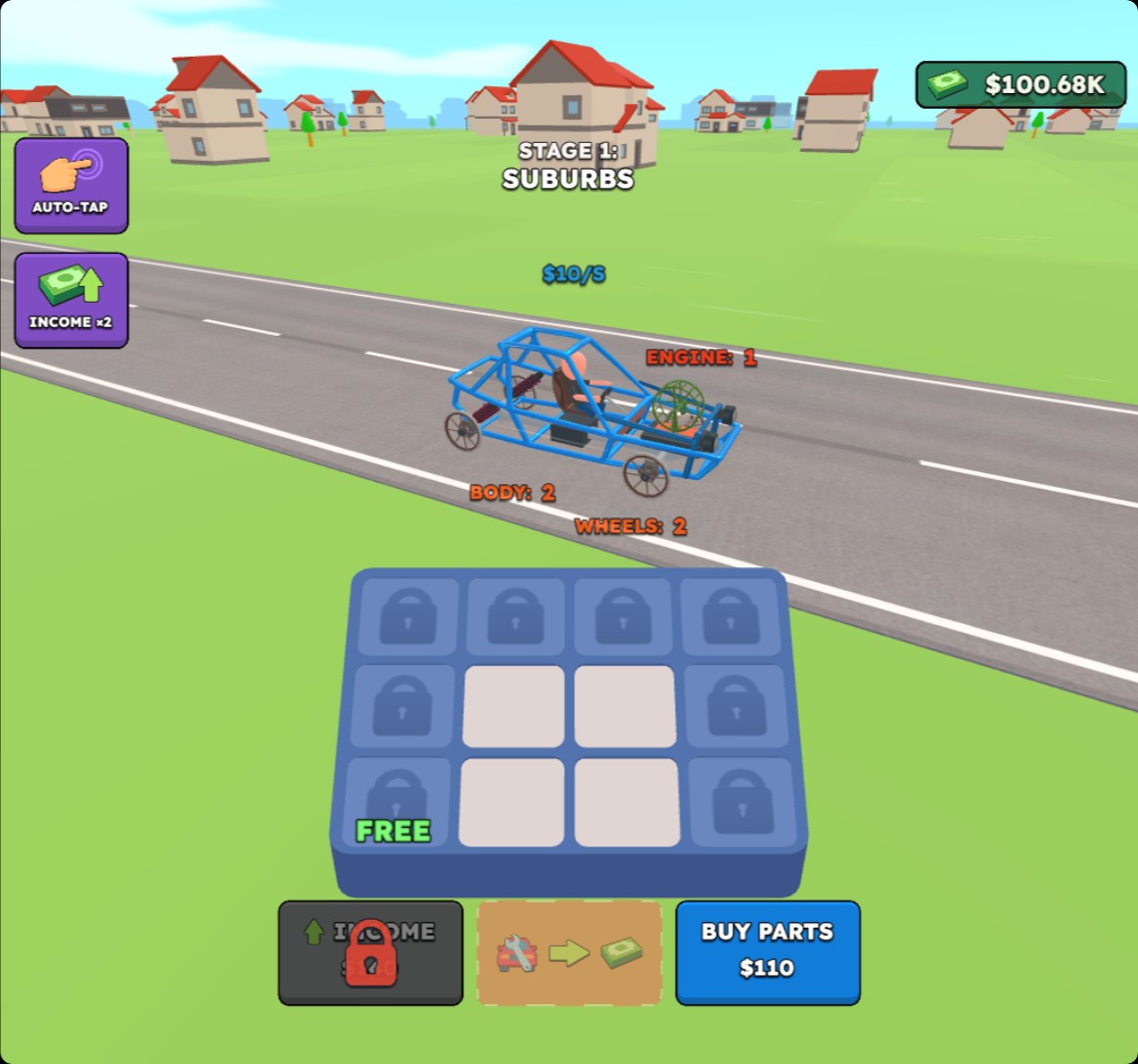
Cash for your next upgrade
Buy parts normally and fit them to your car.
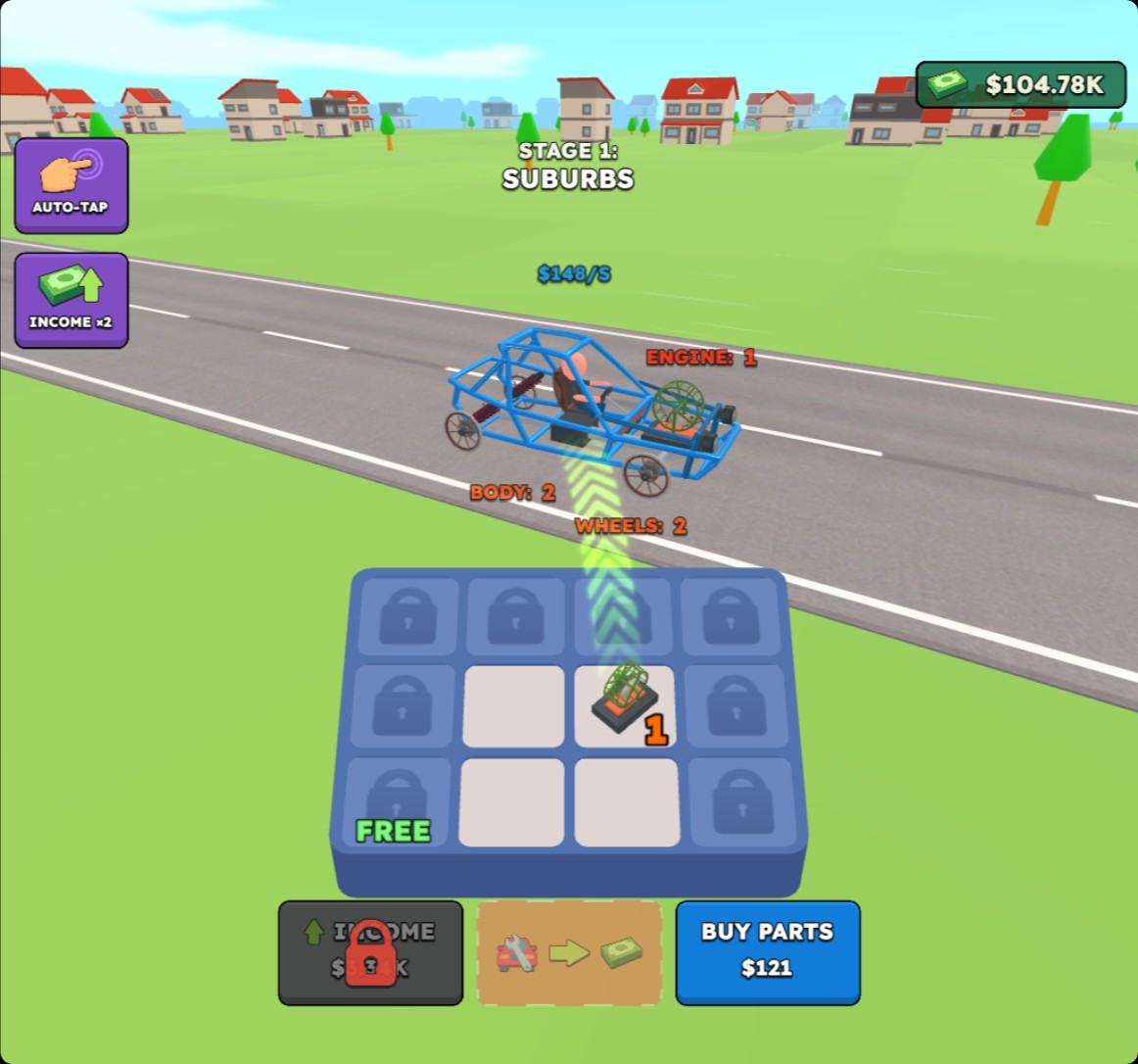
Raise your base income
Choose an income level and keep buying parts as you drive.
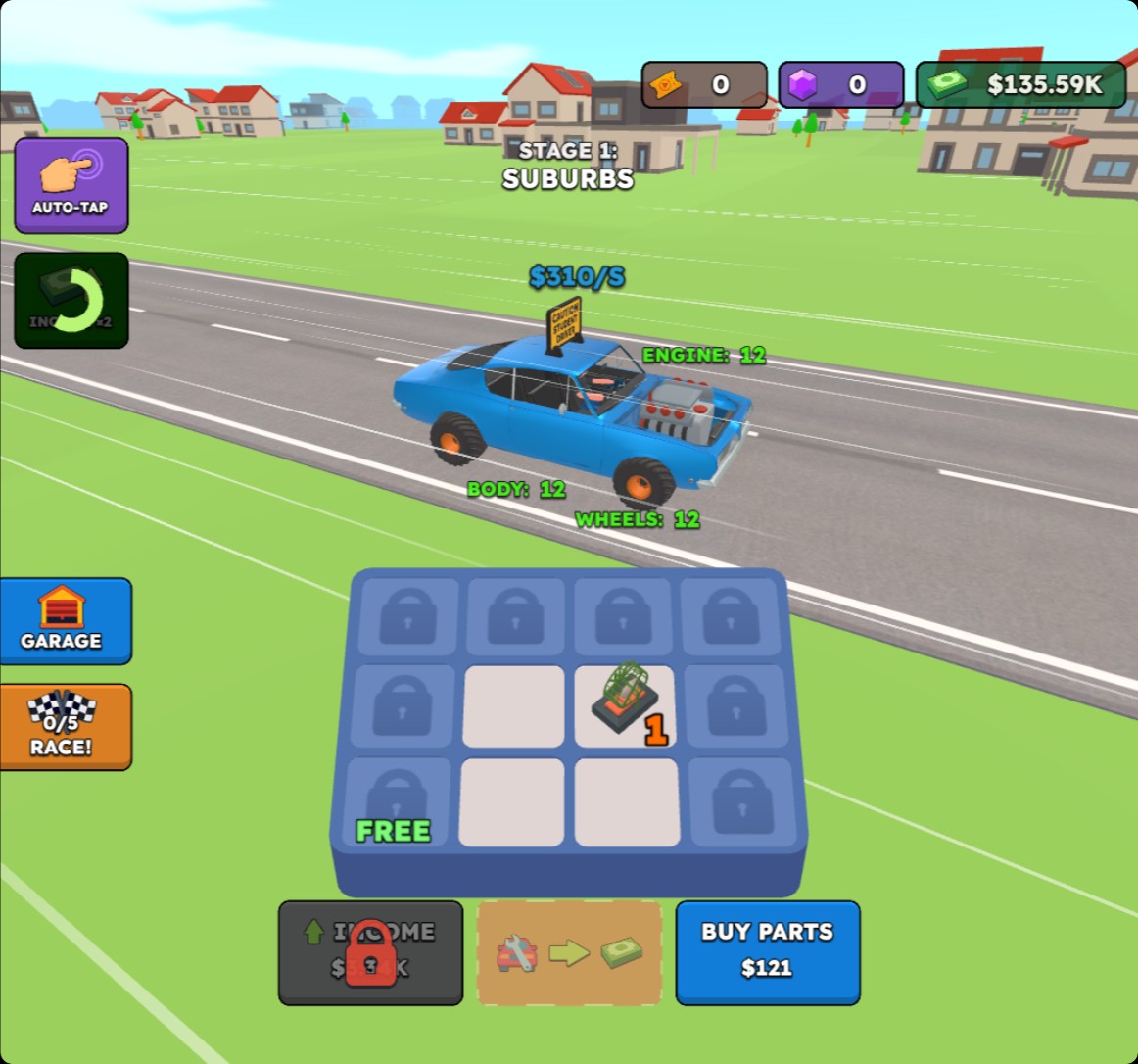
Upgrade your core car parts together
Set one tier for your engine, wheels and body.
Choose cash and income
Cash changes the balance used for normal parts purchases. Income Level changes the base earning level, while normal boosts can still alter the final earnings rate. Normal income upgrade locks still follow parts purchase progression.
Set the core parts together
Choose Car Parts Tier from 1 to 24 to give your engine, wheels and body the same tier. Higher core tiers change the equipped parts and car stats, but do not guarantee race wins. Garage accessories stay under the game's normal controls.
Available customisation options
CashPremium
Set spendable cash for normal parts purchases.
Enter the cash balance you want and apply it, then use Buy Parts normally.
Normal earning and spending keep changing cash. This control does not grant gems or tickets.
Income LevelPremium
Choose your base income upgrade level.
Choose a level from 1 to 50 and apply it before continuing to drive.
Boosts can change final earnings, and normal upgrade locks still follow parts purchase progression.
Car Parts TierFree
Set the engine, wheels and body to the same built-in tier.
Choose a tier from 1 to 24 and apply it. Follow normal tutorial prompts if they appear.
Uses one tier for all three core parts. It does not guarantee race wins.
Questions about customisation options
- Will my cash stay at the exact amount I enter?
- Normal income and spending keep changing the balance after you apply it.
- Can selecting a tier open tutorial prompts?
- Yes. Reaching higher core part tiers can start the game's normal race or garage tutorial. Follow those prompts to continue playing.
Using these features
Connect your game, then open Customise in the Windows app. Choose an option, check its available values and follow its instructions. Each option lists its own requirements and limits.
Setup for Idle Racer - Tap, Merge & Race →