
Set Coins for your next cowshed
Choose the Coins balance you want, apply it and return to your farm. The amount is available for normal cowshed purchases.
Requires the Windows app and the Bytonian Mods browser extension for Chrome or Edge. Browser setup guide

Buy the next cowshed
Check the price on Add New Cowshed, choose enough Coins to cover it and use the game's purchase button. Your farm can keep earning Coins while you play.
Available customisation options
CoinsFree
Set your Coins balance to buy more cowsheds and work toward farm upgrades.
Choose an amount from 0 to 100,000, apply it, then use the normal purchase controls in Idle Cowshed.
Your farm also earns Coins during play, so the on-screen balance can rise after you apply an amount.
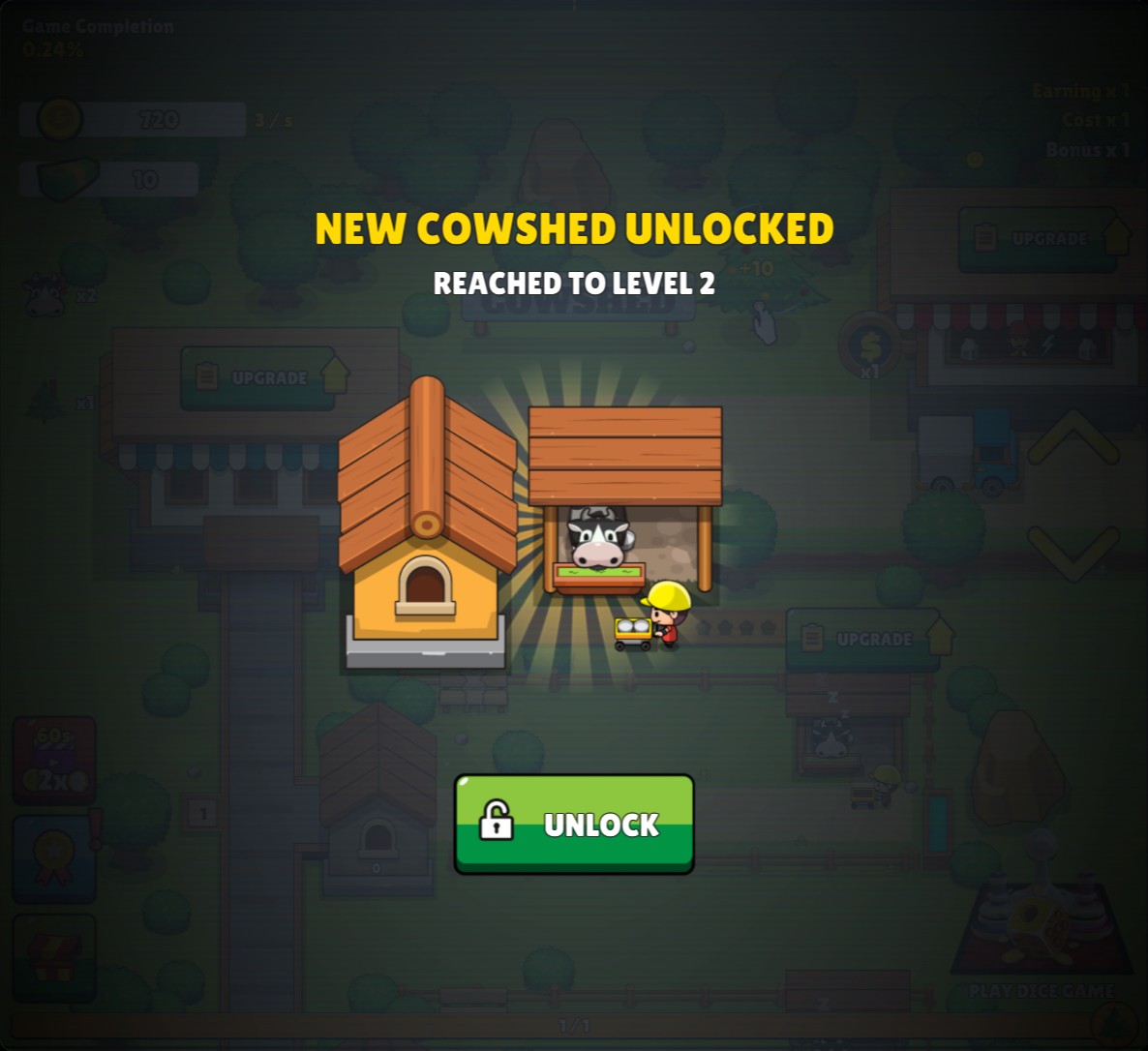
A new cowshed unlocked
A normal 300-Coin purchase unlocks the next cowshed and advances the farm to level 2.
Questions about customisation options
- How do I set my Coins?
- Choose an amount from 0 to 100,000, apply it and return to Idle Cowshed. The on-screen balance can rise as your farm earns more Coins.
Using these features
Connect your game, then open Customise in the Windows app. Choose an option, check its available values and follow its instructions. Each option lists its own requirements and limits.
Setup for Idle Cowshed →